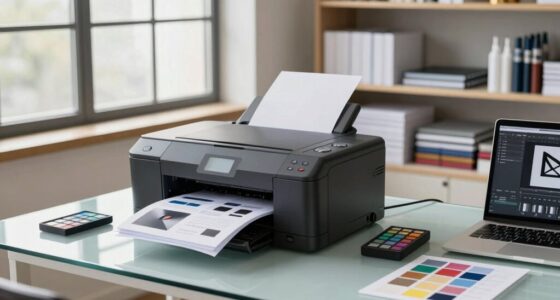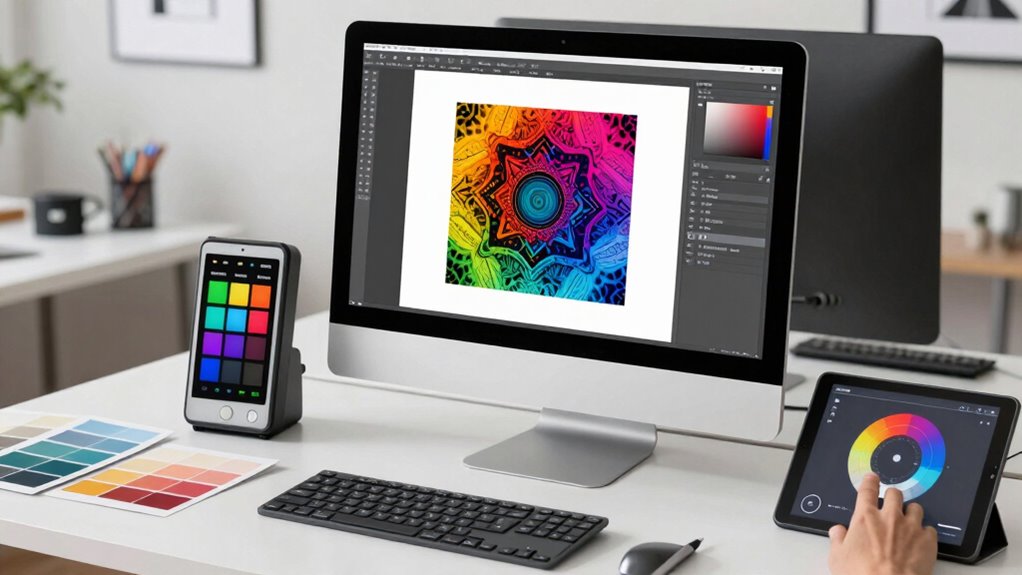

To approach print proofing smarter, switch to digital verification tools that offer quick, accurate comparisons on screen. Use color calibration to guarantee your digital proofs match your final print, minimizing surprises and costly reprints. Collaborate easily with shared digital environments, so everyone sees the same calibrated proof and can approve faster. This approach reduces waste and speeds up your workflow. Keep exploring for more ways to optimize your proofing process and save time and resources.

Get art and craft supplies delivered free with Prime
- Fast, free delivery on millions of items
- Prime Video, Amazon Music and more included
- Member-only deals all year
Key Takeaways
- Adopt digital proofing tools for faster, more accurate comparisons and reduced material waste.
- Ensure consistent color calibration across monitors and printers to match final print output.
- Use side-by-side comparisons and zoom functions for precise review and discrepancy detection.
- Facilitate seamless collaboration among stakeholders to align expectations early in the process.
- Integrate color management practices to minimize errors and improve overall proofing efficiency.
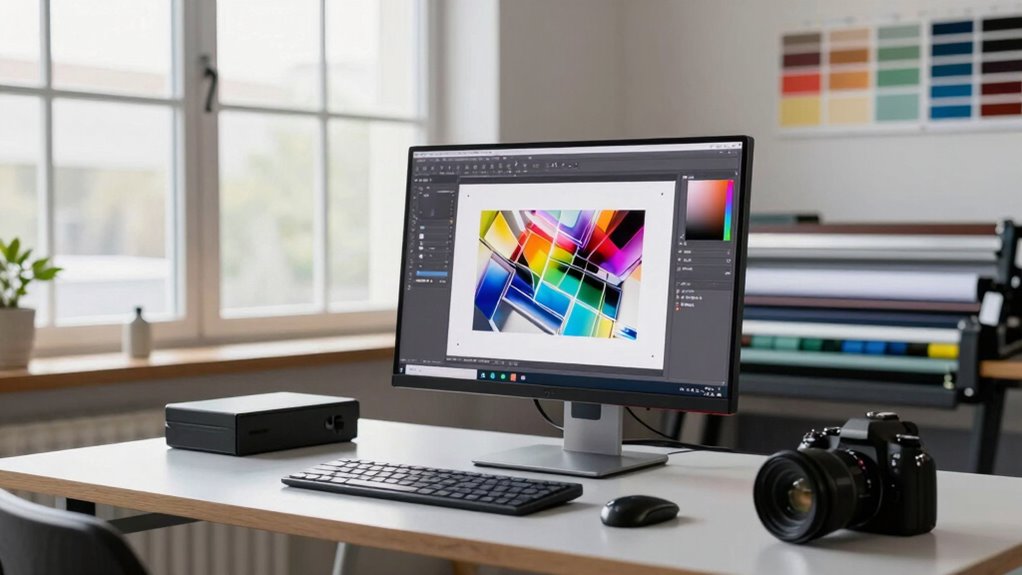
Print proofing has traditionally been a time-consuming and error-prone process, but advancements in technology now offer smarter, more efficient solutions. One of the biggest shifts has been the move toward digital verification, which allows you to check proofs quickly and accurately without waiting for physical samples. Instead of relying solely on printed proofs, you can now compare digital proofs directly on your screen, saving time and reducing material waste. This process enhances precision, as digital verification tools can highlight discrepancies instantly, giving you the ability to make adjustments before any physical proof is produced. Additionally, implementing color calibration ensures that your digital proof matches the final printed product as closely as possible. color calibration plays a significant role in this new approach. Ensuring your monitors and printers are accurately calibrated means the colors you see on your screen match the final printed output. When you perform proper color calibration, you minimize surprises, making your proofing process much more predictable. It’s essential because even slight color shifts can lead to costly reprints or delays. By maintaining consistent color calibration across your devices, you create a reliable preview environment that closely mirrors your print output. This consistency helps you catch potential issues early, avoiding last-minute surprises and ensuring the final product aligns perfectly with your vision.
Digital verification speeds up proofing, reduces waste, and allows for instant discrepancy detection before producing physical proofs.
Using digital proofing tools equipped with accurate color calibration settings streamlines your workflow. Instead of producing multiple physical proofs, you can review digital versions, make necessary adjustments, and approve the proof with confidence. These tools often include features like side-by-side comparisons, zoom functions, and color matching, which enhance your ability to verify every detail. Incorporating digital verification tools can further improve accuracy and efficiency in your proofing process. With digital verification, you also gain the advantage of faster turnaround times, enabling quicker decision-making and reducing the overall project timeline. Moreover, the integration of color management practices ensures that all devices involved in the proofing process are aligned, further reducing inconsistencies and errors. Additionally, understanding the importance of visual consistency can help you achieve more predictable results in your print projects, minimizing costly adjustments later. Furthermore, integrating color calibration and digital verification into your print proofing process fosters collaboration among team members and clients. Everyone can view the same calibrated digital proof, ensuring that expectations are aligned before any physical proof is produced. This shared digital environment minimizes misunderstandings and accelerates approval cycles. As a result, you’re better equipped to meet tight deadlines and stay within budget.
As an affiliate, we earn on qualifying purchases.
Frequently Asked Questions
How Does Digital Proofing Integrate With Existing Print Workflows?
Digital proofing integrates seamlessly with your existing print workflows through proofing integration features that connect directly to your digital workflow systems. This allows you to review, approve, and make revisions faster, reducing errors and turnaround times. You get real-time feedback, easy file sharing, and automated updates, streamlining the entire process. By adopting proofing integration, you enhance efficiency and guarantee consistent quality across all print projects.
What Are Common Challenges Faced During Digital Print Proofing?
Like a ship steering through foggy waters, you face common digital print proofing challenges, especially with color accuracy and file compatibility. Ensuring colors match your expectations can be tricky, while incompatible file formats slow down workflows. You might also struggle with software limitations or miscommunications between teams. Overcoming these hurdles demands precise calibration, clear standards, and robust tools, helping you deliver flawless proofs without the chaos of a bygone era.
How Secure Is Online Print Proofing From Data Breaches?
Online print proofing is quite secure if you use systems that prioritize data encryption and user authentication. Data encryption ensures your files are protected during transmission, making it difficult for hackers to access sensitive information. User authentication adds an extra layer of security by verifying your identity before granting access. When these measures are in place, you can confidently share and review proofs online, minimizing the risk of data breaches and safeguarding your creative work.
Can Digital Proofing Reduce Overall Print Turnaround Times?
Digital proofing acts like a well-oiled machine, considerably reducing your print turnaround times. By streamlining review processes, you guarantee print accuracy and color consistency from the start, preventing costly reprints. This efficiency keeps projects moving smoothly, saving you time and resources. With digital proofing, you get quicker approvals and fewer delays, making your entire print workflow faster and more reliable—like hitting the fast lane for your printing needs.
What Training Is Needed for Teams to Adopt Smarter Proofing Methods?
You need to provide your team with thorough user training focusing on color accuracy and digital proofing tools. This training should cover how to interpret digital proofs accurately, troubleshoot color discrepancies, and utilize software features effectively. By equipping your team with these skills, they’ll adopt smarter proofing methods more confidently, reducing errors and turnaround times. Ongoing education ensures everyone stays updated on best practices and technological advancements in proofing.
As an affiliate, we earn on qualifying purchases.
Conclusion
Now that you see how a smarter approach to print proofing can save time and reduce errors, aren’t you ready to implement these strategies? Embracing technology and streamlining your process can make a big difference in your workflow. Why settle for outdated methods when smarter options are at your fingertips? Take control today and elevate your print proofing game—your team and clients will thank you for it. Isn’t it time you worked smarter, not harder?
professional color calibration device
As an affiliate, we earn on qualifying purchases.
As an affiliate, we earn on qualifying purchases.
digital proofing comparison tool
As an affiliate, we earn on qualifying purchases.
As an affiliate, we earn on qualifying purchases.
Halloween Picks
halloween
As an affiliate, we earn on qualifying purchases.