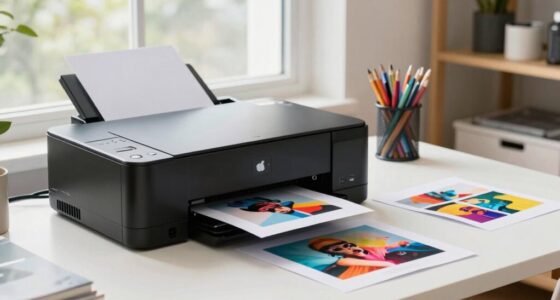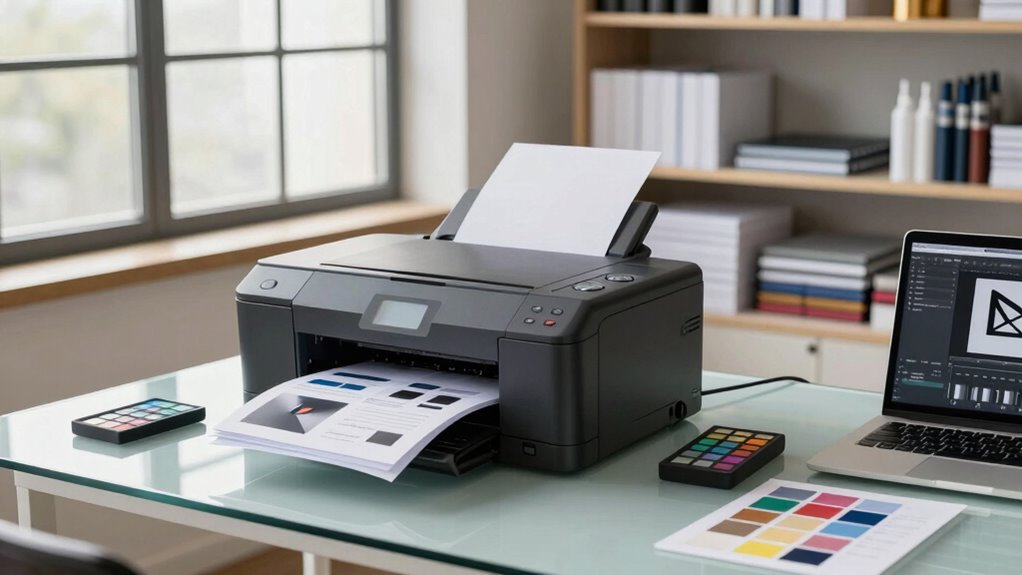

Before upgrading your portfolio printing workflow, focus on ensuring your color management is accurate by calibrating your monitor and printer with proper software and tools. Choose the right paper type to enhance your images and match your artistic intent, whether glossy or matte. Assess your current workflow for bottlenecks and compatibility with new equipment or processes. Consistent calibration and paper testing will improve results. Want to gain access to more tips for achieving professional-quality prints? Keep exploring how to elevate your printing process.

Get art and craft supplies delivered free with Prime
- Fast, free delivery on millions of items
- Prime Video, Amazon Music and more included
- Member-only deals all year
Key Takeaways
- Assess current workflow to identify bottlenecks and determine necessary improvements in calibration or hardware.
- Understand how different paper types and finishes impact color accuracy and overall presentation.
- Invest in proper calibration tools and software to ensure consistent color management across devices.
- Research compatible hardware, software, and paper options that support your desired print quality and artistic goals.
- Regularly maintain calibration and quality checks to sustain high standards and accurate reproduction of your artwork.
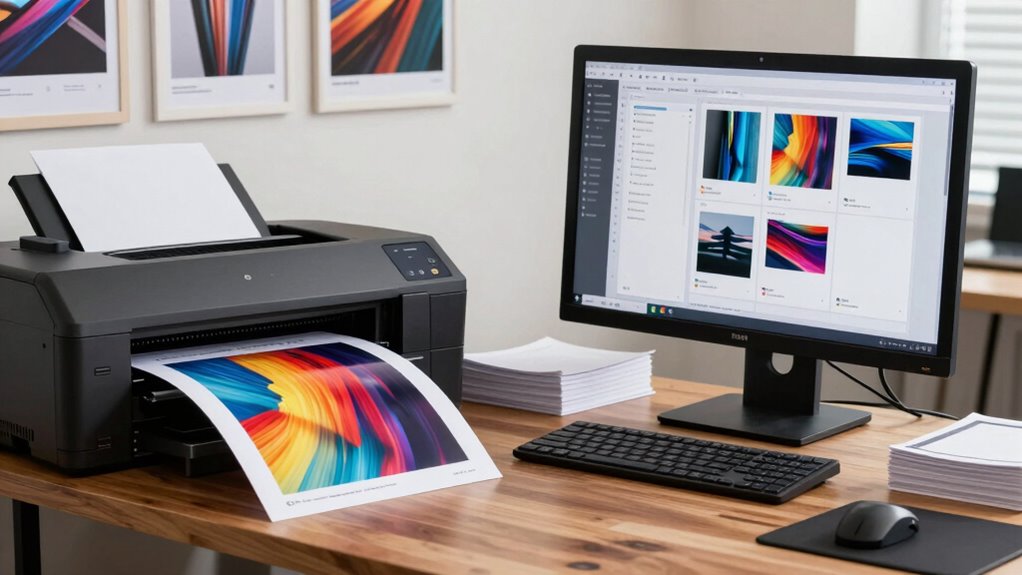
Upgrading your portfolio printing workflow can substantially enhance the quality and efficiency of your final output. Before making any changes, it’s essential to understand the core elements that influence print results, especially digital color management and paper selection. These factors determine how your images translate from screen to print, affecting color accuracy, detail, and overall presentation. Getting familiar with digital color management means investing in calibration tools and software that ensure your monitor and printer are synchronized. When your display and output devices are calibrated correctly, you can trust that the colors you see on your screen will closely match the printed piece. This reduces guesswork, saves time, and results in more consistent, professional-looking prints. Regular color calibration is crucial to maintaining consistent results over time. Additionally, understanding color profiles can help you fine-tune how colors are rendered across different devices and media. It’s also beneficial to stay informed about advancements in digital color management technology to continually refine your workflow.
Paper selection is equally critical. The type of paper you choose influences how colors appear and how your images are perceived. Glossy papers tend to produce vibrant, sharp images with rich contrast, ideal for showcasing fine details and color depth. Matte or textured papers, on the other hand, provide a softer, more subdued look that can add a refined, artistic touch to your portfolio. It’s important to select the right paper for your style and the message you want to convey. Experimenting with different stocks can help reveal how various textures and finishes impact the final outcome, ensuring your prints align with your artistic vision. Proper paper choices also contribute to the longevity and durability of your prints, especially when considering archival quality options.
Before upgrading, assess your current workflow and identify bottlenecks or inconsistencies. Consider whether your current calibration process is adequate or if new tools could improve color accuracy. Research different paper options and keep an eye out for those with finishes and textures that complement your work. Upgrades often involve integrating new hardware or software, so make sure your equipment supports these changes and that you’re comfortable with the learning curve involved. Remember that maintaining a consistent workflow involves regular calibration and quality checks. Even the best tools won’t deliver optimal results if they aren’t properly maintained. When you invest in digital color management and select the right paper, you set a solid foundation for high-quality prints. This not only boosts your confidence in your output but also elevates your portfolio’s professionalism and impact. By understanding these key elements before upgrading, you ensure that every print you produce reflects your artistic intent and technical skill, making your portfolio stand out with clarity and precision.
As an affiliate, we earn on qualifying purchases.
Frequently Asked Questions
What Are the Costs Involved in Upgrading the Workflow?
When upgrading your workflow, the costs involved include equipment upgrades, software licenses, and potential staff training. Conduct a thorough cost analysis to understand these expenses and how they fit into your budget planning. You might also need to account for maintenance and potential downtime. By carefully evaluating these factors, you’ll guarantee your investment aligns with your goals and avoids unexpected financial strains down the line.
How Long Does the Upgrade Process Typically Take?
The upgrade process for workflow optimization and equipment integration usually takes between a few days to a few weeks, depending on your current setup. You’ll need time to plan, test, and implement changes smoothly. During this period, expect some downtime and adjustments as you fine-tune the new system. Proper planning and coordination help guarantee a quicker, more efficient upgrade, minimizing disruptions and maximizing the benefits of your enhanced printing workflow.
Will Upgrading Require Staff Training or New Skill Sets?
Upgrading your portfolio printing workflow may require staff training to guarantee everyone adapts smoothly. You’ll need to focus on skill development, especially if new software or hardware is involved. Providing targeted training sessions helps your team become comfortable with the upgrades quickly. This way, you minimize disruptions and maximize efficiency, ensuring your staff is well-prepared to handle the new workflow effectively and maintain high-quality output.
What Compatibility Issues Might Arise With Existing Equipment?
You might face equipment compatibility issues if your existing printers or servers don’t support new hardware or software updates. Software integration problems could also occur if the upgraded system isn’t fully compatible with your current workflow or legacy equipment. To avoid disruptions, check if your equipment meets the new system’s specifications and confirm seamless integration with existing software. Testing compatibility beforehand helps guarantee a smooth upgrade process.
How Can I Measure the Success of the Upgraded Workflow?
You can measure the success of your upgraded workflow by tracking quality metrics like print clarity, color accuracy, and consistency. Additionally, monitor customer satisfaction through feedback and repeat business. If these metrics improve and clients express greater satisfaction, your upgrade is successful. Regularly review performance data and solicit direct input from clients to guarantee the workflow meets your quality standards and boosts overall customer experience.
professional photo paper glossy matte
As an affiliate, we earn on qualifying purchases.
As an affiliate, we earn on qualifying purchases.
Conclusion
As you prepare to upgrade your portfolio printing workflow, envision your projects flowing seamlessly like ink gliding smoothly across paper, each detail sharp and vibrant. Embrace the new tools and techniques with confidence, knowing they’ll elevate your work’s presentation. Remember, this upgrade isn’t just about technology—it’s about bringing your creative vision to life with clarity and precision. Step into this new chapter with anticipation, ready to showcase your best work in a stunning, polished light.
As an affiliate, we earn on qualifying purchases.
As an affiliate, we earn on qualifying purchases.
Fall Picks
fall essentials
As an affiliate, we earn on qualifying purchases.