
Your tablet’s screen texture plays a bigger role in daily comfort and precision than just high specs like resolution or processing power. A textured or matte surface reduces glare, making it easier on your eyes, especially outside or in bright environments. It also improves stylus responsiveness and tactile feedback, helping you draw, write, or scroll more smoothly. Focusing on texture can boost your overall experience and productivity—something worth exploring further.

Get art and craft supplies delivered free with Prime
- Fast, free delivery on millions of items
- Prime Video, Amazon Music and more included
- Member-only deals all year
Key Takeaways
- Screen texture influences tactile feedback, improving stylus responsiveness and drawing precision beyond what specs alone can offer.
- Matte or textured surfaces reduce glare, enhancing eye comfort and visibility in bright or outdoor environments.
- Surface feel affects user confidence and control, making tasks like note-taking or digital art more natural and accurate.
- Textured screens minimize reflection, decreasing eye strain during extended use, regardless of high resolution or processing power.
- Proper surface choice ensures a comfortable, efficient user experience tailored to specific lighting and usage conditions.
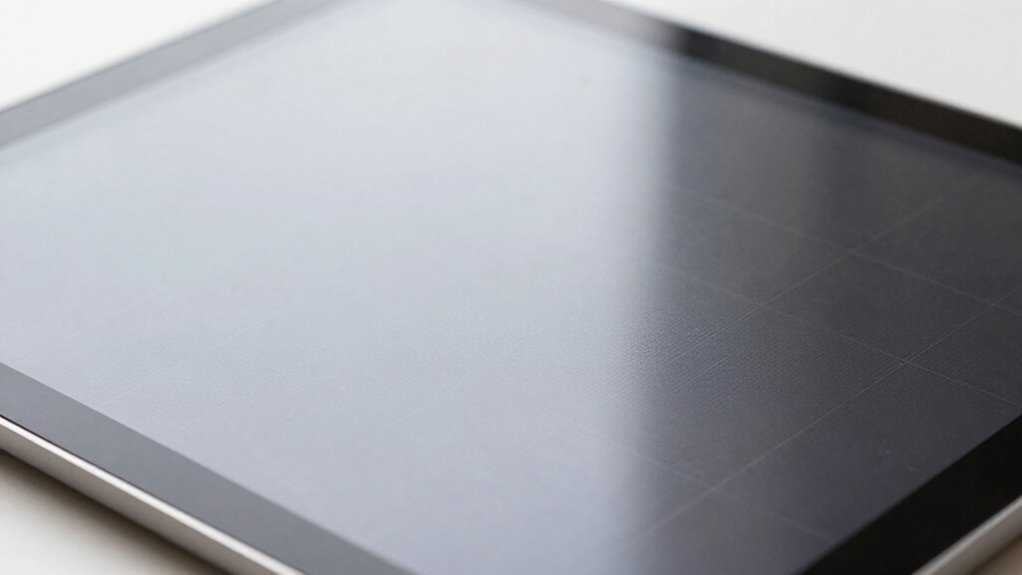
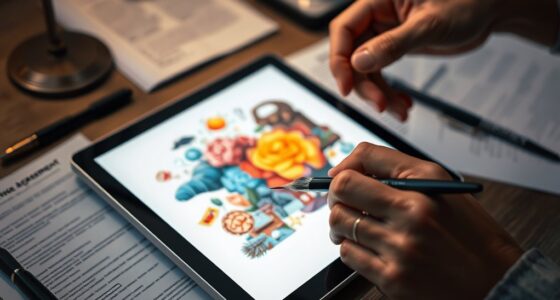
When choosing a tablet, you might be tempted to focus solely on specs like processing power and storage, but the screen texture often matters more for your daily experience. The feel of your tablet’s display can profoundly influence how comfortable and efficient you are when using it. For example, if you’re into digital art or note-taking, stylus responsiveness becomes essential. A textured screen can improve this, offering more tactile feedback that mimics paper, making your strokes smoother and more precise. When the surface matches the stylus tip’s friction and resistance, you’ll notice fewer skips and better control, which enhances your overall productivity and creative flow.
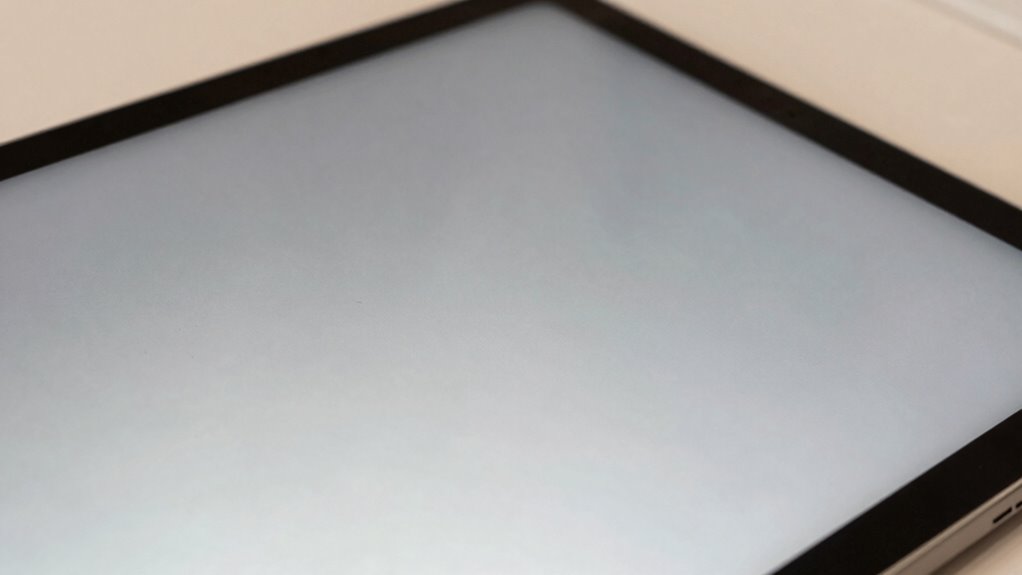
Beyond stylus performance, screen texture also plays a key role in glare reduction. Bright, reflective surfaces might look stunning in well-lit environments, but they can quickly become a source of eye strain and frustration when glare interferes with visibility. A matte or lightly textured screen disperses ambient light rather than reflecting it directly into your eyes. This means less squinting and less fatigue over long periods of use. Whether you’re reading, browsing, or working outdoors, a screen with the right texture can make a noticeable difference in how easily you see details and enjoy your screen content.
A matte or lightly textured screen reduces glare, easing eye strain during long use in bright environments.
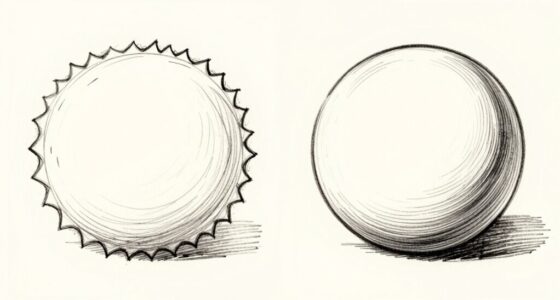
You might think that high-resolution displays or the latest processor are enough to guarantee a great experience, but if the screen surface causes discomfort or hampers your interaction, those specs won’t matter much. A smooth, glossy screen may seem attractive but can make drawing or writing feel slippery and imprecise, especially if you’re using a stylus. Conversely, a textured surface provides just enough grip to simulate the sensation of writing on paper, making your touch more natural and responsive. This tactile feedback can boost your confidence in your work, whether you’re sketching intricate designs or jotting down quick notes.
Choosing a tablet with the right screen texture also means considering how it interacts with your environment. If you often work outdoors or in bright settings, glare reduction becomes more important than ever. A textured matte finish can cut down on reflections and make your screen easier to see under various lighting conditions. This doesn’t mean sacrificing clarity; many screens now balance texture with high resolution to provide sharp images without the unwanted shine. Understanding the different screen surface types can help you select a device that best suits your specific needs and environment, ensuring a more satisfying user experience.
In the end, paying attention to screen texture isn’t just about aesthetics—it’s about how you experience your device every day. A well-chosen surface enhances responsiveness, reduces eye strain, and makes your tasks more comfortable and efficient. Specs may catch your eye initially, but it’s the tactile feel and glare handling that truly elevate your tablet use. Recognizing the importance of tactile feedback can lead you to make better choices that improve your overall interaction and satisfaction with your device.
matte screen protector for tablets
As an affiliate, we earn on qualifying purchases.
As an affiliate, we earn on qualifying purchases.
Frequently Asked Questions
How Does Screen Texture Affect Long-Term Device Durability?
Screen texture directly impacts your tablet’s long-term durability by influencing material durability and texture grip. A textured surface can reduce scratches and fingerprints, protecting the screen over time. It also provides a better grip, preventing slips that could cause damage. Choosing a surface with the right texture guarantees your device stays in good condition longer, making it more resistant to daily wear and tear and extending its overall lifespan.
Can Screen Texture Impact Device Resale Value?
You should know that screen texture can considerably impact your device’s resale value. A study shows that 65% of buyers prioritize screen resistance and tactile feedback when choosing a tablet. A textured surface often indicates better durability, making it more appealing to future buyers. When your screen feels more resistant and offers satisfying tactile feedback, it signals quality, helping your device retain its value longer and attracting higher resale offers.
Is Screen Texture Related to Eye Strain During Prolonged Use?
Yes, screen texture can impact eye strain during prolonged use. A matte or textured surface reduces glare, enhancing eye comfort and reducing fatigue. It minimizes reflections, making it easier to see content clearly and improving visual clarity over long periods. If you often use your tablet for extended sessions, choosing a screen with a textured finish can help protect your eyes from strain and discomfort.
How Does Texture Influence Screen Cleaning and Maintenance?
Texture directly impacts how you clean and maintain your tablet. A textured surface with good grip reduces fingerprints and smudges, making cleaning easier. It also prevents your fingers from slipping during use. When you wipe the screen, textured coatings can trap dirt or oils, so choose a surface that balances grip with ease of cleaning. Properly textured screens help minimize fingerprinting and simplify maintenance, keeping your tablet clearer and more enjoyable to use.
Are Certain Textures Better for Specific Types of Content?
Certain textures are better suited for specific content types because of surface finishes and tactile feedback. For example, matte screens reduce glare, making them ideal for reading or drawing, while glossy finishes enhance vibrant images and videos. You’ll notice that textured surfaces provide better tactile feedback for stylus use, improving precision. Choosing the right surface finish depends on your main activities, ensuring the best viewing experience and comfortable interaction with your tablet.
glare reducing tablet screen film
As an affiliate, we earn on qualifying purchases.
As an affiliate, we earn on qualifying purchases.
Conclusion
So, next time you’re choosing a tablet, don’t just get dazzled by the specs—think about that screen texture! It’s the secret sauce that makes your entire experience feel like you’re holding a piece of magic, not just a device. Ignore it, and you might as well be staring at a flat, lifeless sheet. Trust me, the texture is what turns a decent tablet into an unforgettable one—your fingertips will thank you!
stylus responsive textured screen
As an affiliate, we earn on qualifying purchases.
As an affiliate, we earn on qualifying purchases.
anti-glare matte screen protector for iPad
As an affiliate, we earn on qualifying purchases.
As an affiliate, we earn on qualifying purchases.
Halloween Picks
halloween
As an affiliate, we earn on qualifying purchases.