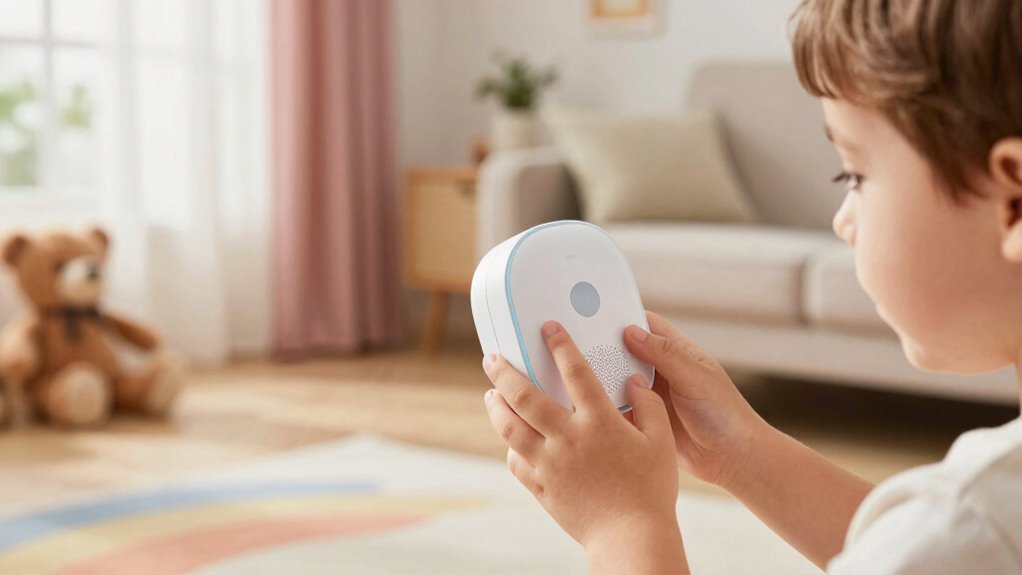

The overlooked rule behind better children’s voice UX is customizing recognition systems to match kids’ unique speech patterns, development stages, and playful language. This means training your system with child-specific data, adjusting for higher pitches, faster speech, and creative slang. By doing so, you’ll create more natural, engaging interactions that kids find fun and easy to use. Stay with us, and you’ll discover more effective ways to make children’s voice experiences truly stand out.

Get art and craft supplies delivered free — and shop member deals
- Fast, free delivery on millions of items
- Access to Prime Big Deal Days deals on October 6–7
- Prime Video, Amazon Music and more included
Key Takeaways
- Prioritize child-specific speech data to improve recognition accuracy and natural interaction.
- Incorporate age-appropriate content filters to ensure safe and engaging experiences.
- Design voice systems that adapt to developmental speech stages for better understanding.
- Implement robust parental controls to balance safety with usability.
- Fine-tune algorithms to recognize playful language, tones, and speech nuances unique to children.
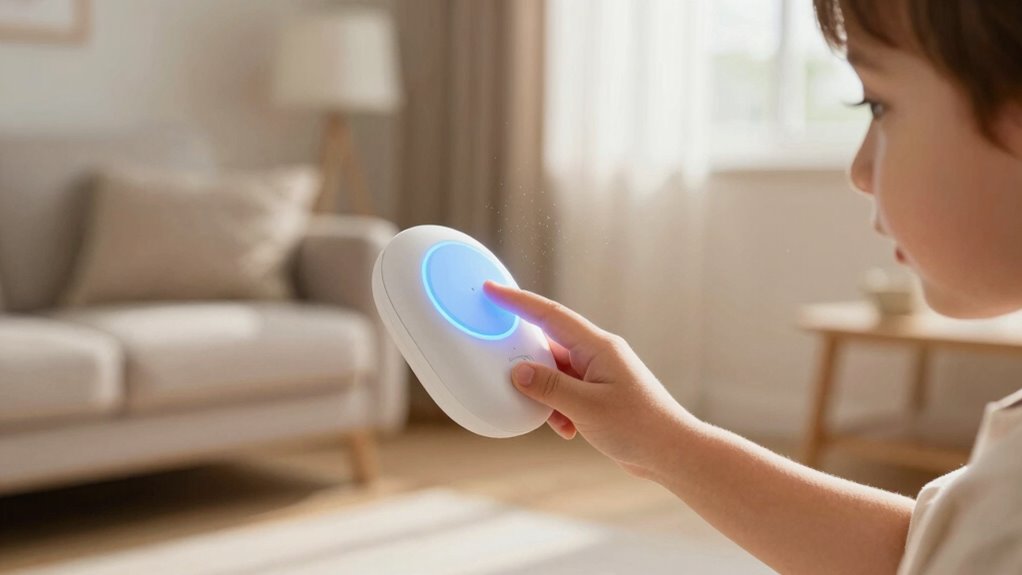
Have you ever wondered why some children’s voice-activated experiences feel more natural and engaging than others? The answer often lies in how well the system understands their unique voices and how effectively it’s designed to keep kids safe. Voice recognition technology has come a long way, but for children, it needs to be more than just accurate—it has to be adaptable. Kids tend to have higher-pitched voices, speak quickly, and sometimes use playful or unconventional language, which can trip up standard voice recognition systems designed primarily for adults. When these systems aren’t calibrated for children’s speech patterns, interactions feel awkward or frustrating, making the experience less intuitive and engaging. To create a seamless voice UX for kids, developers must fine-tune voice recognition algorithms to better interpret young voices, recognizing different tones, pitches, and speech nuances that are typical for children. This not only enhances the natural feel of the interaction but also encourages kids to use voice commands more freely and confidently. Additionally, incorporating child-specific speech patterns into training data can significantly improve recognition accuracy for young users. Recognizing the importance of appropriate content filters further helps in customizing the experience to be both engaging and safe.
Moreover, designing these systems with age-appropriate content filters helps ensure that children are protected from unsuitable material, fostering a safer interaction environment. An understanding of child speech development can also guide the creation of more effective voice models tailored for different age groups. However, even the most sophisticated voice recognition is insufficient if parents don’t have control over what their children can access and say. That’s where parental controls come into play. An overlooked but vital part of designing effective children’s voice UX is implementing robust parental controls, which allow caregivers to set limits, monitor interactions, and prevent exposure to inappropriate content. These controls help parents feel secure, knowing they can supervise and guide their children’s voice interactions without feeling like they’re losing oversight. They also create boundaries that protect children from accidental or malicious misuse, which is especially important given how easily kids can stumble upon unsuitable material or unintentionally trigger sensitive content. Ensuring these controls are intuitive and easy to manage is essential for fostering trust between developers, parents, and children.
children's voice recognition device
As an affiliate, we earn on qualifying purchases.
As an affiliate, we earn on qualifying purchases.
Frequently Asked Questions
How Does Age Affect Children’s Voice Recognition Accuracy?
Age greatly influences children’s voice recognition accuracy because younger kids have less developed speech patterns. You can improve this by implementing voice calibration tailored to different age groups and using age-specific algorithms. These adjustments help the system better understand each child’s unique voice, leading to more precise recognition. As children grow, their speech becomes clearer, so updating calibration and algorithms ensures the voice UX remains effective across different ages.
What Safety Measures Are Essential for Children’s Voice Data Privacy?
You should implement parental controls to restrict access and monitor voice data, ensuring your child’s privacy. Using data encryption protects their voice recordings from unauthorized access and breaches. Always review privacy policies, and enable settings that limit data sharing. Regularly update software to patch security vulnerabilities. By combining parental controls with strong encryption, you create a safer environment where your child’s voice data remains private and protected.
How Can Parents Customize Voice Interactions for Different Ages?
You can customize voice interactions for different ages by adjusting the voice tone and interaction complexity. Studies show that children’s comprehension improves when voice assistants adapt to their developmental stage. For younger kids, use friendly, simple tones with straightforward commands. For older children, incorporate more nuanced language and interactive features. This personalized approach keeps kids engaged and safe, fostering better communication and understanding tailored to each age group.
What Are Common Challenges in Designing for Children’s Voice UX?
You face challenges like creating playful language that captures kids’ attention while ensuring emotional engagement. Children’s voice UX must be simple yet entertaining, avoiding confusion or frustration. You need to balance fun with clarity, adapting to different ages and attention spans. Overcomplicating interactions can lead to disengagement, so you must design with a playful tone that encourages exploration, making the experience both enjoyable and emotionally resonant for young users.
How Do Cultural Differences Influence Children’s Voice Command Understanding?
Cultural nuances and language barriers greatly influence how children understand voice commands. You need to take into account diverse accents, dialects, and idiomatic expressions, as children from different backgrounds might interpret commands differently. By designing with these cultural differences in mind, you guarantee your voice UX is inclusive and effective, helping children feel understood regardless of their language or cultural context. This approach improves engagement and reduces frustration.
kids voice assistant with parental controls
As an affiliate, we earn on qualifying purchases.
As an affiliate, we earn on qualifying purchases.
Conclusion
Remember, the key to a better children’s voice UX isn’t just about technology; it’s about understanding their world. When you design with empathy, you create an experience as seamless as a lullaby, soothing and engaging. By truly listening and adapting, you turn a simple interaction into a trusted companion. Keep this overlooked rule in mind, and you’ll craft voice experiences that resonate like a favorite story—memorable and meaningful for every child.
child-friendly voice recognition software
As an affiliate, we earn on qualifying purchases.
As an affiliate, we earn on qualifying purchases.
voice recognition training data for kids
As an affiliate, we earn on qualifying purchases.
As an affiliate, we earn on qualifying purchases.
Fall Picks
fall essentials
As an affiliate, we earn on qualifying purchases.