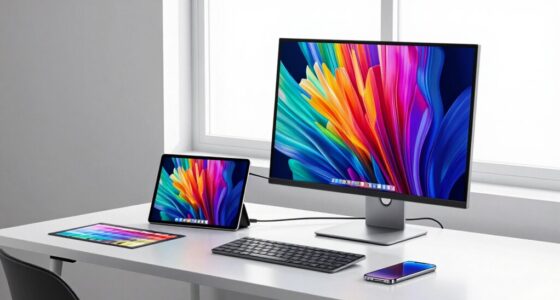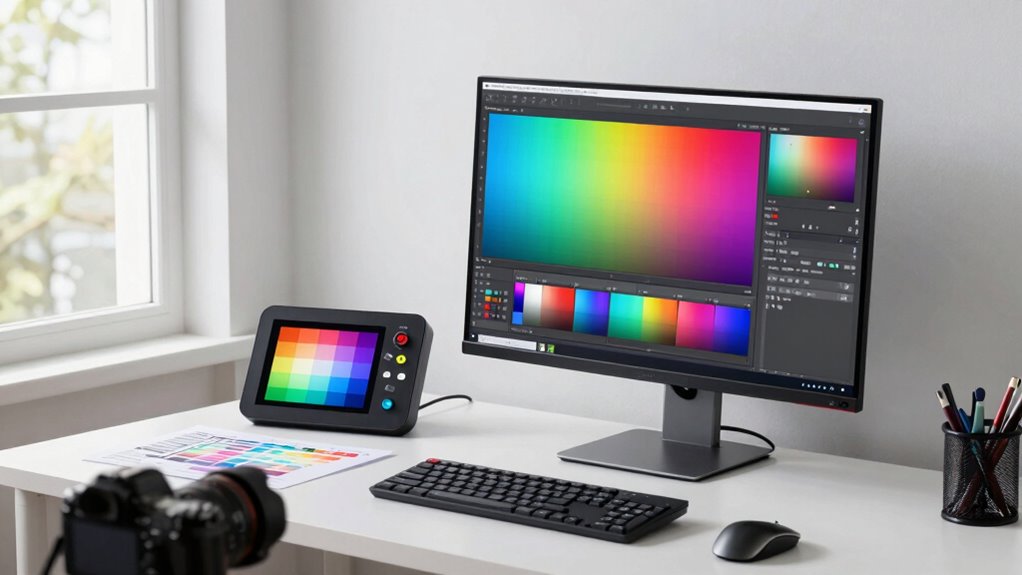

To improve your wide gamut workflow quickly, prioritize consistent monitor calibration and profiling. Regularly calibrate your display with quality hardware tools and create accurate profiles aligned with industry standards. This guarantees colors stay true across all devices and outputs, reducing guesswork and rework. Maintaining a reliable calibration routine builds a solid foundation, making your color management more efficient and predictable. Keep going to discover how these steps can transform your workflow even further.

Get art and craft supplies delivered free with Prime
- Fast, free delivery on millions of items
- Prime Video, Amazon Music and more included
- Member-only deals all year
Key Takeaways
- Calibrate your monitor regularly using a high-quality hardware calibration tool to ensure accurate color reproduction.
- Create and use a standardized color profile tailored for wide gamut workflows across all devices.
- Maintain consistent lighting conditions in your workspace to prevent ambient light from affecting calibration.
- Use industry-standard color spaces (like Adobe RGB or DCI-P3) for consistent workflow and accurate color matching.
- Implement a routine calibration schedule to keep your display’s accuracy reliable and workflow efficient.
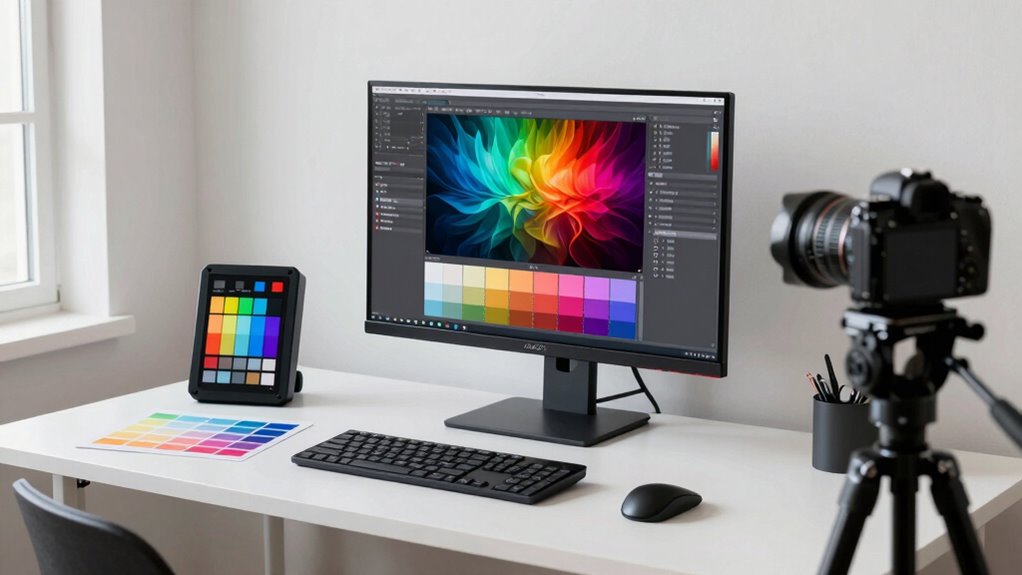
If you’re working with wide gamut workflows, establishing a reliable setup rule can considerably speed up your process and improve your results. The key lies in prioritizing consistent color calibration and thorough monitor profiling from the start. When your monitor is accurately calibrated, it guarantees that the colors you see on-screen truly reflect the intended output, reducing guesswork and rework later on. This consistency is vital for professionals who need precise color matching across different devices and outputs.
Monitor profiling is your foundation. By creating an accurate profile, you guarantee that your monitor’s color reproduction aligns with industry standards. This step isn’t just about initial setup; it’s about maintaining accuracy over time. Regularly profiling your monitor ensures that it remains calibrated, especially when working with wide gamuts like Adobe RGB or DCI-P3, where color accuracy becomes more sensitive. Invest in a quality hardware calibration tool; it may seem like an extra step, but in the long run, it saves you time and prevents costly mistakes. Proper color management practices, including consistent profiling, are essential for achieving reliable results in wide gamut workflows. Additionally, understanding the importance of color consistency helps ensure that your workflow remains predictable and streamlined across different projects.
Color calibration should be viewed as an ongoing process, not a one-time setup. Once your monitor is profiled correctly, you can establish a standard workflow that relies on these calibrated settings. This means you won’t need to revisit the calibration process frequently, allowing you to focus more on creative work. When your display is calibrated, it becomes a reliable reference point for your entire workflow, from editing images to preparing files for print or digital delivery. Additionally, understanding the importance of wide gamut ensures that you are working within the most accurate color spaces for your projects. It also simplifies collaboration, as colleagues or clients viewing your work will see colors that are true to your intentions.
As an affiliate, we earn on qualifying purchases.
Frequently Asked Questions
What Hardware Is Necessary for Implementing This Setup Rule?
To implement this setup rule, you need a monitor that supports wide gamut colors and is compatible with calibration hardware. A reliable calibration device, like a colorimeter or spectrophotometer, is essential to guarantee accurate colors. Make sure your computer hardware, such as graphics cards, supports the calibration process and can handle high color accuracy. This combination guarantees hardware compatibility and a smooth calibration process for an improved wide gamut workflow.
How Does This Rule Affect Color Accuracy Across Devices?
You might think this setup rule guarantees perfect color accuracy across devices, but ironically, it mainly enhances color consistency through better color management. By standardizing calibration and profiles, it minimizes discrepancies, so your colors stay true from screen to print. While it doesn’t eliminate all color differences, it streamlines workflows, ensuring your wide gamut workflow maintains uniformity, making color management more predictable and reliable across various devices.
Can This Setup Be Integrated With Existing Workflow Tools?
Yes, you can integrate this setup with your existing workflow tools. Focus on consistent color calibration across all devices, ensuring hardware compatibility with your current software. Most modern tools support calibration profiles and color management, making integration smooth. By aligning your calibration process with your workflow, you’ll enhance color consistency and efficiency, reducing adjustments later. This seamless integration helps maintain accurate wide gamut color management throughout your creative process.
What Are Common Mistakes When Applying This Setup Rule?
You might stumble like a sailor in fog if you neglect color management and calibration consistency. Common mistakes include skipping calibration, which distorts colors, or ignoring consistent settings across devices, like mismatched puzzle pieces. These errors cause color shifts, making your wide gamut workflow unreliable. To avoid this, always calibrate regularly and maintain uniform color management practices, ensuring your project stays true to its vibrant vision—no matter the device or environment.
How Often Should the Workflow Be Recalibrated?
You should recalibrate your workflow at least once a month to maintain ideal color management. Regular calibration frequency ensures your wide gamut workflow remains accurate, especially when working with high-quality displays or critical projects. Changes in ambient lighting, display aging, or software updates can affect color accuracy. By staying consistent with calibration, you prevent color shifts and ensure your images look as intended across all devices.
As an affiliate, we earn on qualifying purchases.
Conclusion
By adopting this setup rule, you streamline your wide gamut workflow, saving time and reducing errors. It’s tempting to believe that more complex tools always yield better results, but sometimes simplicity and consistency are key. Trusting this approach proves that a well-established setup can markedly boost efficiency and accuracy. When you verify such theories through practice, you realize that smart, deliberate workflows often outperform overly complicated methods—making your editing faster and more reliable.
spectrophotometer for monitor calibration
As an affiliate, we earn on qualifying purchases.
As an affiliate, we earn on qualifying purchases.
professional monitor profiling tool
As an affiliate, we earn on qualifying purchases.
As an affiliate, we earn on qualifying purchases.
Fall Picks
fall essentials
As an affiliate, we earn on qualifying purchases.