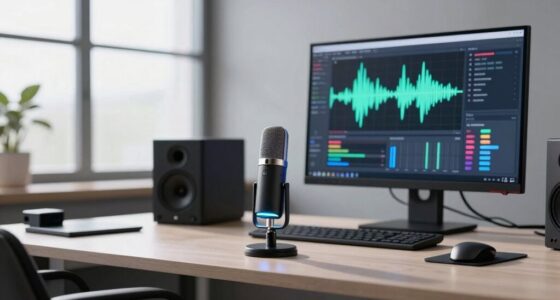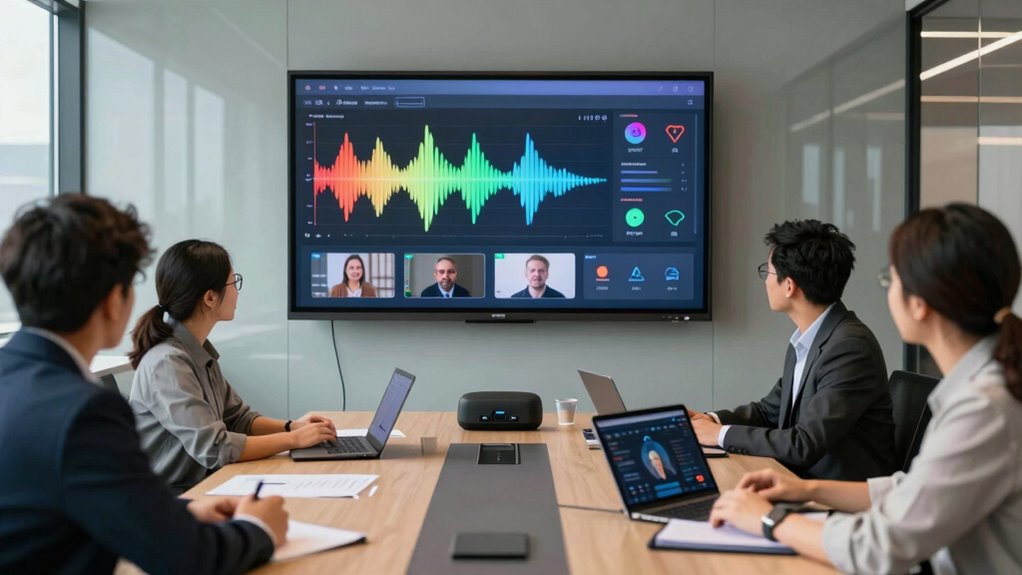

To make multimodal voice work in real projects, focus on designing intuitive interactions that combine speech, gestures, and visual cues seamlessly. Use high-quality speech recognition and natural language processing to understand context, tone, and intent. Incorporate visual indicators and alternative input methods to reduce friction and improve accessibility. Test thoroughly, gather user feedback, and iterate continually to enhance robustness and inclusivity. Exploring these strategies further can help you create more natural and effective multimodal systems.

Get art and craft supplies delivered free with Prime
- Fast, free delivery on millions of items
- Prime Video, Amazon Music and more included
- Member-only deals all year
Key Takeaways
- Integrate visual cues and alternative input modes alongside voice to enhance system robustness and user understanding.
- Design intuitive, context-aware interactions that seamlessly combine voice, visual, and tactile feedback.
- Prioritize accessibility by supporting multimodal inputs for diverse user needs and abilities.
- Test across various scenarios to ensure smooth, natural transitions between modalities.
- Maintain transparency and user control over data, fostering trust in multimodal interactions.

Implementing multimodal voice in real projects can seem challenging, but with the right approach, it becomes a powerful tool for enhancing user experience. To do this effectively, you need to focus on creating seamless interactions that feel natural and intuitive. Users expect voice interfaces to understand context, tone, and intent, so investing in high-quality speech recognition and natural language processing is essential. Your goal should be to make the voice interaction feel fluid, as if users are talking to a person rather than a machine. This involves designing clear prompts, anticipating user needs, and reducing friction at every touchpoint.
Creating natural, seamless voice interactions enhances user experience through intuitive design and advanced language processing.
When integrating multimodal voice, it’s imperative to prioritize user experience above all else. Users want quick, accurate responses, and they value interfaces that adapt to their preferences and behaviors. You should test your system extensively to identify pain points or misunderstandings that could frustrate users. A good strategy is to incorporate visual cues and other modes of input alongside voice, giving users options and control over how they interact with your system. This not only enhances accessibility but also helps to improve system robustness by accommodating different scenarios and user needs. Incorporating multimodal input can significantly improve the overall user experience and system robustness.
Alongside technical considerations, you must also pay attention to ethical considerations. Voice technology raises concerns about privacy, data security, and bias. Users need reassurance that their conversations are confidential and that their data won’t be misused. Be transparent about how you collect, store, and process voice data, and give users control over their information. Additionally, make certain your voice system is inclusive and free from biases related to accents, dialects, or speech impairments. Recognizing the importance of ethical considerations can help ensure your system remains trustworthy and respectful of user rights. Implementing bias mitigation strategies can further enhance fairness and inclusivity.
Another key aspect is continuous improvement. Multimodal systems should evolve based on user feedback and real-world usage data. Pay attention to patterns that indicate confusion or dissatisfaction, and iterate your design to better meet user expectations. This iterative approach helps you refine both the technical performance and the ethical framework of your voice system, guaranteeing it remains effective and trustworthy. Regular updates and stakeholder feedback are essential for keeping your system aligned with user needs and technological advancements.
high quality speech recognition device
As an affiliate, we earn on qualifying purchases.
As an affiliate, we earn on qualifying purchases.
Frequently Asked Questions
How to Handle User Privacy in Multimodal Voice Interactions?
You should prioritize addressing privacy concerns by implementing strict data encryption for all user information. Make certain your system clearly communicates how data is collected, stored, and used, giving users control over their privacy preferences. Regularly audit your security measures and stay compliant with relevant privacy laws. By being transparent and safeguarding user data, you build trust and ensure responsible handling of sensitive information in multimodal voice interactions.
What Are the Best Tools for Multimodal Voice Integration?
You should explore tools like Google Dialogflow, Microsoft Bot Framework, and Amazon Lex, which excel in natural language processing and context awareness. These platforms enable seamless multimodal voice integration by understanding user intent and maintaining context across interactions. They also support integration with various channels, making it easier to develop sophisticated voice experiences that adapt to user inputs and provide relevant responses.
How to Optimize Multimodal Voice for Different Devices?
Think of your multimodal voice as a symphony, harmonizing across devices. To optimize it, focus on device compatibility by tailoring interactions for each platform’s capabilities. Adjust interaction design to guarantee seamless, intuitive experiences whether users switch from smart speakers to mobile apps. Test thoroughly on all devices, refining voice commands and responses. This approach ensures your system resonates perfectly everywhere, creating a delightful user experience that feels natural and effortless.
What Are Common Challenges in Multimodal Voice Projects?
You face common challenges in multimodal voice projects, like maintaining natural language interactions and ensuring context awareness. Users expect seamless, intuitive conversations, but technical limitations can cause misunderstandings. You must handle diverse accents, adapt to varying environments, and keep the system contextually relevant. Balancing these factors requires continuous testing, refining algorithms, and designing flexible interfaces, so users feel like they’re engaging naturally without frustration or confusion.
How to Measure Success in Multimodal Voice Implementations?
Remember, measuring success in multimodal voice implementations is like using a crystal ball—you’re gauging future outcomes today. You should track performance metrics such as user engagement, task completion rates, and response accuracy. These indicators reveal how well your system performs and resonates with users. By analyzing these metrics, you can identify strengths and areas for improvement, ensuring your project evolves and truly meets user needs.
As an affiliate, we earn on qualifying purchases.
Conclusion
By integrating multimodal voice effectively, you open up endless possibilities for your projects. You’ve learned how to combine speech, visuals, and gestures to create more natural, intuitive experiences. But the real question remains: are you ready to push the boundaries of what’s possible? Embracing these technologies might just transform your approach and set you apart. So, why not start experimenting today and see where this innovative path takes you?
visual cues for voice interfaces
As an affiliate, we earn on qualifying purchases.
As an affiliate, we earn on qualifying purchases.
accessible voice control devices
As an affiliate, we earn on qualifying purchases.
As an affiliate, we earn on qualifying purchases.
Halloween Picks
halloween
As an affiliate, we earn on qualifying purchases.