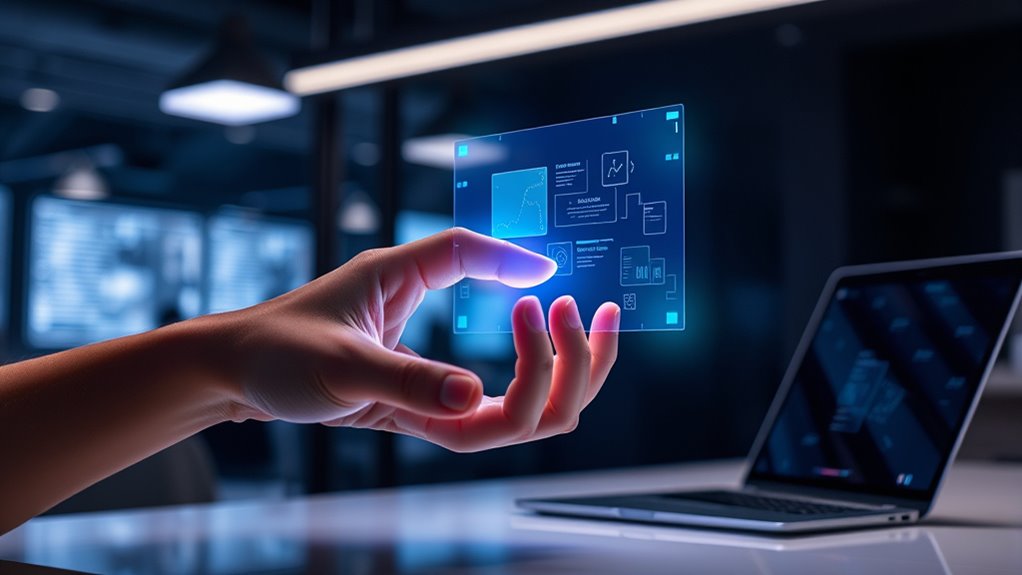

When designing gestural interfaces, focus on creating natural, simple gestures that are easy to perform and recognize accurately. Use tactile feedback like vibrations to confirm actions, making interactions more intuitive and satisfying. Balance precision with user comfort to avoid complex movements that might cause fatigue or frustration. Incorporate haptic cues to enhance confidence and create seamless experiences. Exploring these principles further reveals how to make touchless interaction feel like a natural extension of your body.
Key Takeaways
- Prioritize natural, simple gestures that align with body movements for intuitive user experiences.
- Incorporate high-accuracy gesture recognition to prevent errors and build user confidence.
- Use tactile feedback to confirm gesture execution, enhancing immersion and reducing uncertainty.
- Balance recognition precision with user comfort, avoiding complex gestures that hinder adoption.
- Explore integrating robotics and advanced sensing to enable complex control and more seamless touchless interactions.
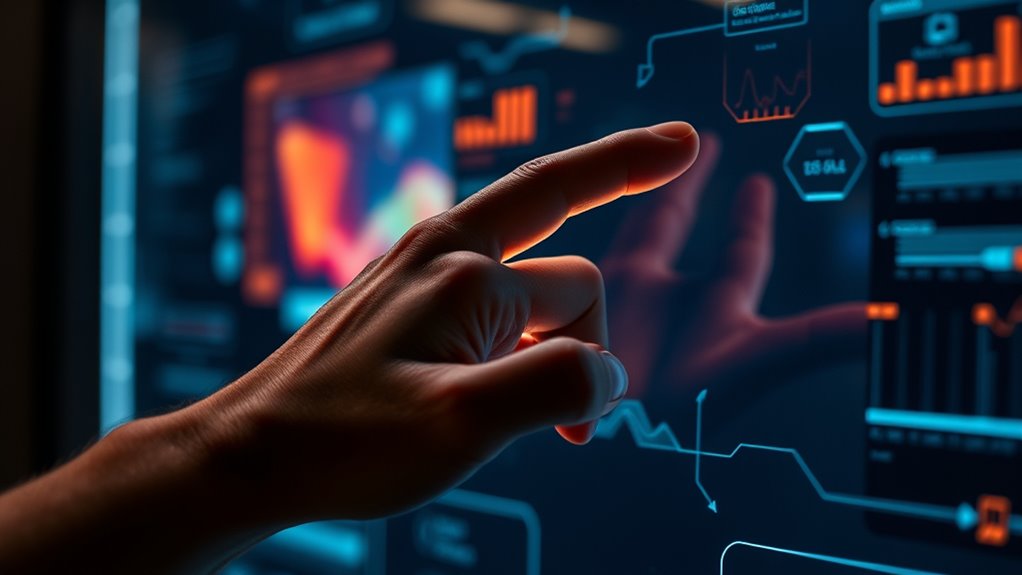
Gestural interfaces have transformed the way you interact with technology by allowing you to control devices through natural body movements. Instead of relying solely on buttons or touchscreens, you now can simply gesture to navigate menus, adjust settings, or even play your favorite music. This shift makes interactions more intuitive and seamless, especially in environments where traditional input methods are inconvenient. But designing effective gestural interfaces isn’t just about tracking your movements; it’s about creating a fluid experience that feels natural and reliable.
One essential aspect of this is gesture recognition accuracy. You want the system to precisely interpret your intended gestures without false positives or missed commands. Achieving high accuracy ensures that you don’t get frustrated by unintended actions or have to repeat gestures multiple times. Developers focus on refining algorithms to distinguish subtle differences between gestures, even in noisy environments or when your movements are quick. The better the recognition accuracy, the more confident you feel performing gestures, which encourages more natural interaction without conscious effort.
High gesture recognition accuracy boosts confidence and makes natural, effortless interactions possible.
Haptic feedback plays a critical role in making these interactions feel tangible. When you perform a gesture, a slight vibration or tactile cue can confirm that your command has been recognized and executed. This sensory response bridges the gap between digital and physical experiences, giving you a sense of control and immediacy. For example, when you swipe to change a song, a subtle buzz reassures you that the action was successful, mimicking the tactile sensation of pressing a button. Without haptic feedback, gestures might feel disconnected or uncertain, reducing overall usability and satisfaction.
Designing for touch and beyond involves balancing gesture recognition precision with user comfort. If gestures are too complex or require unnatural movements, you’re less likely to adopt them. Conversely, simple, intuitive gestures that align with your body’s natural motions foster a more engaging experience. Incorporating haptic feedback enhances this by providing immediate, physical confirmation, making interactions more immersive. As technology advances, combining accurate gesture recognition with meaningful tactile cues will become even more essential, enabling you to interact with devices more effortlessly and naturally.
Additionally, the integration of robotics technology in gesture-based interfaces can further expand their capabilities and applications, enabling more complex and precise control in various environments. Ultimately, successful gestural interfaces are about making technology feel less like a tool and more like an extension of your body. When designed thoughtfully, they enhance your ability to interact intuitively, with clear recognition of your movements and satisfying tactile responses that keep you engaged. This blend of precision and sensory feedback transforms how you communicate with digital environments, paving the way for more natural, touchless interactions in everyday life.
Top picks for "gestural interfac design"
Open Amazon search results for this keyword.
As an affiliate, we earn on qualifying purchases.
Frequently Asked Questions
How Do Gestural Interfaces Accommodate Users With Disabilities?
You can make gestural interfaces accessible by incorporating inclusive technology that adapts to users with disabilities. For example, you might add customizable gestures, voice commands, or alternative input methods. By prioritizing accessible design, you guarantee that everyone, regardless of ability, can use the interface comfortably. This approach creates a more inclusive experience, allowing users with disabilities to interact seamlessly and effectively with technology.
What Are the Security Concerns With Gesture-Based Authentication?
Think of gesture-based authentication as a secret handshake, but beware of gesture spoofing, where someone mimics your movements. This security concern can allow unauthorized access, risking your privacy. Additionally, if your gestures are stored insecurely, they pose privacy risks, much like leaving your keys in plain sight. You must consider these vulnerabilities and implement safeguards to prevent impersonation and protect your sensitive information.
How Do Cultural Differences Influence Gesture Design?
You should consider that cultural nuances and gesture symbolism substantially influence gesture design. Different cultures interpret gestures uniquely, so what’s friendly in one region might be offensive in another. When designing gestures, you must adapt to these cultural differences to guarantee your interface feels intuitive and respectful. By understanding diverse cultural nuances, you create more inclusive, effective gesture-based interactions that resonate globally, avoiding miscommunication or unintended offense.
Can Gestural Interfaces Be Integrated With Voice Commands?
You can definitely integrate gestural interfaces with voice commands, creating a seamless multimodal interaction. This fusion allows for more natural and intuitive control, especially when using context-aware gestures that adapt to your environment. Combining voice and gestures lets you switch effortlessly between modes, making the experience feel like talking to a smart friend who understands your cues. It’s a win-win for user experience and accessibility.
What Is the Future Potential of Gesture Recognition Technology?
The future of gesture recognition technology holds exciting potential, especially as you see improvements in gesture precision and motion sensitivity. You’ll find these advances enabling more natural, intuitive interactions with devices, reducing errors and enhancing user experience. As this tech evolves, expect seamless integration with other interfaces like voice commands, creating smarter, more responsive environments. Your interactions will become more fluid, making technology feel increasingly like an extension of your own body.
Conclusion
As you explore gestural interfaces, you realize their potential to transform interactions—yet, what’s next remains a mystery. Will future gestures open entirely new ways to connect and control? The possibilities are vast, and the journey has only just begun. Stay curious, because in this evolving landscape, the next breakthrough could change everything—if you’re ready to embrace what’s beyond touch. The future of gestural interfaces is waiting just around the corner.