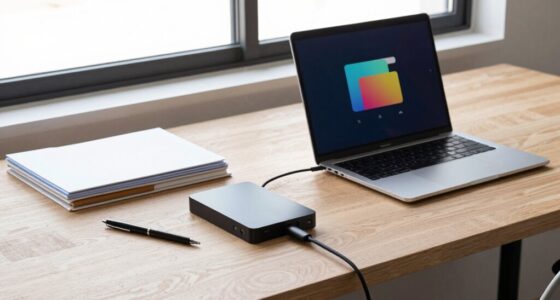
To choose between a desktop and a laptop for your workflow, consider your need for mobility, performance, and upgrade flexibility. If you work in one location and require high power, go for a desktop with better upgrade options and comfort. If you need portability or often work in different places, a laptop’s compact design is ideal. Think about your everyday tasks and environment—more tips ahead will help you make the best decision for your needs.
Key Takeaways
- Assess your need for portability versus fixed workspace setup.
- Determine if hardware upgrades are essential for your tasks.
- Consider the types of software and performance demands of your workflow.
- Evaluate your working environment for ergonomic and space considerations.
- Balance budget, long-term maintenance, and future upgrade plans.
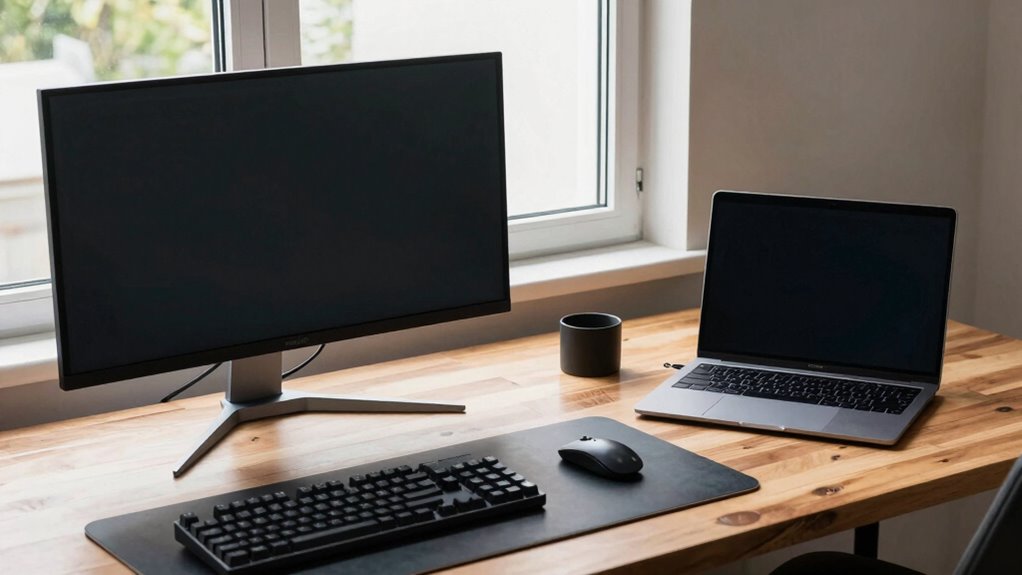
Deciding between a desktop and a laptop workflow depends on your specific needs and working style. You’ll want to contemplate how much hardware flexibility you require and how important software compatibility is for your tasks. Desktops generally offer more hardware flexibility, allowing you to upgrade components like RAM, storage, or graphics cards easily. This can be a huge advantage if you work with demanding software or plan to customize your setup over time. Laptops, on the other hand, prioritize portability. While some models offer limited upgrade options, they’re designed to be compact and ready to travel, making them ideal if you need to work from multiple locations or on the go.
When choosing between the two, think about how critical software compatibility is for your workflow. Desktops tend to have broader compatibility with various operating systems and hardware configurations, which can be essential if you run specialized or legacy software. They also typically support more powerful hardware components that can handle intensive tasks like video editing, 3D rendering, or software development. Laptops, however, often come with pre-installed software optimized for their hardware, and most mainstream applications run smoothly on them. If your work relies on specific software that demands high processing power, a desktop might give you more reliable performance and less compromise.
Your working environment also plays a pivotal role. If you work mainly at a fixed location, a desktop setup can be more ergonomic and customizable, offering larger screens, better input devices, and improved cooling systems. This can enhance your productivity and comfort during long sessions. Additionally, understanding hardware compatibility is crucial for making informed upgrade decisions. It’s also worth considering how the cost-effectiveness of each option aligns with your budget and long-term needs, especially if you anticipate upgrading or replacing your system in the future. Moreover, evaluating the long-term maintenance costs can help you make a more sustainable decision.
Ultimately, your choice hinges on balancing hardware flexibility, software compatibility, mobility, and budget. If you need a powerful, upgradable system and primarily work from a single location, a desktop is likely the best fit. But if portability and convenience matter most, and your tasks are less hardware-intensive, a laptop can keep you productive anywhere. Carefully assess your work habits and requirements to make the best decision tailored to your workflow.
best desktop computers for upgradeability
As an affiliate, we earn on qualifying purchases.
As an affiliate, we earn on qualifying purchases.
Frequently Asked Questions
How Does Portability Impact Overall Productivity?
Portability boosts your overall productivity by offering mobile versatility and workspace flexibility. When you can work anywhere, you’re less tied to a single location, allowing for more spontaneous or urgent tasks. This flexibility helps you stay connected, adapt to different environments, and manage your workload efficiently. By choosing a portable device, you’re empowered to maximize your productivity, whether you’re commuting, traveling, or just shifting between workspaces.
What Are the Security Differences Between Desktops and Laptops?
Laptops are like open books, more vulnerable to security threats, while desktops are fortress-like. You face more security vulnerabilities with laptops due to their portability, which increases the risk of theft or unauthorized access. Desktops, being stationary, offer better device durability and easier security management. If security is your priority, desktops provide a safer environment, but laptops require extra precautions like encryption and strong passwords to protect sensitive data.
Can I Upgrade Hardware Easily on Both Devices?
You can upgrade hardware more easily on desktops thanks to their better upgradeability options and hardware customization. Desktops typically allow you to swap out components like RAM, storage, and graphics cards with minimal effort. Laptops, however, have limited upgradeability options; many models only let you upgrade RAM or storage. If you prioritize hardware customization and future upgrades, desktops are the smarter choice, while laptops are more constrained in this aspect.
How Do Power Consumption and Energy Costs Compare?
Surprisingly, desktops often win in energy efficiency and power management, even with their larger size. They typically consume less power per task than laptops, which need to balance performance with portability. While laptops might seem more energy-friendly, their battery-saving features can compromise performance. So, if you’re aiming to cut energy costs, a desktop’s steady power consumption can be a smarter choice, proving size isn’t everything.
Which Device Offers Better Multitasking Capabilities?
A desktop generally offers better multitasking capabilities because of its superior hardware, such as more powerful processors and increased RAM, which handle multiple tasks effortlessly. Laptops often face hardware limitations that restrict multitasking, especially with less RAM or weaker CPUs. Additionally, desktops typically support a wider range of software compatibility, allowing you to run demanding applications simultaneously without performance issues. If multitasking is essential, a desktop is usually the better choice.
As an affiliate, we earn on qualifying purchases.
Conclusion
Ultimately, your decision depends on your demands and your daily dance. Do you prefer the portability and practicality of a laptop, or the power and precision of a desktop? Consider your comfort, convenience, and creative capacity. By weighing your wants and work style, you’ll wind up with a workflow that works wonders. Whichever you choose, make sure it matches your motion, mindset, and mastery — because your perfect setup propels your productivity and passion forward.
high-performance gaming desktops
As an affiliate, we earn on qualifying purchases.
As an affiliate, we earn on qualifying purchases.
As an affiliate, we earn on qualifying purchases.