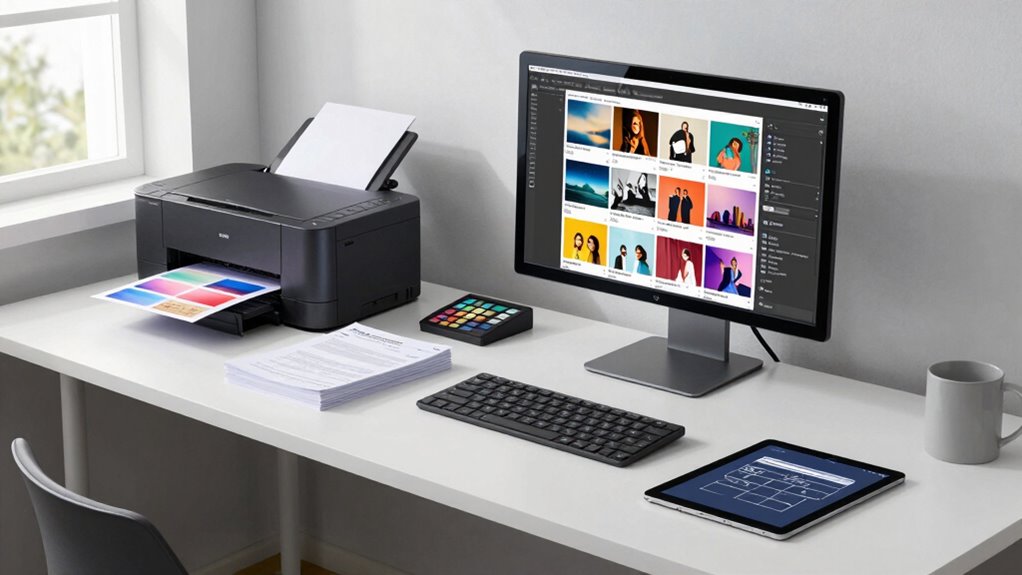

To improve your portfolio printing workflow fast, establish a consistent color calibration routine for both your monitor and printer. Regular calibration guarantees your colors stay accurate and predictable on every print. Coupled with testing different paper types, you’ll quickly find the best combinations for your work. This simple setup reduces guesswork, avoids reprints, and guarantees professional results. Keep going, and you’ll uncover more tips to make your printing process even smoother and more reliable.

Get art and craft supplies delivered free with Prime
- Fast, free delivery on millions of items
- Prime Video, Amazon Music and more included
- Member-only deals all year
Key Takeaways
- Regularly calibrate both monitor and printer to ensure consistent color accuracy.
- Use standardized color profiles and proper color management for reliable prints.
- Test print on different paper types to identify the best finish for your portfolio.
- Establish a routine calibration schedule to maintain high print quality over time.
- Organize paper stock and streamline workflow for quick, repeatable printing processes.
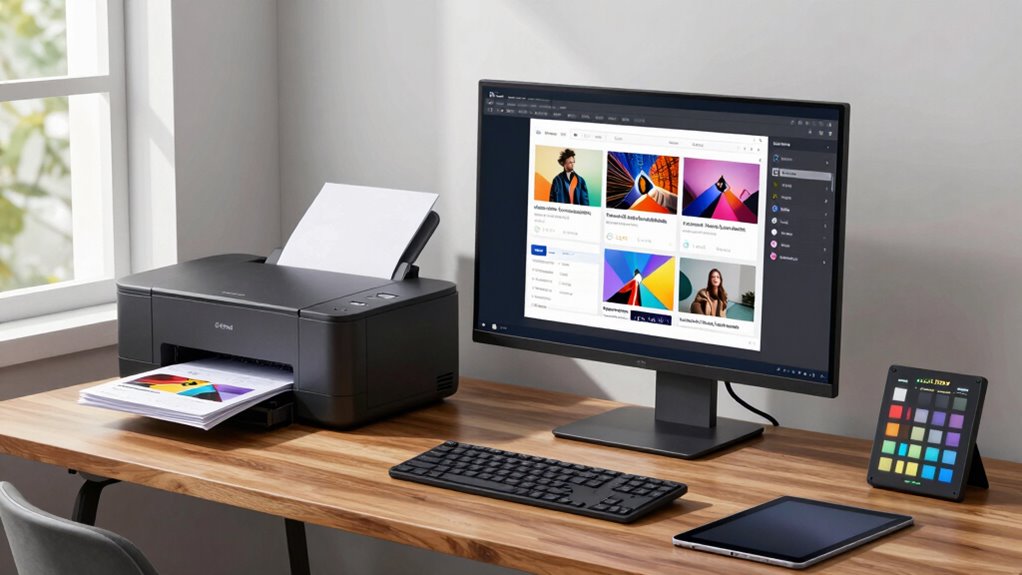
Have you ever struggled with printing a professional-looking portfolio? If so, you’re not alone. Achieving consistent, high-quality prints can feel like a formidable task, especially when you’re aiming to showcase your best work. Luckily, there’s a simple setup rule that can markedly improve your workflow and results: establish a standardized printing process. The core of this approach revolves around two key steps—color calibration and paper selection—that, when properly managed, guarantee your prints match your digital vision every time.
Start by focusing on color calibration. Your monitor and printer need to be synchronized to produce consistent colors. Invest in a good color calibration device, and regularly calibrate your monitor to guarantee what you see on screen reflects the final printed output. This step prevents surprises, like colors appearing dull or overly vibrant once printed. It’s also essential to calibrate your printer periodically. Most professional printers come with calibration tools or software. When both devices are calibrated, you’ll reduce guesswork, saving time and materials, and avoid the frustration of reprints due to color inaccuracies. Developing a consistent calibration routine** will help maintain reliable results over time. Incorporating proper color management practices ensures your prints stay true to your digital images, further enhancing your workflow. Additionally, understanding how different printers interpret color profiles can make a significant difference in achieving accurate results. To further improve your workflow, exploring color profiles** and how they influence print output can be highly beneficial.
Calibrate your monitor and printer regularly to ensure color accuracy and avoid costly reprints.
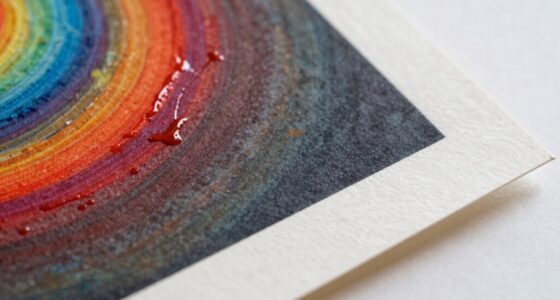
Next, pay close attention to paper selection. The type of paper you choose has a profound impact on how your images appear. Matte, gloss, satin—each finish offers a different aesthetic and texture, affecting color depth, contrast, and overall perception. Before printing your portfolio, conduct test prints on various papers to see which best complements your artwork. Consistency is key, so once you find a paper that highlights your work effectively, stick with it. Keep your paper stock organized and accessible, so you don’t waste time searching when a print job is urgent. Using the same paper for all your portfolio prints creates a cohesive look, making your collection appear more polished and professional.
Implementing this setup rule may seem straightforward, but it’s often overlooked in the rush to finalize a portfolio. Dedicate time to establish a calibration routine and select the right paper from the outset. Over time, these small but vital steps will streamline your printing process, reduce reprints, and guarantee your portfolio consistently looks its best. Remember, consistency in color calibration and paper choice isn’t just about quality—it’s about building trust in your work’s presentation. When your prints accurately represent your digital images, your portfolio will stand out with clarity and professionalism, making a strong impression on anyone who views it.
As an affiliate, we earn on qualifying purchases.
Frequently Asked Questions
How Does the Setup Rule Differ Across Printing Platforms?
You’ll notice that setup rules differ across printing platforms mainly due to platform compatibility and setup customization options. Some platforms offer extensive customization, allowing you to tailor print settings to your needs, while others have limited options, making the process more straightforward. Understanding each platform’s capabilities helps you optimize your workflow, ensuring your portfolio prints consistently and efficiently, regardless of the platform you’re using.
What Are Common Mistakes to Avoid When Implementing the Rule?
When implementing the setup rule, avoid neglecting proper color management and file preparation. Don’t assume your colors will print accurately without calibration, as this can lead to mismatched shades. Always double-check that your files are correctly prepared, with appropriate resolution and formats, to prevent delays or quality issues. Skipping these steps causes errors, so stay meticulous, ensuring consistent color management and thorough file prep for smooth, professional portfolio printing.
Can This Setup Rule Be Automated in Printing Software?
Yes, this setup rule can be automated in printing software. You can integrate color calibration settings into your workflow automation, ensuring consistent color accuracy across all prints. By scripting or using built-in automation tools, you streamline the process, reducing manual adjustments. This not only speeds up your portfolio printing but also guarantees professional results, maintaining color consistency and minimizing errors throughout your workflow.
How Does This Rule Impact Print Quality and Color Accuracy?
Think of this rule as your personal compass, guiding your print quality and color accuracy. It guarantees that color calibration is precise, so your prints stay true to your original vision. This consistency means no surprises—every portfolio page looks just as sharp and vibrant as the last. By maintaining this standard, you achieve reliable print quality and consistent color accuracy, making your workflow smoother and your results more professional.
Is Training Required for Team Members to Follow This Setup Rule?
Yes, team training is essential for your team members to follow this setup rule effectively. Proper training guarantees everyone understands the process, which promotes process consistency across all print jobs. When your team is well-trained, they can quickly implement the rule, reducing errors and streamlining workflow. This consistency ultimately leads to better print quality and more accurate color reproduction, saving time and resources while maintaining high standards.
professional printer calibration software
As an affiliate, we earn on qualifying purchases.
As an affiliate, we earn on qualifying purchases.
Conclusion
By implementing this setup rule, you streamline your portfolio printing process, saving time and reducing errors. You enhance consistency, improve quality, and gain confidence in your workflow. You simplify steps, eliminate guesswork, and boost productivity. You make your portfolio stand out, impress your audience, and elevate your professionalism. Embrace this rule today, optimize your approach, and watch your portfolio printing become faster, smoother, and more efficient—because your success depends on the setup you choose.
matte photo paper for portfolios
As an affiliate, we earn on qualifying purchases.
As an affiliate, we earn on qualifying purchases.
color management tools for printing
As an affiliate, we earn on qualifying purchases.
As an affiliate, we earn on qualifying purchases.
Halloween Picks
halloween
As an affiliate, we earn on qualifying purchases.