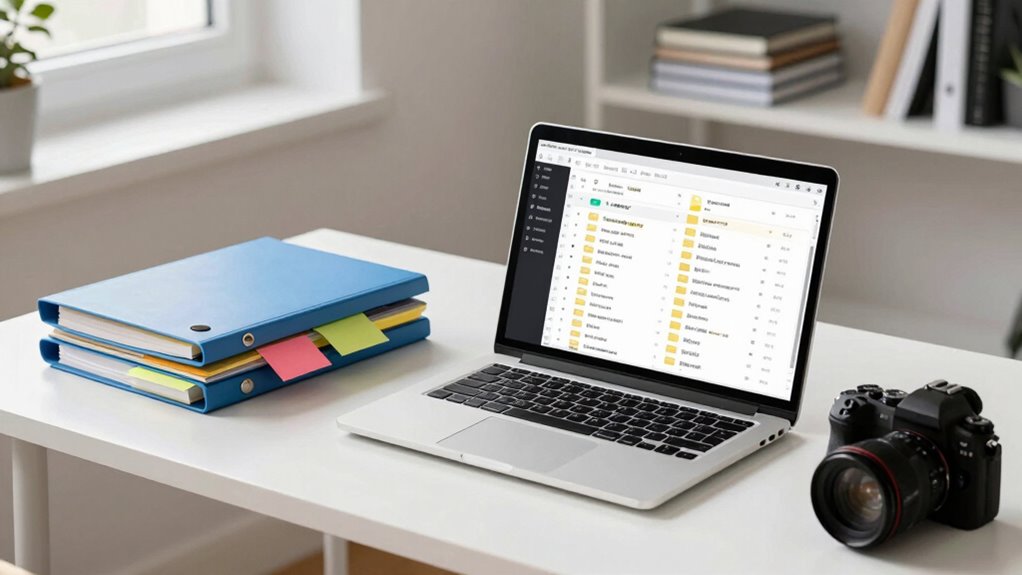

Great teams understand that proper file organization boosts collaboration and keeps work efficient. You need clear folder structures, consistent naming conventions, and proper access controls to prevent confusion or errors. Using version control helps everyone stay on the same page, while metadata and categorization make searching easier. Remember, organization isn’t a one-time task — maintaining it keeps workflows smooth. Keep exploring, and you’ll see how these strategies can transform your team’s productivity.

Get art and craft supplies delivered free with Prime
- Fast, free delivery on millions of items
- Prime Video, Amazon Music and more included
- Member-only deals all year
Key Takeaways
- Effective file organization reduces confusion and saves time during collaboration.
- Consistent naming conventions and folder structures improve file accessibility.
- Version control ensures team members work with the latest documents and avoids duplication.
- Managing access permissions protects sensitive data and prevents accidental alterations.
- Ongoing organization practices maintain workflow efficiency and support long-term project success.
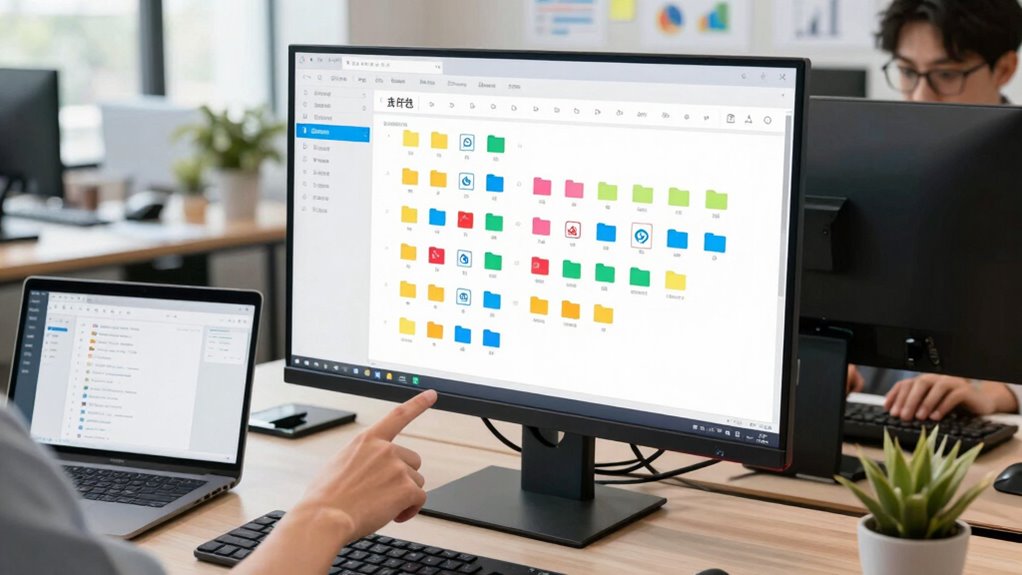
Have you ever struggled to find the files you need within a team’s shared workspace? If so, you’re not alone. Many teams face chaos when their digital files are disorganized, leading to wasted time and frustration. The key to avoiding this is understanding the importance of proper file organization. Great teams recognize that a clear, logical system not only streamlines collaboration but also protects their work. Central to this is implementing effective version control and managing access permissions carefully.
Disorganized files cause frustration; implementing clear systems, version control, and proper permissions boosts collaboration and protects your work.
Version control is essential because it helps you track changes and avoid confusion. When multiple team members work on the same document, it’s easy for different versions to get mixed up. Using a version control system ensures everyone is working on the latest version, and you can easily review or revert to previous iterations if needed. This prevents duplication, reduces errors, and keeps the project moving smoothly. Without it, teams risk overwriting each other’s work or losing valuable progress, which can cost time and resources. In addition, understanding file naming conventions can further enhance your organization by making files instantly recognizable and easier to locate.
Access permissions are equally important because they define who can view, edit, or delete files. A well-organized team knows exactly who needs access to what. Sensitive documents shouldn’t be open to everyone, so setting appropriate permissions helps maintain confidentiality and control. For example, only senior staff might have editing rights on financial reports, while the marketing team can view but not change the branding assets. Proper access permissions reduce accidental deletions or unauthorized modifications, maintaining the integrity of your files. Additionally, understanding security protocols related to file sharing can help safeguard your data from potential breaches.
Beyond version control and access permissions, having a consistent naming convention and structured folder system makes it easier to locate files quickly. When files are named clearly and stored in predictable locations, you minimize searching time and avoid duplicating files. Some teams even categorize files by project, date, or department to keep everything organized. Additionally, understanding landscape orientation and other display settings can significantly improve how your files are viewed and accessed across different devices, ensuring clarity and consistency. Incorporating metadata into your files can further improve searchability and organization, especially for large projects or archives.
Ultimately, what great teams understand about file organization is that it’s not just about neatness; it’s about efficiency, security, and collaboration. When everyone adheres to a standardized system, files are accessible when needed, and the team can work cohesively without confusion or delays. Investing time in establishing these practices pays off by creating a streamlined workflow, reducing errors, and fostering trust within your team. Good file organization isn’t a one-time task—it’s an ongoing process that keeps your team productive and aligned.
digital file organization system
As an affiliate, we earn on qualifying purchases.
As an affiliate, we earn on qualifying purchases.
Frequently Asked Questions
How Often Should Team File Structures Be Reviewed?
You should review your team’s file structures regularly, ideally every three to six months, to guarantee they align with current needs. During these reviews, emphasize maintaining consistent file naming conventions and refining access permission strategies. This frequent check helps prevent clutter, improves collaboration, and secures sensitive information, ensuring everyone can easily find what they need without risking unauthorized access. Regular reviews keep your team organized and efficient.
What Tools Assist in Maintaining Organized Files?
Tools like cloud storage platforms—Google Drive, Dropbox, OneDrive—are essential for maintaining organized files. They support naming conventions, making it easy to find and categorize documents swiftly. These tools act as digital filing cabinets, where clear folder structures and consistent naming keep everything accessible. By leveraging cloud storage with strict naming conventions, you guarantee your team stays aligned, avoiding chaos and fostering efficiency in your file organization.
How to Handle File Version Control Effectively?
You should implement a clear file version control system by using consistent file naming conventions that include dates or version numbers. Regularly update access permissions to guarantee only authorized team members can modify files, reducing errors. Keep files organized in designated folders, and encourage team members to save new versions with descriptive names. This way, everyone can easily track changes, access the latest files, and avoid confusion or overwriting important data.
What Are Common Mistakes in Team File Organization?
You often make mistakes by neglecting consistent file naming conventions, which can cause confusion and slow down collaboration. Additionally, poor access permission management leads to unauthorized edits or data loss. To prevent these issues, establish clear naming standards and regularly review permission settings. This keeps your team organized, ensures everyone can find files quickly, and maintains data security, fostering a more efficient and collaborative work environment.
How Can New Team Members Quickly Learn the Filing System?
You can help new team members quickly learn the filing system by creating a clear onboarding guide that highlights file naming conventions and the digital folder hierarchy. When they see consistent naming and logical folder structures, they’ll intuitively understand where files belong. Sharing real examples and encouraging questions speed up their familiarity. Coincidentally, this approach not only streamlines onboarding but also reinforces the importance of organized, accessible files for everyone.
version control software for teams
As an affiliate, we earn on qualifying purchases.
As an affiliate, we earn on qualifying purchases.
Conclusion
Mastering meaningful, methodical file organization fosters flawless flow and future flexibility. When your team takes the time to tidy, tag, and track files thoughtfully, you create a culture of clarity and collaboration. Consistent classification and careful categorization cultivate confidence and curb chaos. Remember, disciplined document management doesn’t just declutter your digital space — it drives your team’s success, sparking streamlined sharing, swift searching, and sustained success. So, stay systematic, stay synchronized, and see your team thrive!
file access permission management tools
As an affiliate, we earn on qualifying purchases.
As an affiliate, we earn on qualifying purchases.
file naming convention templates
As an affiliate, we earn on qualifying purchases.
As an affiliate, we earn on qualifying purchases.
Columbus Day / Indigenous Peoples' Day Picks
long weekend sales
As an affiliate, we earn on qualifying purchases.