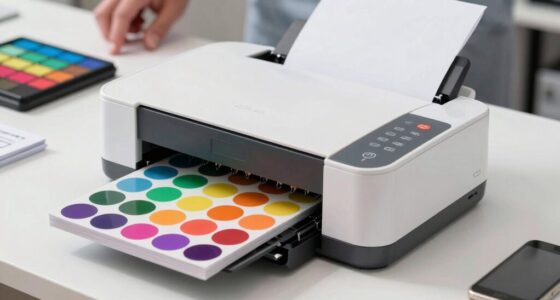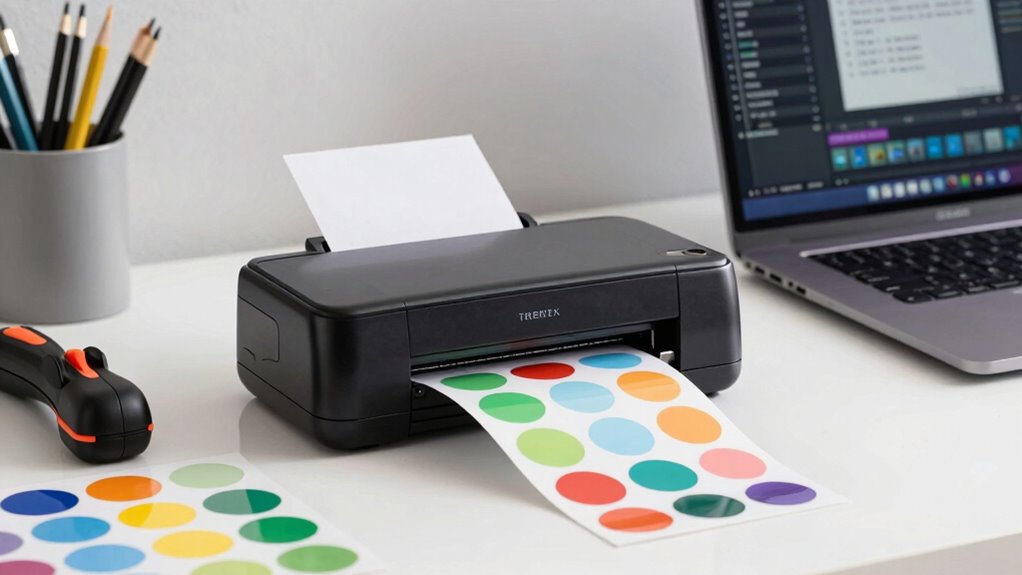

To choose the right sticker printer setup for your workflow, consider your desired print quality, speed, and budget. Look for a printer with high-resolution capabilities and a wide color gamut to produce vibrant, professional stickers. Balance automation and production pace based on your bulk order needs, and guarantee compatibility with your design software. Think about future expansion and support to grow smoothly. Keep exploring to uncover more tips for optimizing your sticker printing process.

Get art and craft supplies delivered free with Prime
- Fast, free delivery on millions of items
- Prime Video, Amazon Music and more included
- Member-only deals all year
Key Takeaways
- Assess your desired print quality, color range, and customization features for vibrant, detailed stickers.
- Determine your production volume to select between speed-focused industrial or versatile desktop printers.
- Budget carefully, balancing initial costs, ongoing expenses, and long-term scalability for growth.
- Ensure compatibility with your design software and workflow devices for seamless operation.
- Choose a reliable brand with strong support and expandable features to accommodate future production needs.
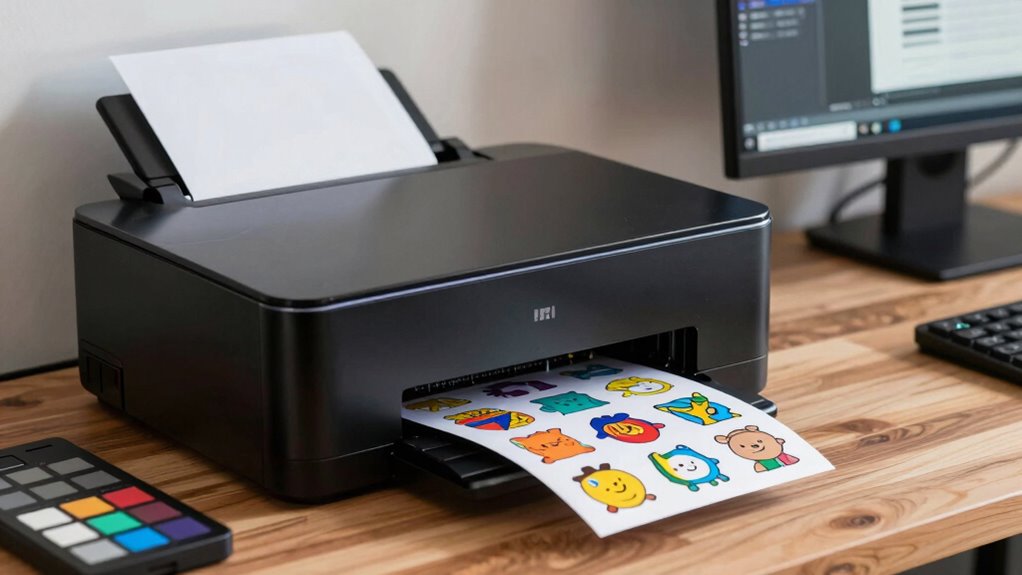
Are you unsure where to begin when selecting a sticker printer setup? The process can feel overwhelming with so many options available, but focusing on your specific needs will simplify your decision. First, consider the customization options that each printer offers. If you plan to produce unique, vibrant stickers with intricate designs, look for a printer that supports high-resolution printing and a wide color gamut. Some printers allow you to adjust settings like print quality, color saturation, and finishing options, giving you the flexibility to create exactly the look you want. On the other hand, if you need consistent output for bulk orders, consider a setup that emphasizes speed and automation, even if it means sacrificing some customization features. Additionally, understanding the print quality capabilities of a printer can help ensure your stickers look professional and appealing to your audience. Cost considerations are equally important. Your budget will influence the type of printer you can afford and the ongoing expenses tied to ink, labels, and maintenance. Entry-level desktop printers typically have a lower initial cost but might require more frequent ink replacements and have limited print size or speed. Conversely, industrial-grade printers come with a higher upfront investment but deliver faster production and better durability, which could save you money over time if you’re running a high-volume operation. Keep in mind that cheaper printers may also have fewer customization options, so balance your budget with your need for flexibility and quality. Another factor to weigh is the compatibility of the printer with your existing workflow. If you’re already using design software like Adobe Illustrator or CorelDRAW, ensure the printer supports the file formats you use and integrates smoothly with your devices. Ease of use matters too—choose a setup that’s straightforward to operate and maintain, especially if you’re managing production alone or with a small team. It’s also wise to consider the long-term scalability of your printer setup to accommodate future growth. Incorporating airless technology into your workflow can sometimes improve efficiency by reducing overspray and waste, particularly in larger-scale production. Moreover, researching brand reputation and customer support can help you select a reliable model that offers assistance when needed. Planning for future expansion by selecting a versatile printer with expandable features might be more cost-effective long-term. Finally, think about the future. Will your sticker needs grow or change? Investing in a versatile printer with expandable features might be more cost-effective long-term. Research different brands and models, read reviews, and if possible, test a few options to see which setup aligns best with your production goals. By carefully considering customization options and cost considerations, you’ll be well on your way to selecting a sticker printer setup that enhances your workflow and meets your creative and business needs.
As an affiliate, we earn on qualifying purchases.
Frequently Asked Questions
What Is the Ideal Sticker Printer for High-Volume Production?
For high-volume production, you need a durable, industrial-grade sticker printer with high print resolution. Look for models that support a variety of material compatibility, such as vinyl, polyester, or paper, to match your specific needs. An efficient, fast printer guarantees you keep up with demand without sacrificing quality. Prioritize printers with reliable ink or toner options, and check reviews to confirm they handle large print runs consistently.
How Does Print Speed Affect Workflow Efficiency?
Print speed directly impacts your workflow efficiency by determining how quickly you can produce stickers. Faster print speeds mean you can complete larger orders in less time, reducing bottlenecks and increasing productivity. If your workflow demands high-volume output, investing in a printer with a higher print speed will streamline operations and meet deadlines more effectively. Ultimately, optimizing print speed helps you stay ahead in busy production environments.
Are There Eco-Friendly Sticker Printer Options Available?
You’ll be pleased to find eco-friendly sticker printer options that prioritize sustainability. These printers often use eco-friendly materials and sustainable options, reducing your environmental footprint. Look for models with energy-efficient features and those compatible with biodegradable or recyclable inks and papers. By choosing these environmentally conscious choices, you support greener practices while maintaining high-quality prints, making your workflow both effective and responsible.
What Maintenance Is Required for Different Types of Printers?
You need to regularly clean your printer’s print heads and check ink compatibility to guarantee high-quality prints. For inkjet printers, replace cartridges when they run low, and use recommended inks to prevent clogs. Dot matrix and laser printers require periodic paper handling maintenance, like clearing paper jams and cleaning rollers. Always follow the manufacturer’s guidelines for maintenance to extend your printer’s lifespan and maintain peak performance.
Can I Upgrade My Current Sticker Printer Later?
Yes, you can upgrade your current sticker printer later. You’ll want to check printer compatibility to guarantee new components or models work with your existing setup. Explore upgrade pathways, such as firmware updates, hardware enhancements, or switching to a more advanced model. By planning these steps carefully, you can enhance your printing capabilities without starting from scratch, making your workflow more efficient and adaptable over time.
industrial label printer for bulk production
As an affiliate, we earn on qualifying purchases.
As an affiliate, we earn on qualifying purchases.
Conclusion
Choosing the right sticker printer setup is like finding the perfect key to release your workflow’s potential. When you match your printer’s features with your needs, you create a seamless rhythm that boosts your productivity and creativity. Don’t rush—think about your volume, quality, and budget. With the right setup, your sticker-making process will flow smoothly, turning your ideas into vibrant, eye-catching stickers as effortlessly as a painter’s brush strokes on a canvas.
desktop sticker printer with color gamut
As an affiliate, we earn on qualifying purchases.
As an affiliate, we earn on qualifying purchases.
professional sticker printing setup
As an affiliate, we earn on qualifying purchases.
As an affiliate, we earn on qualifying purchases.
Halloween Picks
halloween
As an affiliate, we earn on qualifying purchases.