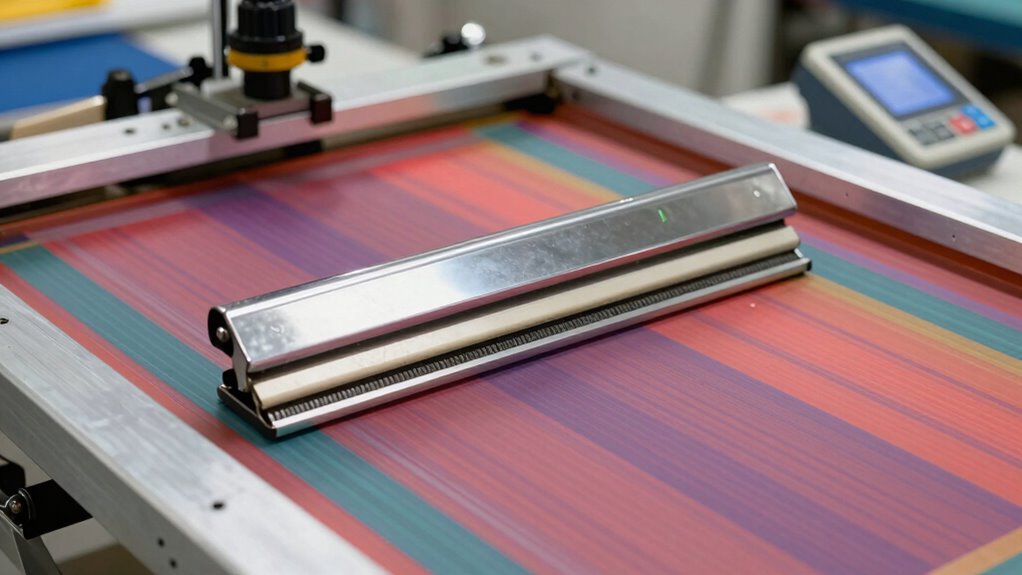

To quickly improve your screen printing equipment, focus on a thorough setup process. Start by cleaning your screens to remove dust and oils, then carefully tension the mesh with a tension meter or bounce test. Mix and stir your ink until smooth and uniform, adjusting viscosity as needed. Test the ink on scrap material before printing. Maintaining consistent conditions and performing these steps consistently will boost quality and efficiency—keep going to discover even more tips for ideal setup.

Get art and craft supplies delivered free — and shop member deals
- Fast, free delivery on millions of items
- Access to Prime Big Deal Days deals on October 6–7
- Prime Video, Amazon Music and more included
Key Takeaways
- Thoroughly clean screens before setup to prevent dust and residue from affecting print quality.
- Use a tension meter or bounce test to ensure mesh is taut for crisp images.
- Mix and stir ink thoroughly to achieve a smooth, uniform flowable consistency.
- Adjust mesh tension carefully to avoid warping or uneven ink application.
- Test ink on scrap material to verify proper viscosity and color accuracy before printing.
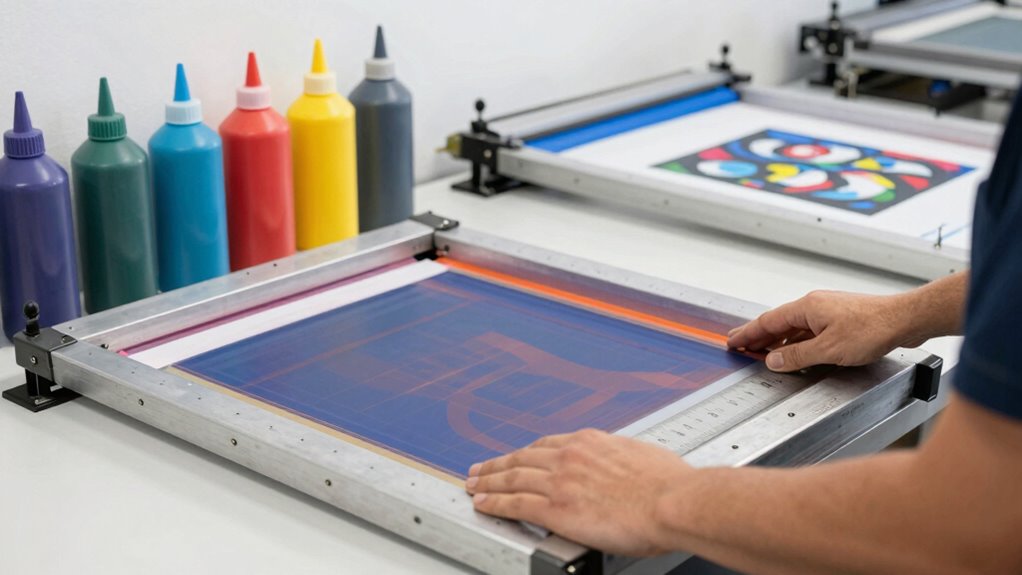
Setting up your screen printing equipment correctly is essential to make certain high-quality results and smooth operation. When you focus on establishing consistent ink consistency, you ensure that your prints will have vibrant colors and sharp details without blotches or uneven layers. To achieve this, you should stir the ink thoroughly before use, avoiding air bubbles and ensuring it’s smooth and uniform. This step prevents issues like ink clogging or inconsistent color application during printing. Proper ink consistency also means adjusting the viscosity as needed, depending on the mesh and substrate, to promote even flow without sacrificing detail.
Consistent ink stirring and adjusting viscosity ensure sharp, vibrant prints with smooth, even layers.
Another crucial factor is mesh tension. You want to make sure your screen mesh is taut enough to produce crisp, precise images. When the mesh tension is too loose, the ink spreads unevenly, resulting in blurry or distorted prints. Conversely, if it’s too tight, it can cause the screen to warp or break, leading to delays and costly repairs. To find the right tension, use a tension meter or perform a simple bounce test—press lightly on the mesh and listen for a clear, high-pitched sound. This indicates the mesh is tight enough to support fine details and sharp lines. Regularly checking and adjusting mesh tension ensures consistent quality across multiple prints and reduces the need for rework. Incorporating proper tensioning techniques can help extend the lifespan of your equipment and maintain print precision over time.
By implementing a setup rule that emphasizes these two elements—ink consistency and mesh tension—you streamline your process and minimize common mistakes. Always start by thoroughly cleaning and preparing your screens to remove dust, oil, or previous ink residues. Once the screens are clean, carefully adjust the mesh tension using a tensioning system or a squeegee to get it just right. Afterward, mix and stir your ink meticulously, paying attention to achieving a uniform, flowable consistency. Test the ink on a scrap piece to verify smooth application before printing on your final substrate. Maintaining consistent printing conditions and proper tensioning practices helps keep your workflow efficient and your results reliable. Additionally, understanding screen tension and its impact can prevent costly damage and ensure longevity of your equipment. Making these practices a routine part of your setup process will save you time and improve your results.
Incorporating these principles into your workflow ensures that every print matches your quality standards. Consistent ink and properly tensioned screens mean fewer errors, less waste, and faster turnaround times. This setup rule becomes your foundation for efficient, high-quality screen printing, helping you produce professional results every time. Keep these steps in mind, and you’ll find that your equipment works better, lasts longer, and your prints turn out exactly how you want them—vivid, sharp, and consistent.
screen printing mesh tension meter
As an affiliate, we earn on qualifying purchases.
As an affiliate, we earn on qualifying purchases.
Frequently Asked Questions
How Often Should I Revisit My Setup Process?
You should revisit your setup process regularly, ideally before each new print job or daily if you print frequently. Focus on maintaining proper color calibration and ink consistency, as these are essential for consistent results. If you notice color shifts or ink issues, recalibrate your equipment immediately. Regular checks help catch problems early, ensuring your screens stay optimized, and your prints remain high-quality.
What Tools Are Essential for Quick Setup?
Think of your tools as your secret weapons for quick setup. You’ll want a reliable tension meter, a calibration kit, and troubleshooting techniques to diagnose issues swiftly. Keep your squeegees, screens, and registration marks organized for easy access. Regular equipment calibration guarantees everything runs smoothly, saving you time and headaches. With these essential tools, you’ll streamline your process and get your screen printing equipment ready in no time, like a well-oiled machine.
Can Setup Rules Vary by Type of Screen Printing?
Yes, setup rules can vary by type of screen printing because each method demands specific focus on screen durability and ink consistency. For example, textile printing prioritizes maintaining flexible screens, while ceramic printing emphasizes durable screens for high heat. Adjusting your setup rules based on these factors guarantees ideal ink flow, reduces errors, and ensures consistent quality across different printing types. Tailoring your approach improves efficiency and finished product durability.
How Do I Train Staff on the Setup Rule?
You train staff on the setup rule by demonstrating proper equipment calibration and emphasizing quality assurance. Start with hands-on training, guiding them through each step, and explain how correct calibration impacts print quality. Use checklists to reinforce procedures and regularly review setups to catch errors early. Encourage questions and provide feedback to guarantee they understand the importance of consistent setup practices, leading to faster, high-quality screen printing.
What Common Mistakes Delay the Setup Process?
You might delay the setup process by rushing color matching and skipping equipment calibration. When you don’t double-check color accuracy, you risk redoing the job, wasting time. Similarly, neglecting proper calibration causes misaligned screens and uneven prints, leading to delays. Always allocate time for precise color matching and thorough calibration, ensuring your setup is correct from the start. This proactive approach prevents common mistakes and speeds up your workflow.
As an affiliate, we earn on qualifying purchases.
Conclusion
Next time you follow the setup rule, you’ll notice how quickly your screen printing process improves—almost like the perfect ink flow aligning by chance. It’s funny how a simple tweak can turn chaos into smooth operation, almost as if fate is guiding your hands. With this little coincidence of timing and technique, you’ll find yourself finishing projects faster and more confidently. Sometimes, the smallest change makes all the difference—just like a fortunate coincidence that sets everything in motion.
As an affiliate, we earn on qualifying purchases.
screen printing tension testing tool
As an affiliate, we earn on qualifying purchases.
As an affiliate, we earn on qualifying purchases.
Fall Picks
fall essentials
As an affiliate, we earn on qualifying purchases.