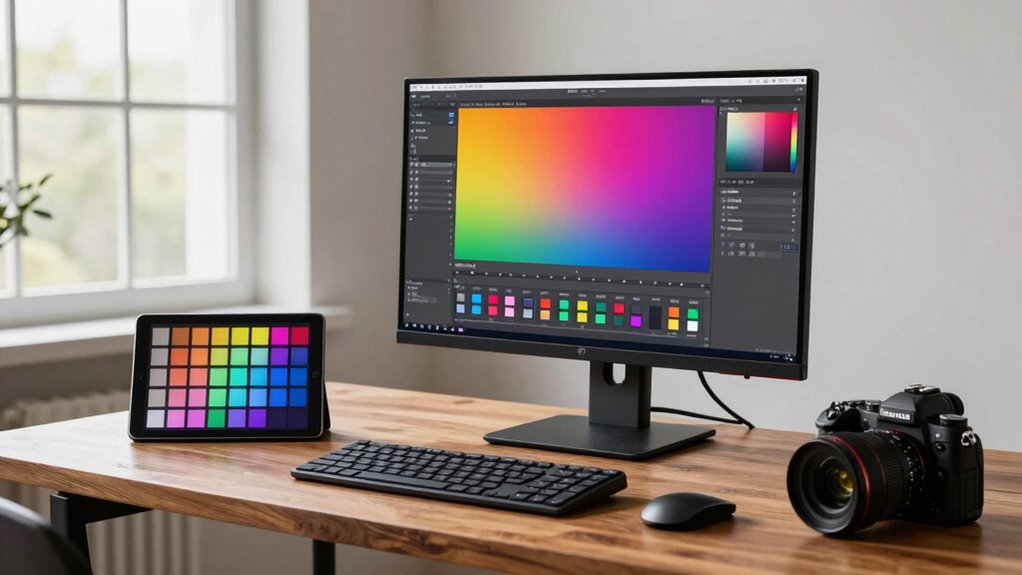

To choose a wide gamut workflow, start by ensuring your monitor is hardware calibrated regularly for accurate colors. Select software that supports wide color spaces like Adobe RGB or DCI-P3 and embed ICC profiles for consistency. Make sure your graphics card and peripherals are compatible with these color spaces. Consider your output medium, whether print or digital, and use proofing tools to match final colors. If you keep these points in mind, you’ll build a reliable, high-quality workflow—more tips await if you continue exploring.

Get art and craft supplies delivered free with Prime
- Fast, free delivery on millions of items
- Prime Video, Amazon Music and more included
- Member-only deals all year
Key Takeaways
- Assess your hardware compatibility, including monitor, graphics card, and calibration devices, for wide gamuts like Adobe RGB or DCI-P3.
- Ensure your editing software and color management settings support embedded ICC profiles and wide color spaces.
- Consider your output medium (print or digital) and plan for appropriate color conversions and soft-proofing.
- Regularly calibrate your monitor with hardware devices to maintain color accuracy within the chosen wide gamut.
- Establish a consistent color management workflow to preserve color fidelity from capture through editing to final output.
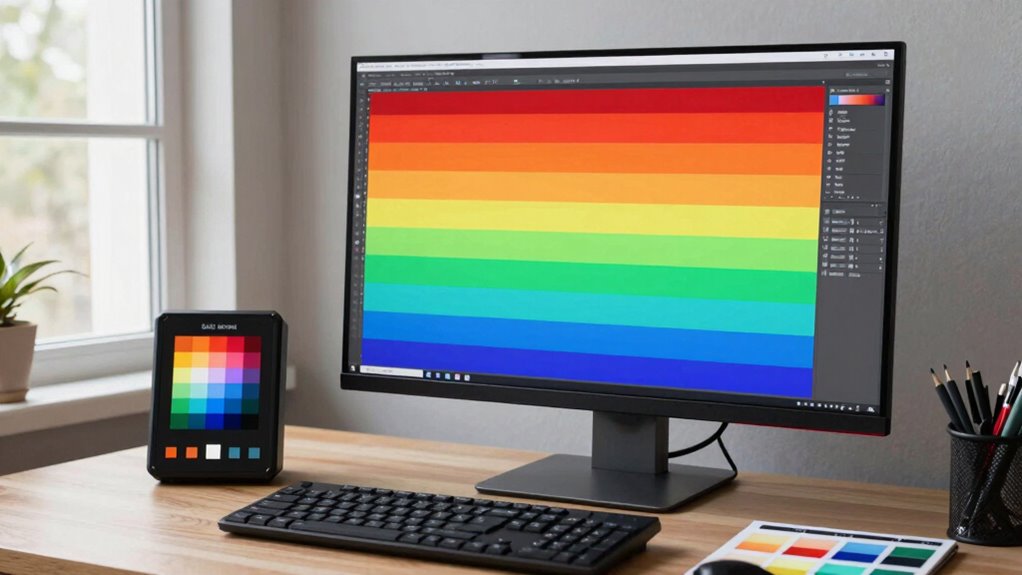
Selecting a wide gamut workflow can considerably improve your color management and image quality. When you’re working with vibrant, detailed images, maintaining color accuracy becomes essential. A well-chosen workflow ensures that your colors stay true from capture to final output, minimizing discrepancies that can occur along the way. To achieve this, you need to focus on both your hardware calibration and your color management strategies.
First, consider your display setup. To get reliable color accuracy, your monitor must be calibrated regularly using a hardware calibration device. Hardware calibration ensures that your monitor displays colors consistently and accurately, which is fundamental when working within a wide color gamut. Without proper calibration, you risk making edits based on inaccurate color representations, leading to inconsistencies in your final images. When your hardware is calibrated, skin tones, subtle gradations, and vibrant hues appear as intended, giving you confidence that your edits will translate well across other devices and print.
Next, examine your workflow’s compatibility with wide gamut color spaces, like Adobe RGB or DCI-P3. These color spaces encompass a broader range of colors compared to standard sRGB, allowing for richer, more vibrant images. Choosing a workflow that leverages these expansive gamuts means you need to guarantee your hardware and software can handle them properly. This includes your graphics card, monitor, and editing software. If any component isn’t capable of supporting a wide gamut, you’ll encounter color shifts or limitations that undermine your goal of achieving precise color accuracy. Additionally, understanding how hardware calibration interacts with your workflow can help prevent issues related to color consistency. Ensuring your entire system supports wide gamut color spaces is also crucial for maintaining color fidelity throughout your editing process.
Another important factor is your color management strategy. Use color profiles correctly throughout your workflow. Embedding accurate ICC profiles into your files and ensuring your editing software is configured to respect these profiles helps maintain consistency. When you’re working with wide gamuts, it’s especially critical to keep color management tight, as even small mismatches can result in significant color shifts in your final output.
Finally, think about your output medium. Whether printing or digital display, make sure your workflow accounts for the color space of your final destination. For print, you might need to convert your images into CMYK color space, which can’t display the full wide gamut. Proper soft-proofing and proofing processes help you visualize how your images will look in the final medium, ensuring the colors you see during editing align with the final result.
In essence, choosing a wide gamut workflow that emphasizes hardware calibration, robust color management, and compatibility with expansive color spaces allows you to produce images with exceptional color accuracy and consistency. This not only elevates your work but also streamlines your process, reducing guesswork and rework, and enhancing your overall image quality.
hardware calibration device for monitors
As an affiliate, we earn on qualifying purchases.
As an affiliate, we earn on qualifying purchases.
Frequently Asked Questions
How Does Wide Gamut Workflow Affect Color Grading Speed?
A wide gamut workflow can slow down your color grading speed initially because it requires more precise adjustments for color accuracy. However, once you get used to it, editing efficiency improves as you work with a broader color range, reducing the need for multiple corrections later. This workflow ultimately enhances color accuracy, saving time during final adjustments and delivering higher-quality results faster in the long run.
What Hardware Requirements Are Necessary for Wide Gamut Workflows?
You need a high-quality monitor with wide color gamut support, like Adobe RGB or DCI-P3, to handle wide gamut workflows effectively. Make certain your hardware has robust graphics cards capable of processing large color data. Regular color calibration and monitor calibration are essential to maintain color accuracy. Additionally, a fast CPU and ample RAM help streamline editing and rendering processes, guaranteeing your hardware keeps up with the demands of precise color grading.
Can I Switch Between Narrow and Wide Gamut Workflows Easily?
Yes, you can switch between narrow and wide gamut workflows easily, but it requires careful monitor calibration to guarantee color accuracy. When changing workflows, recalibrate your monitor to match the specific color space, which helps maintain consistent color accuracy across projects. Using calibration tools, you’ll ensure your display accurately represents colors, making shifts smooth and reliable. Just remember, proper calibration is key to seamless switching and maintaining high-quality results.
How Does Wide Gamut Workflow Impact File Storage and Backup?
Did you know that working in a wide gamut workflow can increase your file sizes by up to 50%? This impacts your file storage and backup by requiring more space due to higher color accuracy data. To optimize storage, consider using efficient file formats and regular backups. Managing larger files carefully helps preserve color fidelity without overwhelming your storage system, ensuring your projects stay secure and maintain the highest quality.
Are There Specific Software Recommendations for Wide Gamut Workflows?
You should consider software like Adobe Lightroom and Photoshop, which support wide color space workflows and enhance color accuracy. Capture One also offers robust options for managing wide gamut color spaces, ensuring your images retain their true colors. These programs help maintain color fidelity from editing to output, making them ideal for professionals seeking precise color management. Always verify your software supports your specific hardware and color profiles for peak results.
wide color gamut monitor Adobe RGB
As an affiliate, we earn on qualifying purchases.
As an affiliate, we earn on qualifying purchases.
Conclusion
Choosing the right wide gamut workflow can elevate your color accuracy and overall image quality. Did you know that displays with wider gamuts can reproduce up to 35% more color than standard sRGB screens? By selecting a workflow that matches your project’s needs, you guarantee vibrant, true-to-life results. Embrace the right tools and techniques, and watch your images come alive with richer, more accurate colors that captivate your audience.
ICC profile software for color management
As an affiliate, we earn on qualifying purchases.
As an affiliate, we earn on qualifying purchases.
color calibration tools for photographers
As an affiliate, we earn on qualifying purchases.
As an affiliate, we earn on qualifying purchases.
Halloween Picks
halloween
As an affiliate, we earn on qualifying purchases.