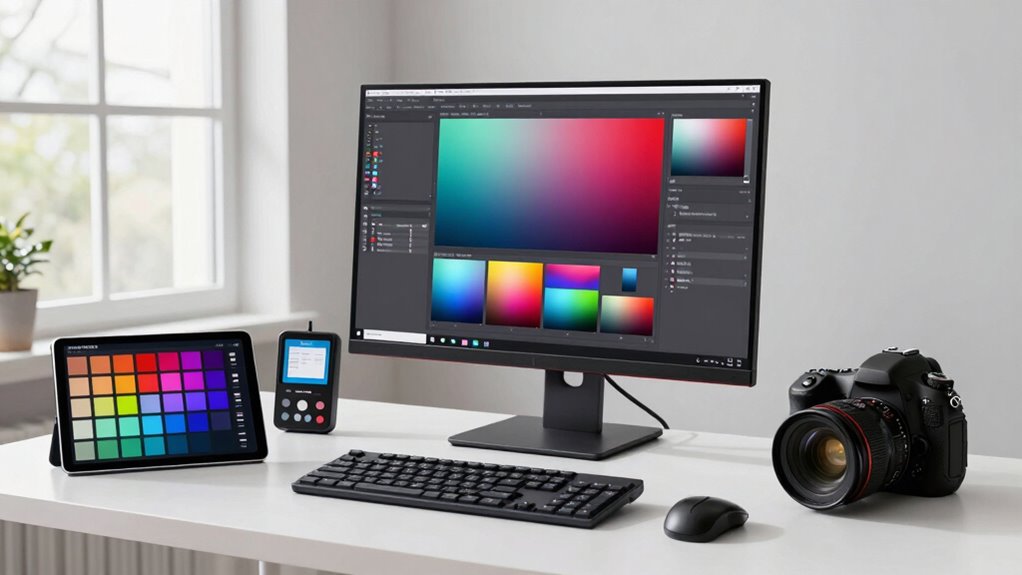

Before upgrading your cross-device color workflow, make sure all your devices are properly calibrated and have embedded ICC profiles. Consistent lighting conditions and a controlled viewing environment are essential for accurate color assessment. Update your calibration tools and stay informed about the latest profiles and best practices. Implement standardized procedures for color management and profile embedding to minimize discrepancies. If you bear these factors in mind, you’ll set a solid foundation for reliable results—there’s more to take into account for seamless workflow upgrades.

Get art and craft supplies delivered free with Prime
- Fast, free delivery on millions of items
- Prime Video, Amazon Music and more included
- Member-only deals all year
Key Takeaways
- Ensure all devices are properly calibrated and have current ICC profiles before integration.
- Standardize lighting and viewing conditions to maintain consistent color perception across devices.
- Establish a routine calibration schedule to prevent color drift over time.
- Verify compatibility of color management software and workflows across all devices.
- Educate your team on color management best practices to ensure consistent, accurate output.
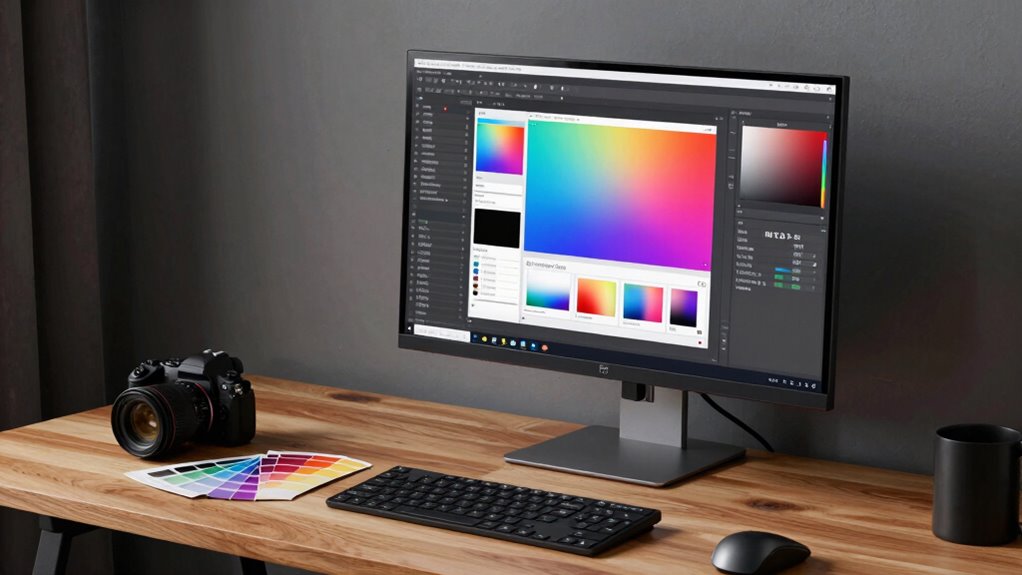
Managing color consistency across multiple devices can be challenging, but upgrading your workflow can make it much easier. When you’re working with different screens, printers, and devices, maintaining uniform color appearance demands attention to calibration consistency. Without it, colors can look drastically different from one device to another, making your workflow unreliable. Before upgrading, it’s essential to understand that effective color management strategies are at the core of seamless cross-device color reproduction. These strategies involve using calibrated hardware, color profiles, and consistent workflow procedures to guarantee your colors stay true regardless of where they’re viewed or printed.
Effective color management ensures consistent, accurate colors across all devices and print, making your workflow reliable and professional.
Investing in calibration tools is a critical first step. Regular calibration of monitors, printers, and scanners ensures that each device displays and reproduces colors as accurately as possible. Keep in mind that calibration isn’t a one-time fix; it’s an ongoing process. By setting up a routine calibration schedule, you can maintain calibration consistency over time, reducing color drift that often occurs with prolonged use. This consistency is crucial if you want predictable results, especially when switching between devices or sharing work across different platforms. Calibration frequency also plays a vital role in maintaining accurate color reproduction over time. Additionally, implementing automated calibration solutions can streamline this process and improve overall accuracy.
Another key aspect to contemplate is your color management strategies. These involve establishing standardized procedures, such as embedding ICC profiles into your files and workflow. Properly managed profiles act as a common language between devices, translating colors accurately from one device to another. When you implement strict color management strategies, you minimize color shifts and surprises down the line. This means you can confidently move projects from your calibrated monitor to print, knowing that the colors will match your expectations. Additionally, understanding the importance of calibration consistency helps ensure that all your devices work harmoniously, maintaining color fidelity throughout your creative process. Recognizing the ongoing need for color profile management can further enhance your workflow and prevent unexpected discrepancies.
In addition, it’s wise to work with consistent lighting conditions and viewing environments. Ambient light can influence how you perceive color, so maintaining a controlled workspace helps in evaluating colors accurately. Also, consider using soft-proofing techniques within your editing software. Soft-proofing allows you to simulate how your colors will appear when printed or viewed on other devices, helping you make adjustments proactively. Recognizing that lighting conditions are a critical component of color accuracy can significantly improve your results.
Lastly, educating yourself about color workflows and staying updated on the latest calibration tools and profiles can greatly improve your results. When you’re aware of the best practices and equipped with the right tools, upgrading your cross-device workflow becomes less intimidating and more effective. In conclusion, focusing on calibration consistency and solidifying your color management strategies are the foundation for a reliable, professional-grade color workflow.
As an affiliate, we earn on qualifying purchases.
Frequently Asked Questions
How Does Cross-Device Color Management Impact Overall Workflow Efficiency?
Cross-device color management improves your workflow efficiency by ensuring consistent color calibration across all devices. When you synchronize devices, you avoid rework caused by mismatched colors, saving time and effort. Device synchronization streamlines your process, allowing you to focus on creativity instead of fixing color issues. Ultimately, it leads to faster project completion, better quality results, and a smoother workflow, making your creative process more productive and reliable.
Are There Specific Hardware Requirements for Seamless Cross-Device Color Consistency?
You need precise hardware compatibility and thorough color calibration for seamless cross-device color consistency. Imagine your screens as synchronized dancers moving in harmony—each must meet specific hardware standards to keep the performance flawless. Make sure your devices support the latest calibration tools and color profiles, creating a unified palette across all screens. This harmony guarantees your work looks consistent, vibrant, and true-to-life, no matter which device you’re viewing from.
What Are Common Pitfalls During Cross-Device Color Workflow Upgrades?
You might encounter pitfalls like neglecting proper color calibration, leading to inconsistent results across devices. Also, overlook software compatibility issues that can cause workflow disruptions or data loss. Always guarantee your devices are calibrated correctly before upgrading, and verify that your software supports the new color workflow. Failing to do so can compromise color accuracy and disrupt your entire process, making the upgrade less effective than expected.
How Can I Troubleshoot Color Discrepancies Between Devices?
To troubleshoot color discrepancies, start by checking your color calibration on each device to guarantee consistency. Next, verify that your device profiles are synchronized correctly across all tools and platforms. Adjust calibration settings if needed, and reassign profiles to match. Consistently monitor the color output during editing to catch issues early, and consider using calibration hardware for precise control. This approach helps maintain uniform color across devices.
Is Professional Training Necessary for Implementing Cross-Device Color Workflows?
Think of your workflow as a symphony needing perfect harmony. While professional training isn’t strictly necessary, it acts as a skilled conductor guiding you through complex melodies of color calibration and software compatibility. With training, you’ll master the nuances, ensuring each device plays its part flawlessly. Without it, you risk discord and misaligned hues. So, investing in training helps you orchestrate a seamless, consistent cross-device color experience.
As an affiliate, we earn on qualifying purchases.
Conclusion
Upgrading your cross-device color workflow might seem intimidating, but with the right approach, you’ll reveal a world of vibrant, consistent visuals that could outshine even the most dazzling rainbow. Remember, the key is to plan meticulously, test thoroughly, and stay flexible. Embrace the change, and you’ll elevate your creative projects to legendary status—making your work not just good, but unforgettable. Jump in confidently—you’re about to revolutionize your color game!
As an affiliate, we earn on qualifying purchases.
automated monitor calibration device
As an affiliate, we earn on qualifying purchases.
As an affiliate, we earn on qualifying purchases.
Halloween Picks
halloween
As an affiliate, we earn on qualifying purchases.