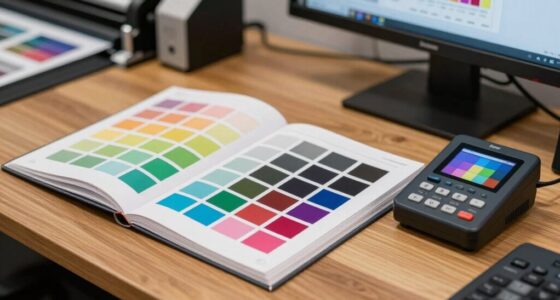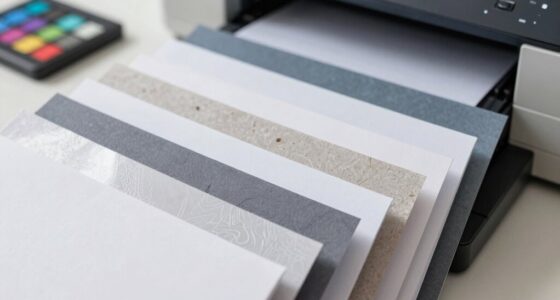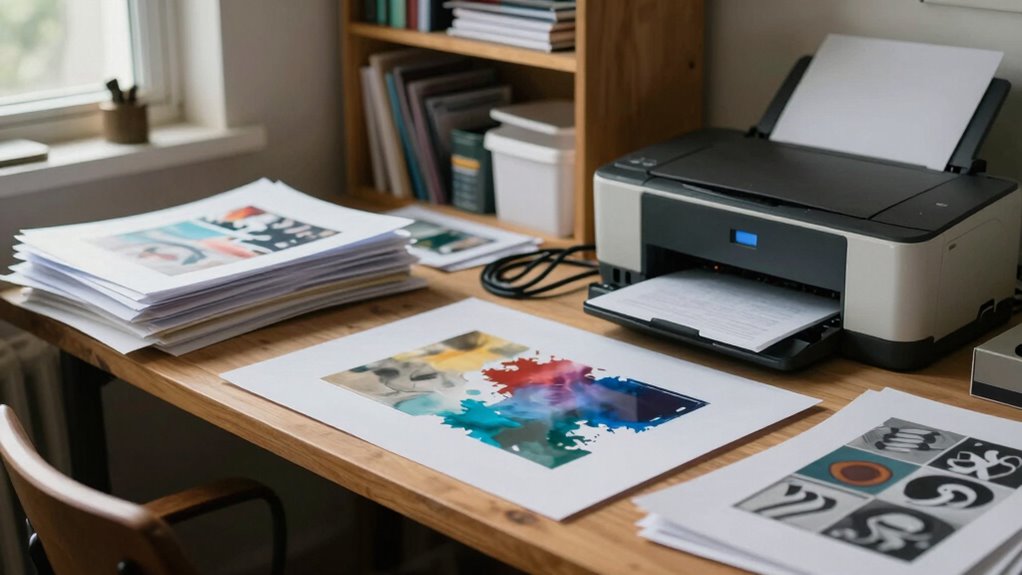

The biggest mistake you can make with your home print studio is choosing equipment based on looks or brand names instead of your actual printing needs. You might buy a high-capacity printer for small projects or pick the latest model without checking if it fits your workflow. This can lead to unnecessary costs and inefficiencies. If you want to avoid costly errors and set up a smart, efficient studio, there’s more to examine beyond just appearances.
Key Takeaways
- Focusing on aesthetics or brand reputation instead of assessing specific printing needs and project requirements.
- Choosing equipment based on popularity or features without evaluating long-term compatibility and workflow fit.
- Underestimating ongoing costs like ink, paper, and maintenance, leading to hidden expenses.
- Rushing purchases without thorough research or understanding of equipment specifications.
- Investing in high-capacity printers for small projects, resulting in unnecessary costs and inefficiency.
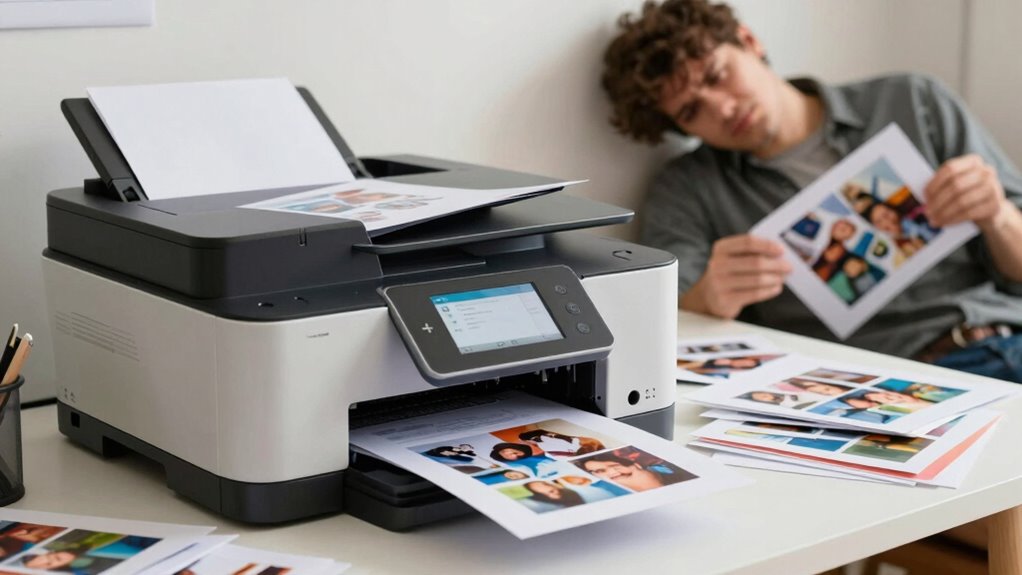
Have you ever overlooked an important detail when choosing a home print studio? It’s a common mistake that can lead to frustration and wasted money. When setting up your own space, you might focus heavily on the aesthetic or the brand reputation without giving enough thought to the core components: equipment selection and pricing strategies. These factors are vital because they determine how smoothly your home print studio operates and how much you’ll ultimately spend.
First, when it comes to equipment selection, you need to think beyond just the latest model or what appears to be the most popular. You must assess your actual printing needs and match them with the right equipment. For example, if you’re planning to print large banners or high-volume projects, investing in a high-capacity printer might seem tempting. However, if your work mainly involves small prints, a more affordable, compact machine could serve you better. Choosing equipment without considering your specific requirements can lead to unnecessary expenses and underperformance. It’s about finding the right balance—quality, capacity, and cost—all aligned with your goals. Understanding equipment specifications can help you better evaluate what’s truly necessary for your projects.
Choose equipment based on your specific printing needs to balance quality, capacity, and cost effectively.
Next, don’t ignore how pricing strategies impact your investment. Many newcomers believe that opting for the cheapest equipment will save them money, but that’s often a false economy. Cheaper printers or supplies might seem attractive initially, but they can lead to higher maintenance costs, frequent replacements, or compromised print quality. Conversely, premium equipment can be more reliable and cost-effective in the long run, but only if it fits within your budget. It’s essential to research vendors, compare prices, and consider packages that include maintenance or warranties. Implementing smart pricing strategies for your supplies also helps control ongoing costs—buying in bulk, negotiating with suppliers, or choosing compatible, affordable inks and paper can make a significant difference. Additionally, understanding equipment specifications can help you better evaluate what’s truly necessary for your projects. Being aware of cost-effective purchasing options can further optimize your budget and reduce unnecessary spending.
Ultimately, the biggest mistake you can make is not thoroughly evaluating your equipment options and pricing approaches before making a purchase. Rushing into a decision based solely on price or brand recognition can lead to regret once you start using the equipment. Take your time to understand what each machine offers, how it fits your workflow, and what the ongoing costs will be. This strategic approach ensures your home print studio remains efficient, cost-effective, and capable of producing professional-quality work. Remember, the right equipment and pricing strategies aren’t just about saving money—they’re about setting yourself up for success in your printing endeavors.

Liene M100 4×6'' Photo Printer, Phone Printer 100 Sheets & 3 Cartridges, Full-Color Photo, Portable Instant Photo Printer for iPhone Android, Thermal Dye Sublimation, Wi-Fi Picture Printer 100 Papers
- Portable and User-Friendly: Compatible with iPhone, Android, and PC
- Complete Package Included: 100 sheets of photo paper, 3 cartridges, sealed cassette
- Compact and Stylish Design: Minimalist magnetic design for easy storage
As an affiliate, we earn on qualifying purchases.
As an affiliate, we earn on qualifying purchases.
Frequently Asked Questions
How Can I Determine the Best Printer for Home Printing Needs?
To find the best printer for your home needs, consider your printing habits and what you’ll print most often. Check printer ink compatibility and guarantee it offers affordable, reliable ink options. Also, prioritize paper quality options supported by the printer, especially if you print photos or high-quality documents. Reading reviews and comparing features helps you choose a model that balances print quality, ink costs, and paper handling to suit your needs.
What Is the Average Cost of Setting up a Home Print Studio?
You’ll likely spend between $1,000 and $3,000 to set up your home print studio. This includes investing in a quality printer, color management tools, and a variety of paper selection for different projects. Remember, focusing on color management guarantees your prints match your expectations, while choosing the right paper enhances quality. Budgeting carefully helps you avoid costly upgrades later and creates a professional setup right at home.
Are There Specific Brands Recommended for Quality Home Printing?
For quality home printing, you should consider brands like Canon, Epson, and HP, which are known for reliable performance. When doing brand comparisons, focus on ink selection, as it impacts print quality and longevity. Opt for printers that support high-quality ink options and offer good color accuracy. This way, you guarantee your prints look professional, and you avoid costly mistakes caused by poor ink choices or incompatible brands.
How Do I Troubleshoot Common Printing Issues at Home?
To troubleshoot common printing issues at home, first check print ink compatibility; using incompatible ink can cause smudges or poor quality. Next, verify your paper type selection matches your project—using the wrong paper can lead to jams or blurry images. Make certain your printer software settings are correct, and perform regular maintenance like cleaning print heads. These steps help resolve most problems quickly and improve your print results.
What Safety Precautions Should I Follow When Operating a Home Print Studio?
When operating your home print studio, you should always wear safety gear like gloves and goggles to protect yourself from chemicals and ink splashes. Keep fire hazards in check by ensuring proper ventilation, avoiding clutter near heat sources, and never leaving printers or equipment unattended while in use. Regularly check for leaks or electrical issues, and follow manufacturer safety instructions to prevent accidents and maintain a safe workspace.

HP Envy 6155 Wireless All-in-One Color Inkjet Printer, Print, Scan, Copy, Duplex Printing Best-for-Home, 3 Month Trial of Instant Ink Included, AI-Capable (C2WR7A) Portobello
- Trusted American Brand: High-quality home printing for documents and photos
- Fast Print Speeds: Up to 10 ppm black, 7 ppm color
- 3-Month Instant Ink Trial: Includes delivery and savings up to 50%
As an affiliate, we earn on qualifying purchases.
As an affiliate, we earn on qualifying purchases.
Conclusion
Don’t let this common mistake sink your home print studio dreams. By rushing or skipping research, you risk investing in tools that don’t fit your needs, turning your creative ocean into a stormy sea. Remember, the right equipment is your trusty ship—guiding you smoothly to success. Take your time, weigh your options, and steer wisely. With patience and smart choices, your home print studio can thrive like a garden in full bloom, not wither in the shadows.
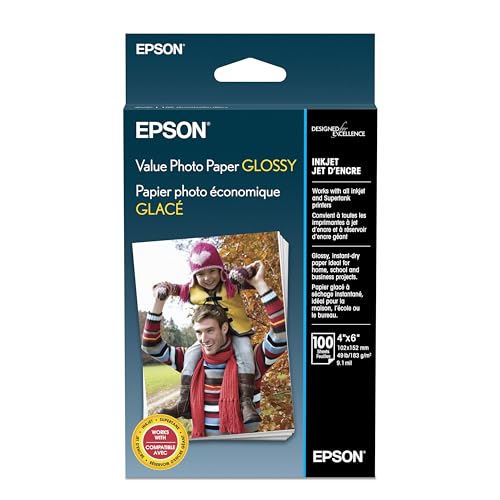
Epson Value Photo Paper Glossy 4×6 100 sheets S400034
- Available Sizes: Letter and 4×6 inches
- Printer Compatibility: Works with all inkjet and Supertank printers
- Satisfaction Guarantee: Backed by Epson's Paper Satisfaction Guarantee
As an affiliate, we earn on qualifying purchases.
As an affiliate, we earn on qualifying purchases.
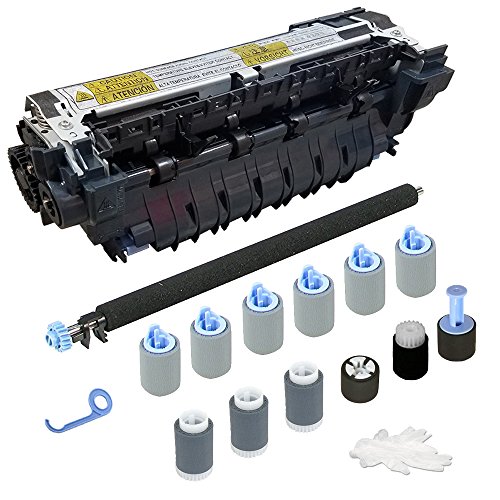
Altru Print CF064A-DLX-AP (CF064-67902) Deluxe Maintenance Kit for Laser Printer M601 / M602 / M603 (110V) Includes RM1-8395 Fuser, Transfer Roller & Tray 1/2 / 3/4 Rollers
- Compatibility: Compatible with various CF064 series parts
- Printer Series Support: Fits Laser Printer Series 600 M601/M602/M603
- High-Quality Components: Ensures optimal printer performance
As an affiliate, we earn on qualifying purchases.
As an affiliate, we earn on qualifying purchases.