
To compare drawing tablet sizes smarter, consider how size affects control, comfort, and workflow. Think about your artistic style—larger tablets offer better precision and a natural drawing feel, while smaller options are more portable and practical for limited space. Pay attention to pen sensitivity and screen resolution, as these enhance detail and control. Balancing these factors with your workspace and portability needs makes choosing easier. Keep exploring how each feature impacts your creative process for the perfect fit.
Key Takeaways
- Consider both active drawing area and overall device dimensions for optimal control and comfort.
- Match tablet size with your artistic style, pen sensitivity needs, and detail work requirements.
- Evaluate screen resolution alongside size to ensure clarity and precision in your projects.
- Balance portability and ergonomics to prevent fatigue during extended use or on-the-go work.
- Assess workspace constraints and workflow to select a size that enhances productivity and satisfaction.
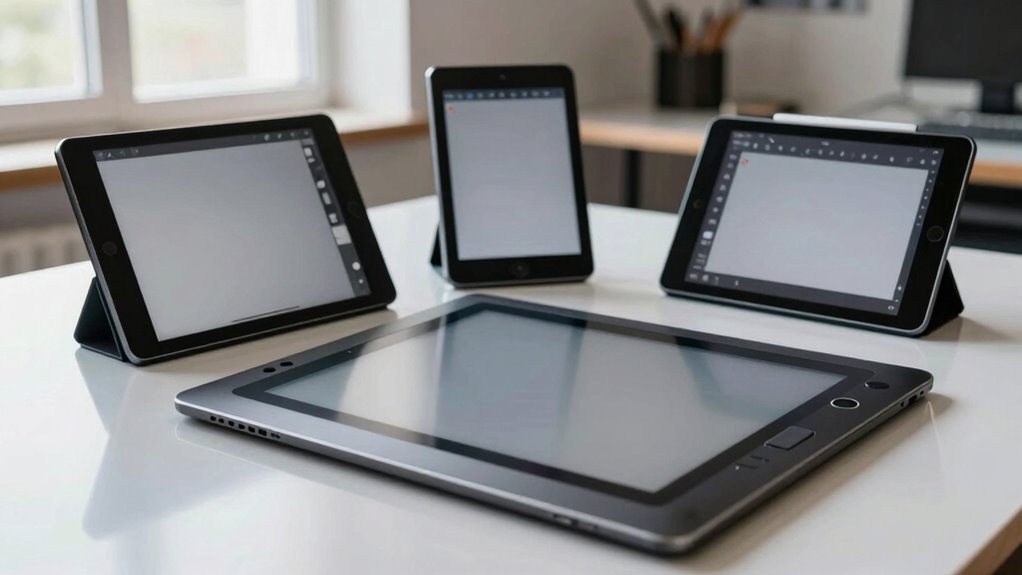
Choosing the right drawing tablet size is vital for optimizing your workflow and comfort. When you pick the appropriate size, you gain better control and a more natural drawing experience, making your creative process smoother and more enjoyable. One of the key factors to evaluate is pen sensitivity, which determines how accurately your stylus responds to pressure and tilt. A tablet with higher pen sensitivity allows for more nuanced lines and shading, giving you greater control over your artwork. When comparing sizes, think about how pen sensitivity will impact your work—larger tablets often offer more precise pressure sensitivity settings, which can be essential for detailed illustrations or digital painting.
Another important aspect is screen resolution. This determines the clarity and detail visible on your tablet, affecting how accurately you can see your work and make fine adjustments. Higher screen resolution means sharper images and more precise editing, especially when working on complex projects. If you opt for a smaller tablet, make sure it still offers a high enough resolution to meet your needs, as lower resolutions can make details harder to distinguish, leading to frustration. Conversely, a larger screen with a high resolution provides ample workspace and sharp visuals, but it may also be more cumbersome and expensive. Additionally, understanding how pen sensitivity influences your ability to create detailed and expressive artwork can help you choose a device that truly matches your artistic style.
Another consideration is the ergonomics of the device, which plays a significant role in long-term comfort and preventing fatigue during extended creative sessions. It’s also helpful to consider device weight and portability, especially if you plan to take your tablet on the go or work in different locations. Choosing a comfortable size can significantly impact your overall satisfaction and productivity. Ultimately, finding the right size is about balancing your creative needs with practicality. Evaluate how pen sensitivity enhances your drawing precision and how screen resolution impacts the clarity of your work. Don’t forget to think about your usual working environment and whether portability or workspace size matters more. By weighing these factors carefully, you can choose a drawing tablet size that aligns with your artistic style and workflow, making your digital art experience both efficient and enjoyable.
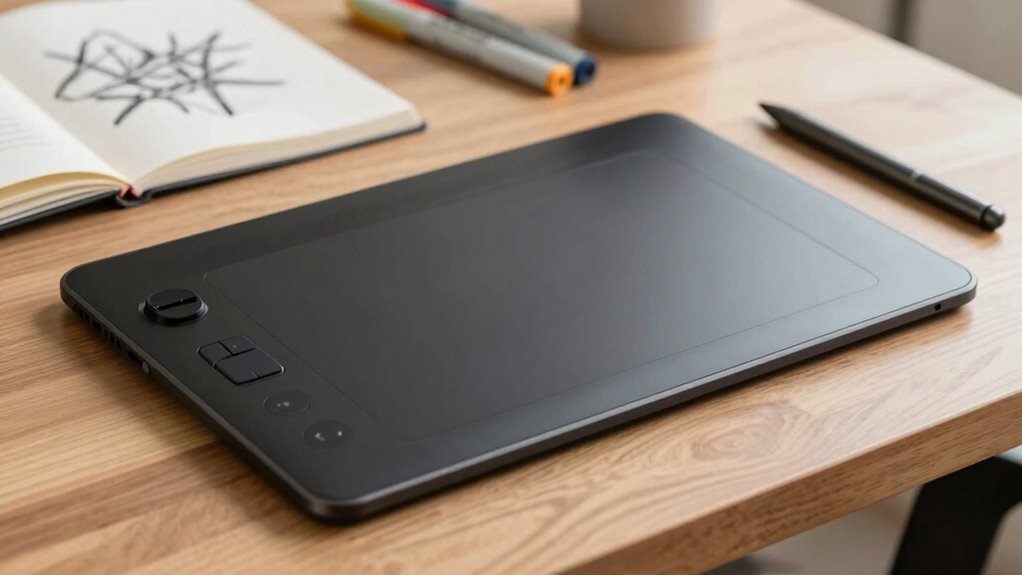
drawing tablet with high pen sensitivity
As an affiliate, we earn on qualifying purchases.
As an affiliate, we earn on qualifying purchases.
Frequently Asked Questions
How Does Screen Resolution Affect Drawing Experience?
Higher screen resolution improves your drawing experience by offering sharper details and smoother lines. It also enhances color accuracy, making your artwork look more vibrant and true to life. However, a higher resolution can increase screen glare, which might cause eye strain during long sessions. You need to balance resolution with your workspace lighting to enjoy clear, accurate visuals without discomfort, ultimately boosting your creativity and precision.
Are Larger Tablets More Portable Than Smaller Ones?
Larger tablets aren’t typically more portable; in fact, they tend to be heavier, with some weighing over a pound, making them cumbersome to carry around. You might find that smaller tablets, often under half a pound, are easier to slip into a bag. Plus, bigger devices often have shorter battery life due to increased power consumption. For portability, consider a balance between size, tablet weight, and battery life to suit your needs.
What Is the Ideal Tablet Size for Beginners?
For beginners, a 10-12 inch tablet strikes the perfect balance. It offers enough screen space for detailed work without being cumbersome. Consider stylus compatibility to guarantee your preferred tools work seamlessly. Battery life matters too—choose a model with good longevity so you can focus on learning without frequent recharges. This size is portable enough for on-the-go use, making it ideal for newcomers exploring digital art.
How Does Aspect Ratio Impact Drawing Accuracy?
Aspect ratio directly impacts drawing precision because it determines how your artwork fits on the screen. A balanced aspect ratio allows you to work comfortably without stretching or squishing your designs, improving drawing accuracy. When you choose a tablet with the right aspect ratio, you’ll find it easier to maintain proportions and details, leading to better drawing precision. So, consider aspect ratio carefully to enhance your overall art experience.
Do Different Brands Have Size Differences?
Absolutely, different brands do have size differences. Think of it like a symphony—each brand plays its own tune with unique size variability. You’ll find brand consistency in their specifications, but subtle differences can lead to compatibility issues or comfort variations. So, always measure and compare sizes carefully before purchasing. This way, you guarantee your drawing experience remains seamless, no matter which brand you choose.
As an affiliate, we earn on qualifying purchases.
Conclusion
Choosing the right drawing tablet size is like finding the perfect pair of shoes—you want comfort, control, and room to move. By comparing sizes carefully, you’ll navigate your options smoothly, avoiding any awkward fits that hinder your creativity. Remember, the right tablet size is your trusty canvas, ready to carry your ideas effortlessly. So, step confidently onto your artistic journey, knowing you’ve found the perfect size to make your creative dreams walk tall.
portable drawing tablet for artists
As an affiliate, we earn on qualifying purchases.
As an affiliate, we earn on qualifying purchases.
As an affiliate, we earn on qualifying purchases.