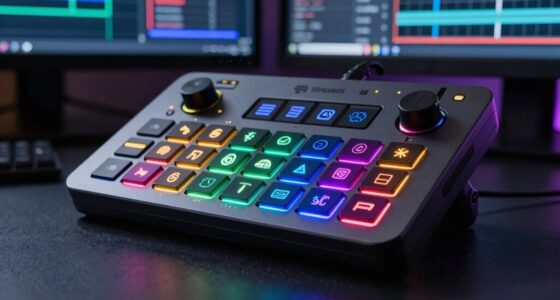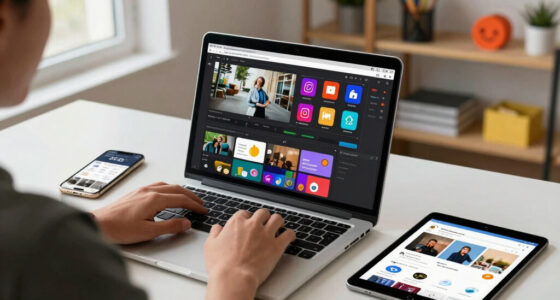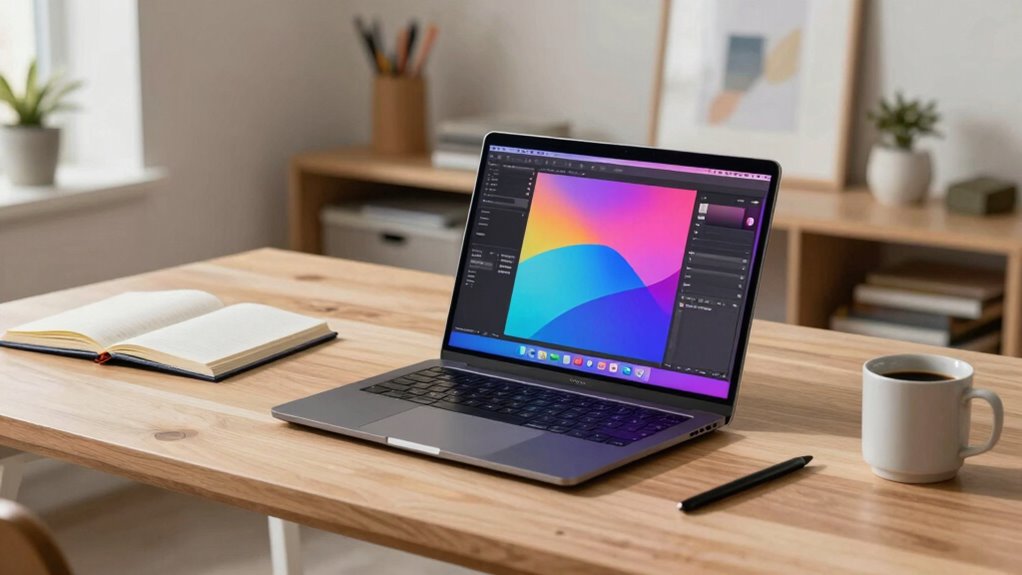

To compare creative laptops smarter, focus on display quality, like 4K or OLED screens with wide color gamuts for vibrant, accurate visuals. Check hardware specs such as multi-core CPUs, ample RAM, fast SSDs, and dedicated GPUs for demanding tasks. Consider portability and battery life if you work on the go, and guarantee the device fits well into your existing ecosystem. For a more detailed overview that helps you make an informed choice, keep exploring these factors further.

Get art and craft supplies delivered free with Prime
- Fast, free delivery on millions of items
- Prime Video, Amazon Music and more included
- Member-only deals all year
Key Takeaways
- Prioritize display quality, color accuracy, and resolution to ensure vibrant visuals and true-to-life colors for creative work.
- Match hardware specs like multi-core CPUs, ample RAM, and dedicated GPUs with your software demands for optimal performance.
- Consider portability, battery life, and weight to support flexible, mobile workflows without sacrificing power.
- Choose reputable brands with strong ecosystems and reliable support to ensure compatibility and future-proofing.
- Assess connectivity options, peripheral compatibility, and system updates to seamlessly integrate current and upcoming creative tools.
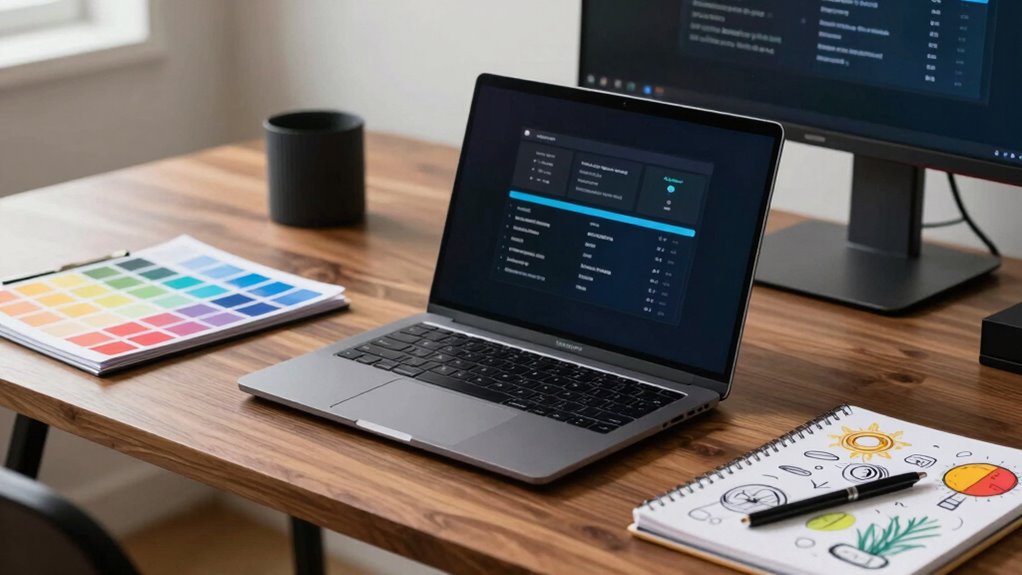
When choosing a creative laptop, you want to find a device that balances power, portability, and features suited for your artistic needs. The key to making a smart choice lies in understanding the hardware specifications that directly impact your workflow. Look for high-resolution displays with accurate color reproduction—ideally, an OLED or 4K screen with wide color gamuts like AdobeRGB or DCI-P3. These ensure your designs, photos, and videos look vibrant and true to life. Beyond the display, consider the processor, RAM, and storage. A fast, multi-core CPU, such as Intel’s i7 or Apple’s M1/M2 chips, allows you to run demanding software smoothly. Ample RAM—16GB or more—is essential for multitasking and handling large files without lag. For storage, prioritize SSDs because they offer faster read/write speeds, which cut down loading and rendering times.
Your choice should also involve evaluating the brand reputation, which reflects reliability, customer support, and software compatibility. Reputable brands like Apple, Dell, and Microsoft have established track records for creating durable, high-performance creative laptops. Apple’s MacBook Pro, for example, is renowned for its build quality and optimized software ecosystem tailored for creative professionals. Dell’s XPS series and Microsoft’s Surface Studio are also popular for their sleek design and robust hardware, backed by strong customer service. Choosing a brand with a solid reputation minimizes the risk of future issues and ensures you get timely updates and after-sales support.
Opt for reputable brands like Apple, Dell, or Microsoft for reliable performance and strong customer support.
However, don’t just rely on brand reputation and specs alone. You need to assess how well the device integrates into your workflow. For instance, if you frequently work on the go, portability and battery life become crucial. A lightweight laptop with a long-lasting battery ensures you can create anywhere without constantly hunting for outlets. Conversely, if your work involves detailed editing and rendering, a more powerful machine with a dedicated GPU might be necessary, even if it’s slightly heavier. It’s about matching the hardware capabilities with your specific creative tasks. Additionally, understanding display quality and how it impacts your work can make a significant difference in your creative output. This includes evaluating color accuracy, brightness, and viewing angles to ensure your work is consistent across different environments.
Furthermore, researching hardware specifications such as graphics capabilities, ports, and connectivity options can help you determine how well a laptop will support your creative tools and peripherals. Staying informed about AI-driven tools and their system requirements can also give you a competitive edge, ensuring your laptop can handle current and future innovations. Keeping up with the latest display technology can lead to more accurate and vibrant visual results, enhancing your overall creative experience. Ultimately, the smart way to compare creative laptops is to look beyond specs and brand names. Test how they feel in your hands, evaluate their display quality, and consider the ecosystem compatibility with your current tools. When you’re clear on your needs, it becomes easier to narrow down options and choose a device that supports your creative journey efficiently. The goal is to find a machine that not only meets your technical requirements but also inspires your creativity every day.
As an affiliate, we earn on qualifying purchases.
Frequently Asked Questions
How Do Creative Laptops Handle Color Accuracy in Professional Work?
Creative laptops handle color accuracy well by featuring advanced display calibration options, ensuring your work remains precise. They typically come with wide display gamuts like Adobe RGB or DCI-P3, capturing a broader color spectrum for professional-grade visuals. You can easily perform color calibration to fine-tune your display settings, maintaining consistent, accurate colors across your projects. This combination helps you trust your screen for detailed design, photography, and video editing tasks.
What Is the Recommended Battery Life for Creative Tasks?
You should aim for at least 8-10 hours of battery life for creative tasks, but don’t forget that power efficiency plays a big role. When your laptop’s battery longevity is maximized, you can work longer without plugging in. Keep in mind, heavy-duty tasks drain power faster, so choosing a model with good battery life ensures you stay productive on the go. Don’t let your work run out of juice before you do!
Are There Specific Ports Needed for Creative Peripherals?
Yes, you should look for laptops with specific ports for creative peripherals. Make sure it has multiple USB-C or Thunderbolt ports for connecting external monitors and data transfer. An HDMI port is essential for external displays, while an audio interface might need a dedicated or compatible USB port for high-quality audio input and output. Having these ports makes it easier to connect your creative peripherals seamlessly, enhancing your workflow.
How Do Creative Laptops Perform in 3D Rendering Tasks?
Creative laptops excel in 3D rendering tasks, providing smooth, fast, and reliable performance. With powerful GPUs, ample RAM, and robust processors, they handle graphic design and video editing seamlessly. You’ll notice quick rendering times, detailed visuals, and fluid workflows. Whether working on complex models or editing high-resolution videos, these laptops keep up, allowing you to focus on your creative vision without worrying about lag or crashes.
What Software Compatibility Considerations Should I Keep in Mind?
When choosing a creative laptop, you need to take into account software compatibility carefully. Make certain the laptop’s hardware integration supports the software you use, with optimized drivers and hardware acceleration features. Check if your preferred applications, like Adobe Creative Cloud or 3D modeling tools, are optimized for the hardware. This guarantees smooth performance, reduces crashes, and boosts productivity, making your creative workflow seamless and efficient.
high performance creative laptop with dedicated GPU
As an affiliate, we earn on qualifying purchases.
As an affiliate, we earn on qualifying purchases.
Conclusion
Imagine you’re a painter choosing the perfect brush — rushing blindly can ruin the masterpiece. Similarly, comparing creative laptops helps you avoid costly mistakes and find that ideal tool to bring your ideas to life. Just like a painter’s careful selection enhances their artwork, taking the time to compare specs and features guarantees your laptop matches your creative needs. With a smarter approach, you’ll craft your best work yet, turning your vision into reality with confidence.
lightweight portable creative laptop with long battery life
As an affiliate, we earn on qualifying purchases.
As an affiliate, we earn on qualifying purchases.
laptop with AdobeRGB DCI-P3 display
As an affiliate, we earn on qualifying purchases.
As an affiliate, we earn on qualifying purchases.
Halloween Picks
halloween
As an affiliate, we earn on qualifying purchases.