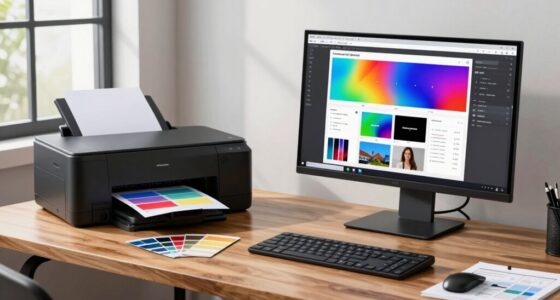

To choose the right printer paper for your workflow, match the paper type and weight to your printing needs. Use coated or glossy paper for vibrant images with inkjet printers, and heavier, uncoated paper for laser printers and professional documents. Consider factors like environmental conditions and printer compatibility to avoid jams and guarantee durability. By understanding these basics, you can optimize your results — and there’s more useful info ahead to help you make smarter choices.

Get art and craft supplies delivered free with Prime
- Fast, free delivery on millions of items
- Prime Video, Amazon Music and more included
- Member-only deals all year
Key Takeaways
- Match paper type (coated, glossy, uncoated) to your printer’s ink compatibility for optimal results.
- Select appropriate paper weight (gsm) based on document purpose, balancing durability and cost.
- Consider your workflow needs—high-quality reports may require heavier, professional-grade paper.
- Ensure paper compatibility with your printer model to prevent jams and ensure smooth operation.
- Account for environmental factors like humidity and temperature that may affect paper performance.
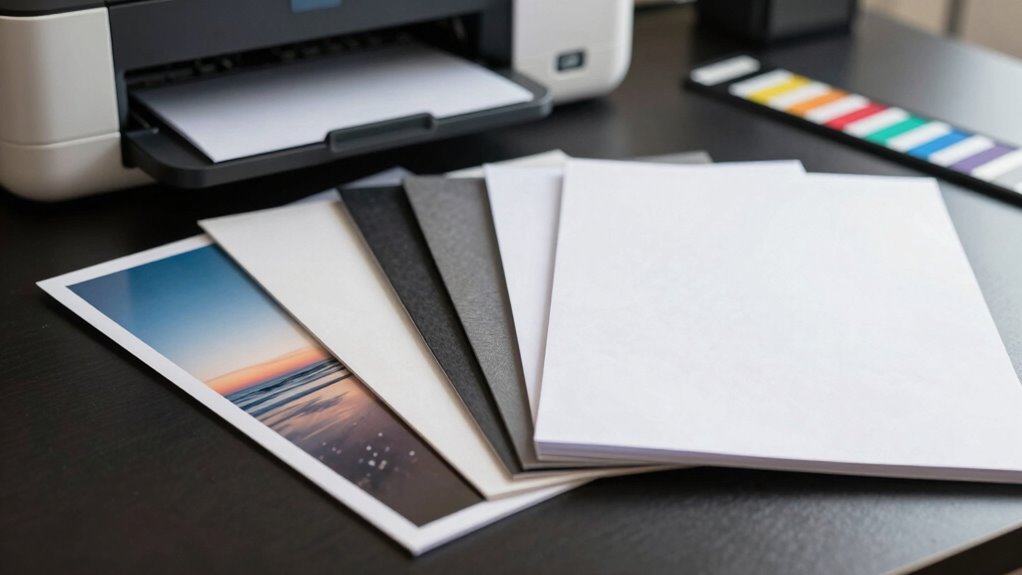
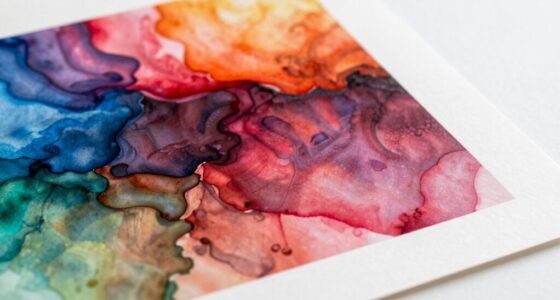
Selecting the right printer paper is essential for achieving high-quality printouts and preventing paper jams. When you’re choosing paper, it’s important to take into account how ink quality interacts with the paper’s characteristics. The type of ink your printer uses, whether inkjet or laser, influences the kind of paper you should pick. Inkjet printers typically require coated or glossy papers that absorb ink smoothly, producing vibrant images and sharp text. Laser printers, on the other hand, work best with uncoated, heavier paper that can withstand the heat of the fusing process without warping or smudging. Matching the ink quality with the paper ensures your prints look professional and last longer, reducing the need for reprints and wasting resources. Additionally, understanding the different paper types can help you select the most suitable option for your specific printing needs.
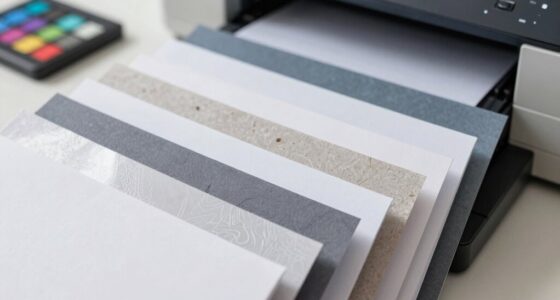
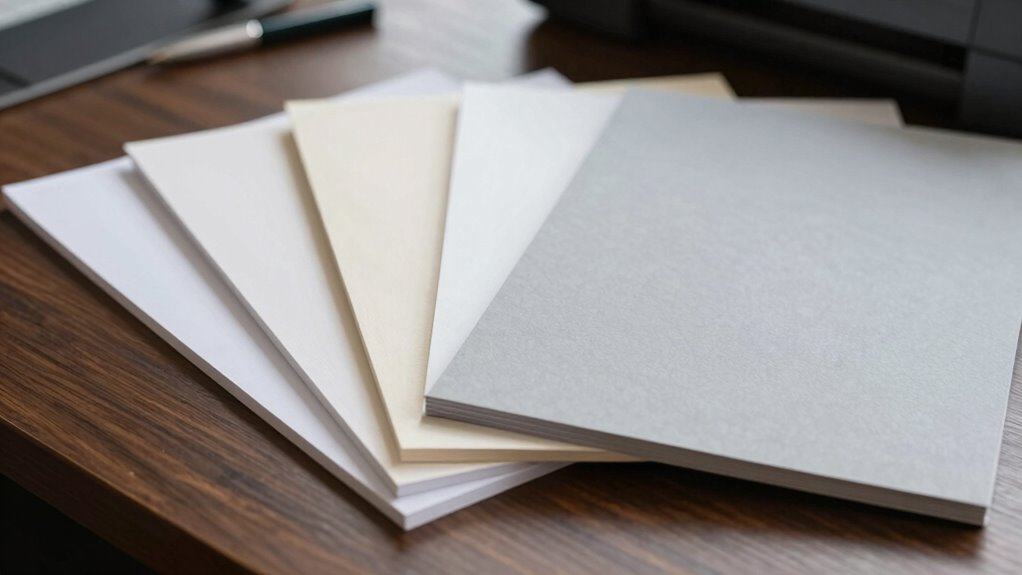
Another critical factor to think about is paper weight, which directly impacts how your prints turn out and how well the paper feeds through your printer. Paper weight is measured in grams per square meter (gsm), and choosing the right weight depends on your specific workflow needs. For everyday documents, a standard 20-24 lb (75-90 gsm) paper suffices, providing a balance of durability and cost-efficiency. If you’re printing presentations, reports, or anything that requires a more polished appearance, consider heavier paper, such as 28-32 lb (105-120 gsm), which feels more substantial and professional. Heavier paper tends to be more resistant to creasing and tearing, making it ideal for high-quality reports or marketing materials. Being aware of paper compatibility can help prevent issues during printing and ensure your workflow remains smooth and efficient.
It’s also helpful to familiarize yourself with the printing environment, as factors like humidity and temperature can influence paper performance.
As an affiliate, we earn on qualifying purchases.
Frequently Asked Questions
How Does Paper Weight Affect Print Quality?
Paper weight greatly influences print quality by affecting paper texture and ink bleed. Heavier paper provides a smoother, sturdier surface, decreasing ink bleed and producing sharper images. Lighter paper may cause ink to spread or bleed through, impairing clarity. By selecting the appropriate paper weight for your project, you guarantee better ink adherence, minimal bleed, and a professional finish, enhancing overall print quality.
What Eco-Friendly Printer Paper Options Are Available?
Think of eco-friendly printer paper options as the seeds of sustainability. You can choose recycled papers, which symbolize renewal, supporting recycling programs that give new life to old materials. Biodegradable options represent harmony with nature, breaking down naturally without harm. These choices, like planting seeds for the future, help reduce your environmental footprint and promote a greener planet while still meeting your printing needs.
Can I Use Photo Paper for Everyday Printing?
You can use photo paper for everyday printing, but keep in mind that its durability might be overkill for daily documents. Photo paper is designed for high-quality images, so it can be more expensive and less practical for large volumes. If you need durability and cost-efficiency, standard printer paper usually works better. Use photo paper selectively for special projects, and opt for regular paper for routine printing to save costs.
How Does Paper Finish Impact Ink Absorption?
The paper finish can totally make or break your print quality—it’s like choosing the perfect outfit for an event! Glossy finish absorbs ink quickly and produces vibrant colors, making images pop. Matte texture, on the other hand, absorbs ink more slowly, reducing glare and providing a smooth, muted look. Your choice impacts ink absorption considerably: glossy for sharp, shiny prints, matte for softer, more subtle results.
What Is the Best Paper for Double-Sided Printing?
For double-sided printing, choose paper with good double-sided durability and appropriate paper thickness. Look for a slightly heavier weight, around 24-32 lb, which prevents bleed-through and guarantees both sides stay clear. Thicker paper provides better stability and durability, making it ideal for double-sided documents. Avoid very thin or glossy paper, as it can cause smudging or ghosting, compromising print quality and longevity.
laser printer heavy weight paper
As an affiliate, we earn on qualifying purchases.
As an affiliate, we earn on qualifying purchases.
Conclusion
Choosing the right printer paper isn’t just about quality; it’s about matching your paper to your purpose, your project, and your preferences. It’s about considering the weight, finish, and color to enhance your work. It’s about making informed decisions, embracing variety, and understanding your needs. Because when you choose wisely, you print confidently, present professionally, and create beautifully—every time. So, choose thoughtfully, print intentionally, and let your paper elevate your entire workflow.
professional report printer paper
As an affiliate, we earn on qualifying purchases.
As an affiliate, we earn on qualifying purchases.
As an affiliate, we earn on qualifying purchases.
Fall Picks
fall essentials
As an affiliate, we earn on qualifying purchases.