3D motion graphics blend dynamic animation with realistic textures and depth, creating immersive visuals that grab attention. You can manipulate objects with precise control, adding depth through perspective, shadows, and reflections for a lifelike feel. Techniques like camera movement and scene layering enhance immersion while post-production steps refine the overall look. If you keep exploring, you’ll discover how to craft videos that truly stand out by integrating authentic 3D effects seamlessly.
Key Takeaways
- Use 3D modeling and animation techniques to create realistic objects and environments with accurate textures and lighting.
- Incorporate camera movement, depth of field, and layering to add spatial dimension and guide viewer focus.
- Apply physics simulations for natural interactions like gravity, collision, and fluid dynamics to enhance realism.
- Utilize advanced shading and rendering methods, including reflections and shadows, to produce authentic visual effects.
- Combine multiple animation techniques to craft immersive scenes that effectively convey complex narratives with depth.
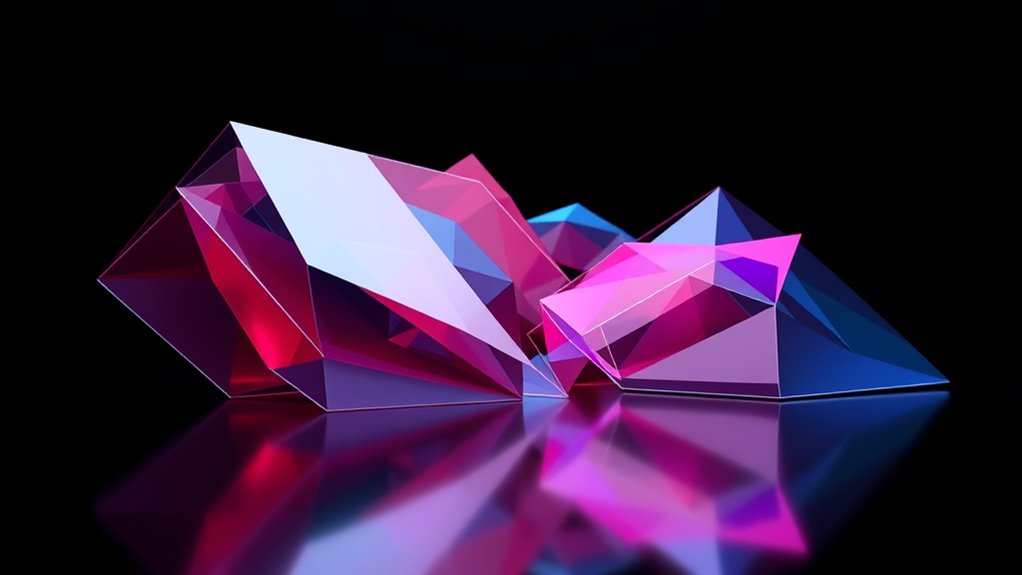
3D motion graphics have revolutionized visual storytelling by combining dynamic animation with three-dimensional design. When you immerse yourself in the world of 3D motion graphics, you access a new level of depth and realism that can captivate your audience like never before. This technology allows you to create visuals that feel tangible, immersive, and engaging, making your stories stand out in a crowded digital landscape. By integrating multiple animation techniques, you can craft scenes that not only convey information but also evoke emotion, guiding your viewers through complex narratives with clarity and style.
One of the essential advantages of 3D motion graphics is how they elevate visual storytelling. Unlike flat, 2D visuals, 3D elements add a sense of space and perspective, giving your scenes a lifelike quality. You can manipulate objects to rotate, scale, and interact with their environment, creating a more believable and captivating experience. This depth draws viewers in, making them feel like they’re part of the story rather than just observers. Whether you’re designing a product showcase, a marketing campaign, or an explainer video, the ability to add realistic shadows, reflections, and textures enhances the authenticity of your visuals.
To achieve these effects, you rely on a variety of animation techniques. For example, keyframe animation allows you to set specific positions and states for objects over time, giving you precise control over movement and shifts. Meanwhile, physics simulations can add realism by mimicking real-world behaviors such as gravity, collision, and fluid dynamics. These tools help you craft scenes that feel natural and convincing. As you combine these techniques with sophisticated lighting and shading, your 3D models gain a richness that makes them almost tangible.
Furthermore, integrating depth in your motion graphics involves more than just 3D modeling; it’s about how you compose and animate your scenes. Camera movement, depth of field, and layering help guide viewers’ focus and create visual interest. When done effectively, these elements make your story more dynamic and immersive. You can also leverage post-production techniques like compositing and color grading to refine the look and mood of your visuals, adding polish and professionalism.
In essence, mastering 3D motion graphics empowers you to craft compelling stories with a realism that captures attention and communicates your message powerfully. By blending innovative animation techniques with a keen eye for depth and detail, you’ll produce visuals that resonate deeply and leave a lasting impression.

After Effects and Cinema 4D Lite: 3D Motion Graphics and Visual Effects Using CINEWARE
As an affiliate, we earn on qualifying purchases.
As an affiliate, we earn on qualifying purchases.
Frequently Asked Questions
What Are the Key Differences Between 2D and 3D Motion Graphics?
The key differences between 2D and 3D motion graphics lie in depth perception and spatial dynamics. In 2D, you work on flat images, so there’s limited depth, making animations appear simpler. With 3D, you add depth perception, allowing you to create more realistic scenes with spatial dynamics. This enhances immersion, as objects can move and interact in a three-dimensional space, giving your visuals a lifelike, dynamic quality.
How Do Lighting and Shadows Enhance 3D Motion Graphics Realism?
Lighting and shadows breathe life into your 3D motion graphics, making them feel real. You use lighting techniques to highlight shapes and create depth, while shadow realism grounds objects, adding authenticity. Juxtaposing bright highlights with subtle shadows draws viewers’ attention and enhances immersion. Proper lighting and shadows work together to emphasize textures, contours, and spatial relationships, transforming flat images into convincing, dynamic scenes that captivate your audience.
Which Software Tools Are Best for Creating 3D Motion Graphics?
You should consider software like Cinema 4D, Blender, and Autodesk Maya for creating 3D motion graphics. Each offers a strong software comparison, helping you choose based on features, cost, and ease of use. These tools also optimize workflow with user-friendly interfaces, powerful modeling, and animation capabilities. By selecting the right software, you can streamline your process and produce more realistic, engaging motion graphics efficiently.
How Can I Optimize 3D Motion Graphics for Different Devices?
Like a chameleon blending into its surroundings, you can optimize your 3D motion graphics by focusing on device adaptability and resolution scaling. Test your designs across various screens to guarantee clarity and smooth performance. Use responsive techniques to adjust detail levels and scale assets appropriately. This way, your graphics remain vibrant and engaging, whether viewed on a phone, tablet, or large monitor, providing a seamless experience for every user.
What Are Common Challenges Faced in Integrating Depth Into Motion Graphics?
You face challenges in integrating depth into motion graphics, mainly with ensuring realistic depth perception and seamless parallax effects. It can be tricky to create convincing spatial relationships without overloading the viewer or causing visual confusion. Balancing these elements requires precise layering, camera movements, and lighting. When done right, these techniques enhance immersion, making your graphics more engaging and lifelike.

Blender for Beginners Part 1: A reference guide to 3D modeling, shading, and animating workflows with Blender 4.5 LTS
As an affiliate, we earn on qualifying purchases.
As an affiliate, we earn on qualifying purchases.
Conclusion
As you explore 3D motion graphics, remember that blending depth and realism transforms simple visuals into immersive experiences. Just like a painting gains meaning through layers, your work gains impact through careful integration of depth. While it might seem complex, embracing both technical skill and creativity makes your projects come alive. In the end, it’s the harmony of illusion and authenticity that captures attention—proving that, in motion, depth isn’t just an illusion but a gateway to storytelling.
Blender 5.0 Project-Based Mastery (2026 Edition): A Hands-On Guide to Modeling, Rigging, Animation & Professional Rendering
As an affiliate, we earn on qualifying purchases.
As an affiliate, we earn on qualifying purchases.

HUE Animation Studio: Complete Stop Motion Animation Kit (Camera, Software, Book) for Windows/macOS (Blue)
COMPLETE STOP MOTION ANIMATION KIT including the HUE HD USB camera with integrated microphone, easy-to-use stop motion software…
As an affiliate, we earn on qualifying purchases.
As an affiliate, we earn on qualifying purchases.