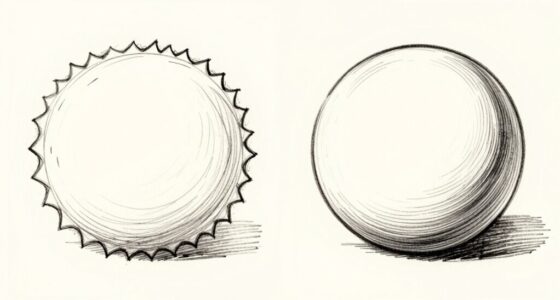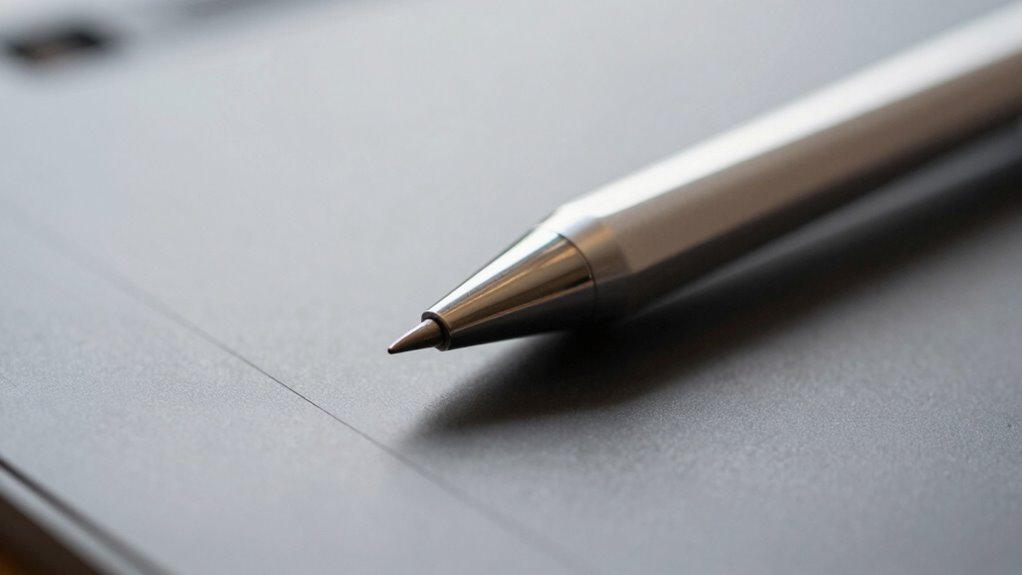

To quickly improve your stylus nib control, focus on maintaining a relaxed grip and proper hand alignment. Fine-tune your device’s pressure sensitivity settings to match your natural finger pressure, ensuring smoother strokes. Experiment with calibration to make pressure responses more accurate. Consistently practicing with this setup builds muscle memory, making control instinctive over time. Keep refining your grip and settings, and you’ll discover more tips that can help enhance your precision even further.
Key Takeaways
- Properly calibrate pressure sensitivity settings to match your grip and drawing style.
- Maintain a relaxed grip to enhance control and reduce fatigue during use.
- Adjust device settings for personalized responsiveness and pressure curves.
- Practice consistent hand positioning and pressure application for better control.
- Regularly fine-tune device calibration to ensure seamless, natural nib response.

If you’ve struggled with controlling your stylus nib, there’s a simple setup rule that can help you improve your precision quickly. The key lies in adjusting your grip ergonomics and understanding how pressure sensitivity impacts your drawing or writing. When you hold your stylus comfortably and correctly, you gain better control over the nib’s movements, making it easier to produce accurate lines and details. Many beginners tend to grip their stylus too tightly or hold it at awkward angles, which hampers their ability to modulate pressure sensitivity and results in uneven strokes. By consciously relaxing your grip and aligning your hand naturally, you unlock smoother, more controlled interactions with your device.
Relax your grip and hold your stylus naturally for better control and more precise drawing or writing.
Start by examining how you hold your stylus. The ideal grip isn’t overly tight but firm enough to control movement without fatigue. Think of it like holding a paintbrush or pen—light but steady. This relaxed grip improves grip ergonomics, reducing strain and allowing finer adjustments when applying pressure. As you adjust your grip, you’ll notice a more responsive feel, giving you better feedback from the pressure sensitivity feature on your device. When pressure sensitivity is calibrated correctly, even subtle changes in pressure produce distinct line weights, shading, or effects. But if your grip is tense or inconsistent, these nuances are lost, making your work appear less refined. Understanding the importance of pressure sensitivity helps you to optimize your stylus control and achieve more natural, expressive results. Additionally, paying attention to ergonomic design can further enhance your comfort and accuracy during extended use.
The setup rule also involves customizing your device’s settings to match your grip and drawing style. Many styluses and tablets allow you to fine-tune pressure sensitivity curves. By experimenting with these settings, you can make gentle presses register more prominently or increase the range of pressure needed for thicker lines. This way, your natural grip and pressure application become more effective, creating a seamless flow between your hand movements and the digital output. Remember, the goal isn’t just to hold the stylus correctly but to adapt your entire setup—physical grip and device calibration—to work as one.
Practicing this setup rule consistently trains your hand to apply just the right amount of pressure, which enhances control and precision. Over time, you’ll find yourself drawing or writing with less effort and more accuracy. Improving grip ergonomics coupled with proper pressure sensitivity adjustments isn’t a quick fix—it’s a sustainable change that elevates your overall control. When you master this approach, controlling your stylus nib becomes second nature, making your creative or professional work more fluid and satisfying.

Turntable Cartridge Stylus Alignment Protractor – Precision Vinyl Record Calibration Tool for Phono Cartridge Setup & Adjustment with Record Players
- Precision calibration for turntables: Ensures accurate vinyl record setup
- Stylus pressure gauge included: Maintains optimal stylus pressure for sound quality
- Easy cartridge alignment: Simplifies setup for home and professional use
As an affiliate, we earn on qualifying purchases.
As an affiliate, we earn on qualifying purchases.
Frequently Asked Questions
Can This Setup Rule Work With All Types of Styluses?
Yes, this setup rule can work with all types of styluses, thanks to its broad setup versatility. You’ll find that it enhances stylus compatibility across various devices, whether you’re using a basic stylus or a high-end digital pen. By adjusting the setup properly, you can improve nib control and precision, regardless of the stylus type. It’s an adaptable approach that fits most stylus models, making your drawing experience much smoother.
How Long Does It Typically Take to See Improvements?
You’ll typically notice improvements within a few days to a week, as your ergonomic comfort increases and your precision enhancement becomes clearer. Consistently applying the setup rule helps your hand find a natural, stable position, reducing fatigue and improving control. With regular practice, you’ll experience smoother strokes and better accuracy, making your stylus use more comfortable and precise over time.
Is Special Equipment Needed to Implement the Setup Rule?
You don’t need special equipment for stylus calibration when implementing this setup rule. Focus on adjusting your stylus to reduce faint ink issues and improve control. Use simple tools like a soft cloth for cleaning and a calibration paper or screen to fine-tune your stylus. Clear, consistent calibration helps you gain better nib control quickly, without needing any high-tech gadgets. Just guarantee your stylus is properly aligned and clean for maximum results.
Does This Rule Affect Stylus Battery Life?
This setup rule doesn’t directly impact your stylus battery life, but it can improve stylus durability and battery efficiency over time. By optimizing nib control, you reduce unnecessary strain on your stylus’s internal components, which helps conserve battery power. You’ll find your stylus lasts longer between charges, and its overall lifespan is extended, making your drawing or writing experience smoother and more reliable without sacrificing battery performance.
Can Beginners Benefit From This Setup Rule?
Certainly, beginners can greatly benefit from this setup rule. By fine-tuning your stylus calibration and adjusting your grip, you gain a more refined control that feels natural and intuitive. This gentle refinement helps you develop better handling skills early on, making your drawing or writing experience more enjoyable. With patience, these small adjustments can enhance your confidence and precision, paving the way for steady improvement over time.

The Pencil Grip Ergonomic Textured Grips for Stylus Pens, Pack of 4 Bumpy Stylus Grips in Neon Colors (Stylus Pen not Included) (TPG-12004)
- Designed by a doctor: Widely used in educational and therapeutic settings
- Universal fit: One size fits kids and adults, right and left-handed
- Textured bumpy surface: Provides comfort and training for better grip
As an affiliate, we earn on qualifying purchases.
As an affiliate, we earn on qualifying purchases.
Conclusion
Now that you’ve activated this setup rule, your stylus control will improve faster than you expected. It’s like upgrading your tools while still holding the brush—precision and ease become your new norm. Don’t settle for shaky strokes when simple tweaks can make all the difference. Remember, mastery isn’t just about practice; it’s about how smartly you set up your tools. Embrace this rule, and watch your control sharpen instantly.

UGEE M708 Drawing Tablet, 10×6 inch Large Space for Digital Drawing
- Large Drawing Area: 10 x 6 inch active space with textured surface
- High Pressure Sensitivity: 16384 levels for precise line control
- Wide Compatibility: Supports Windows, Mac, Android, Chrome OS, Linux
As an affiliate, we earn on qualifying purchases.
As an affiliate, we earn on qualifying purchases.
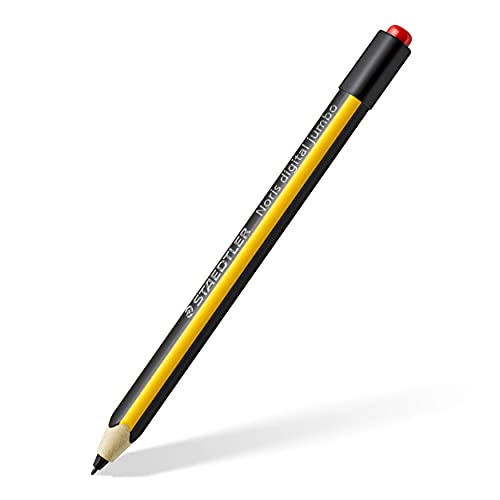
STAEDTLER Noris Jumbo Digital Stylus Pen with Eraser for Touchscreens: No Charging, Thick Triangular Barrel for Comfort, Works with Samsung Galaxy Tab, Kindle Scribe & More, Replacement Nibs & Tool
- Create Easily on Touchscreens: Write, draw, highlight on EMR devices
- Compatible with Many Devices: Works with Samsung, Kindle, reMarkable, Wacom
- No Charging Needed: Battery-free, no pairing or drivers required
As an affiliate, we earn on qualifying purchases.
As an affiliate, we earn on qualifying purchases.