To quickly improve your mobile studio gear, focus on strong wireless connectivity and effective power management. Prioritize testing your Wi-Fi or Bluetooth connections beforehand to avoid latency or dropouts. Keep all devices fully charged and carry backup power sources, like batteries or power banks, to guarantee continuous operation. Organizing cables and chargers helps quick swaps, reducing downtime. Mastering these principles enhances reliability and streamlines your setup. Keep going to discover how to implement these strategies seamlessly.
Key Takeaways
- Prioritize reliable wireless connectivity to reduce setup time and prevent disruptions during recordings.
- Fully charge and test all power sources beforehand to ensure uninterrupted operation.
- Use organized cables and quick-access chargers to streamline power management.
- Conduct connection checks prior to sessions to confirm stable wireless links.
- Maintain a ready backup power supply to quickly replace drained batteries or power banks.
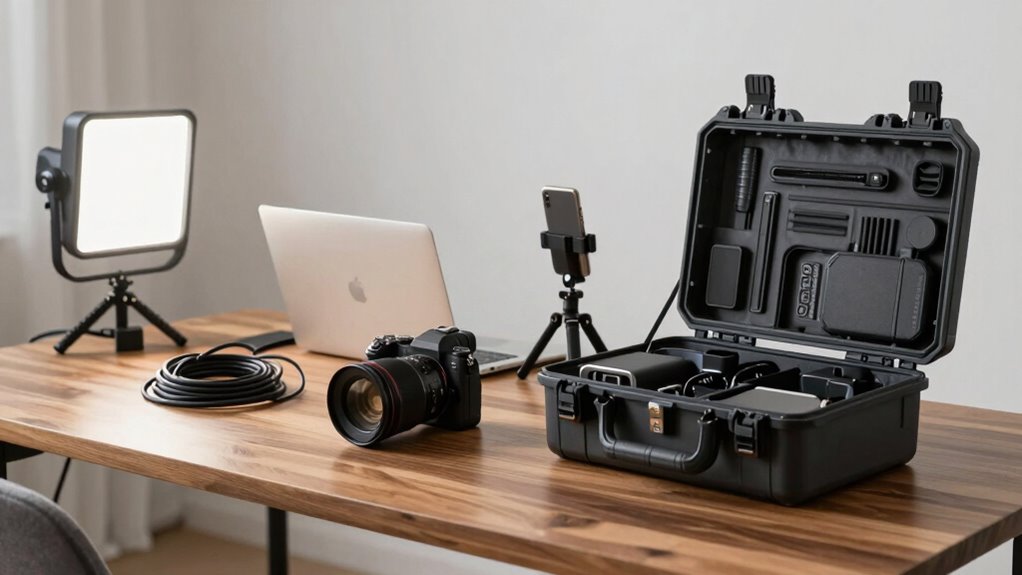
Setting up your mobile studio gear efficiently is vital for guaranteeing smooth recording sessions and reliable performance. The key to a successful setup lies in following a simple but effective rule: prioritize wireless connectivity and power management from the start. This approach minimizes interruptions and keeps your workflow seamless, whether you’re working in a remote location or a busy studio environment.
Efficiently setting up your mobile studio with wireless connectivity and smart power management ensures smooth, reliable recording sessions anywhere.
First, focus on establishing a strong wireless connection. Wireless connectivity allows you to move freely without being tethered to cables, which can be a game-changer in mobile setups. Use high-quality Wi-Fi or Bluetooth devices that are compatible with your equipment, and make sure your router or hotspot provides a stable signal. Before you begin recording, test the connection to confirm there’s minimal latency or dropouts. Reliable wireless connectivity ensures your instruments, microphones, and controllers stay synchronized, so you don’t lose valuable recording time troubleshooting connection issues. Additionally, understanding the wireless signal strength can help you optimize your setup for the best performance. Properly managing your wireless network is essential for maintaining a stable and uninterrupted workflow. Keeping an eye on signal interference can also prevent unexpected disruptions during your session.
Power management is equally vital. You want your gear to stay powered throughout your session without constantly worrying about batteries dying or power interruptions. Invest in portable power sources like high-capacity batteries, power banks, or AC adapters tailored for your equipment. Always confirm your devices are fully charged before starting, and consider carrying backup power supplies. Organize your cables and chargers neatly, so you can quickly swap or recharge gear mid-session if necessary. Good power management not only prevents unexpected shutdowns but also prolongs the lifespan of your equipment, making your mobile studio more reliable over time. Additionally, understanding the importance of power supply can significantly enhance your setup’s stability. Ensuring a consistent power supply prevents issues that can derail your recording session.
Combining these two principles—wireless connectivity and power management—creates a setup that’s both flexible and resilient. When your devices are connected wirelessly, you can position your gear ideally for acoustics or ergonomics without being constrained by cables. Simultaneously, effective power management guarantees your gear remains operational for the entire session, reducing downtime and frustration.
portable power banks for audio equipment
As an affiliate, we earn on qualifying purchases.
As an affiliate, we earn on qualifying purchases.
Frequently Asked Questions
How Do I Choose the Best Portable Power Source?
To choose the best portable power source, first check battery compatibility with your gear to guarantee seamless power transfer. Look for a unit with high power efficiency to maximize runtime and reduce energy waste. Consider your device’s wattage needs and select a power source that can handle that load comfortably. Portability and recharge options also matter, so pick a model that fits your workflow and travel needs effortlessly.
What Are the Top Space-Saving Accessories for Mobile Studios?
Think of your mobile studio as a compact spaceship, ready for quick deployment. Top space-saving accessories include modular design components that fit seamlessly, allowing you to customize your setup without clutter. Foldable stands, collapsible arms, and stackable cases help you maximize limited space. These accessories guarantee your gear is efficient, easy to transport, and quick to deploy, so you’re always prepared to launch your creative projects anytime, anywhere.
How Can I Protect Gear During Travel?
To protect your gear during travel, always use sturdy, padded cases and gear maintenance tips like cleaning and securing all components. Consider investing in travel insurance that covers damages or loss, providing peace of mind. Before packing, double-check everything’s properly stored and protected from shocks or moisture. By combining good gear maintenance practices with reliable insurance, you guarantee your mobile studio gear stays safe and ready for your next project.
What’s the Ideal Weight Limit for Portable Studio Setups?
You should aim for a portable studio setup weighing around 15 to 20 pounds, balancing studio ergonomics with ease of transport. Keep gear customized for your needs, avoiding unnecessary weight. Prioritize lightweight, compact equipment that still meets your quality standards. This way, you can maintain comfort during setup and tear-down while ensuring your gear remains manageable, efficient, and tailored for your mobile workflow.
How Do I Ensure Fast Setup in Different Environments?
You can set up your mobile studio lightning-fast by investing in a custom case designed for quick assembly. This case acts like a magic toolbox, letting you grab, unfold, and start recording in mere seconds. Practice your setup routine regularly, so it becomes second nature. Also, pack smartly, keeping essential gear accessible. With a custom case and a practiced routine, you’ll conquer any environment with ease and speed.
high-quality Wi-Fi routers for mobile studios
As an affiliate, we earn on qualifying purchases.
As an affiliate, we earn on qualifying purchases.
Conclusion
By following this setup rule, you’ll streamline your mobile studio process and save valuable time. Studies show that creators who implement quick setup routines spend 30% more time producing content, boosting their efficiency and creativity. Remember, a simple, consistent setup not only accelerates your workflow but also reduces stress and technical issues. So, make it a habit, and watch your mobile studio become more effective and enjoyable every time you hit record.
Bluetooth audio transmitters and receivers
As an affiliate, we earn on qualifying purchases.
As an affiliate, we earn on qualifying purchases.
cable organizer for studio gear
As an affiliate, we earn on qualifying purchases.
As an affiliate, we earn on qualifying purchases.