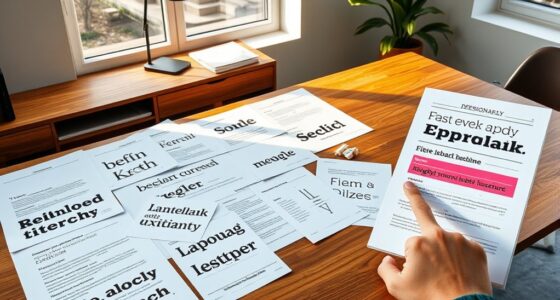
Motion typography transforms static words into compelling visual stories that grab attention and amplify your message. By animating type with techniques like fades, slides, and bounces, you add dynamic energy that guides viewers and creates emotional impact. Understanding the history of typography helps you choose styles that evoke the right mood. Mastering these elements allows you to craft impactful animations—if you’re curious about how to make your text truly stand out, continue exploring.
Key Takeaways
- Use dynamic animation techniques like fade-ins, slides, and bounces to bring static text to life and captivate viewers.
- Incorporate historical font styles to evoke specific emotions or themes, enhancing message impact.
- Align animation timing and effects with typography style to improve readability and visual flow.
- Choose font designs that reflect the message’s tone, blending traditional or modern styles for greater impact.
- Understand typographic evolution to select appropriate fonts and animation methods for effective storytelling.
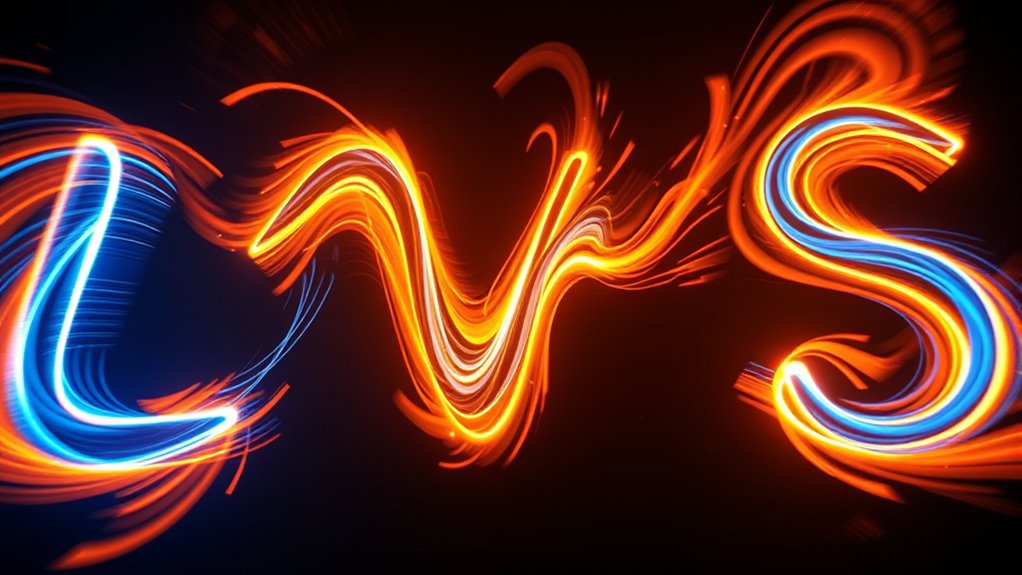
Have you ever noticed how animated text can bring a video to life? Motion typography transforms static words into dynamic visual elements that captivate and communicate more effectively. To understand how we arrive at this point, it’s helpful to look back at typography history and the font evolution that shaped our modern design landscape. Typography history traces back thousands of years, beginning with carved inscriptions in ancient civilizations and evolving through handwritten manuscripts to the printing press. Over centuries, this journey has seen the development of countless typefaces, each reflecting the technological and cultural shifts of its era. The font evolution, in particular, highlights how styles have shifted from ornate, decorative fonts to cleaner, more functional designs suited for digital and motion media. As typefaces evolved, so did the way we perceive and utilize them in visual storytelling. Incorporating motion into typography allows designers to harness these historical developments to craft compelling narratives. When you incorporate motion into typography, you’re not just adding visual flair—you’re enhancing the message’s clarity and emotional impact. Modern motion typography takes advantage of this long history, blending traditional letterforms with contemporary animation techniques. You might start with a classic serif font that echoes historical gravitas and then animate it to emphasize key points, making the message resonate more deeply with your audience. The evolution of fonts means you have a vast palette of styles at your fingertips, from vintage-inspired to sleek modern typefaces, all of which can be animated to fit your narrative tone. This progression reflects how design has always adapted to new mediums, from print to digital to motion graphics. Animation techniques breathe life into these typefaces, allowing you to manipulate timing, movement, and effects to create a visual rhythm that guides viewers’ attention. You can animate text to fade in smoothly, bounce with energy, or slide across the screen to match the mood of your content. The history of typography informs these choices—knowing that serif fonts convey tradition and reliability or that sans-serif fonts suggest modernity helps you decide how to animate your type for maximum impact. The font evolution also offers a broad spectrum of expressive possibilities, giving you the flexibility to craft animations that enhance storytelling, emphasize key points, or evoke specific emotions. Understanding typography history enriches your ability to create meaningful and impactful motion graphics. In essence, motion typography is a bridge between centuries of typographic development and cutting-edge digital creativity. By understanding its roots in typography history and font evolution, you can make smarter choices when designing animated text. You’ll not only make your content more engaging but also preserve the rich legacy of letterforms in a fresh, dynamic context. Whether you’re creating a sleek corporate video or an artistic short, mastering motion typography allows you to communicate with clarity, style, and impact.

Stopmotion Explosion: Complete HD Stop Motion Animation Kit | Stop Motion Animation Software with Full HD 1080P Camera, Animation Software & Book (Windows & OS X)
- Complete Animation Kit: Create full HD stop motion movies
- HD Camera Included: 1920×1080 high-definition camera with focus ring
- User-Friendly Instructions: Step-by-step guides and online tutorials
As an affiliate, we earn on qualifying purchases.
As an affiliate, we earn on qualifying purchases.
Frequently Asked Questions
What Software Is Best for Creating Motion Typography?
You should use Adobe After Effects for creating motion typography because it offers powerful tools for animation and precise control. It helps you explore typography history by experimenting with various styles and fonts, while font psychology guides your choices to evoke specific emotions. With its extensive features, After Effects lets you craft impactful animated text that enhances your message and captures your audience’s attention effectively.
How Do I Choose the Right Font for Animation?
Did you know that 94% of first impressions are design-related? When choosing a font for animation, focus on legibility considerations to guarantee your message is clear. Opt for fonts that pair well, balancing style with readability. Consider the tone you want to convey and test your selections in motion. This helps you select a font that grabs attention while remaining easy to read, maximizing impact.
What Are Common Mistakes in Motion Typography?
You often make mistakes in motion typography by neglecting visual consistency and timing accuracy. For example, inconsistent font sizes or styles can distract viewers, while poor timing can make animations feel choppy or sluggish. Always double-check that your shifts are smooth and your fonts align with the overall aesthetic. Prioritize maintaining visual consistency and precise timing to create engaging, professional animations that effectively communicate your message.
How Can Motion Typography Improve Storytelling?
Motion typography enhances your storytelling by making your message more visually engaging and memorable. You can use dynamic text animations to emphasize key points, guiding viewers through the narrative seamlessly. This technique boosts emotional engagement, helping your audience connect deeply with your content. By creatively manipulating type, you create a compelling visual storytelling experience that captures attention and leaves a lasting impact, making your message both clear and emotionally resonant.
What Are Emerging Trends in Animated Type?
Sure, because everyone loves a good font on steroids, right? Emerging trends in animated type now focus on hyper-dynamic storytelling and visual engagement. Think kinetic typography that reacts to sound, augmented reality overlays, and AI-driven customization. These trends make your message not just read, but felt. Get ready to captivate audiences with lively, innovative text animations that turn static words into pulsating, interactive experiences—because plain text is so last century.
CapCut: Transitions, Effects & Animated Text: A Beginner’s Guide to Creating Better Videos
As an affiliate, we earn on qualifying purchases.
As an affiliate, we earn on qualifying purchases.
Conclusion
As you explore motion typography, you gently open doors to new creative possibilities. By mastering animated type, you’ll subtly elevate your message, making it more enthralling without overwhelming your audience. Remember, the magic lies in the details—small touches can make a big difference. So, keep experimenting and refining your skills; your future work will thank you for the quiet impact you create. Embrace the journey, and watch your designs quietly shine.

Affinity Designer 2.6 User Guide for Beginners: Step-by-Step Instructions to Master Vector Design Tools and Create Professional Graphics Fast (Graphic Skill Surge)
As an affiliate, we earn on qualifying purchases.
As an affiliate, we earn on qualifying purchases.

The Freelance Manifesto: A Field Guide for the Modern Motion Designer
As an affiliate, we earn on qualifying purchases.
As an affiliate, we earn on qualifying purchases.