
Creating shareable GIFs starts with designing simple, seamless loops that grab attention and evoke emotions. Use vibrant colors, dynamic motion, and clever transitions to engage viewers quickly and encourage repetitive viewing. Keep animations short and visually balanced to make them easy to understand and share. Consistent style and thoughtful organization help reinforce your brand identity. Stick with these principles, and you’ll craft animations that captivate and spread widely—if you continue exploring, you’ll open even more tips.
Key Takeaways
- Design short, seamless loops that are simple, dynamic, and easy to understand to encourage sharing.
- Use vibrant colors, strategic motion, and clever transitions to evoke emotions and capture attention.
- Match animation style with brand identity to reinforce recognition and appeal to target audiences.
- Maintain a clutter-free, balanced visual composition for clarity and maximum engagement.
- Incorporate subtle details and smooth timing to create unique, memorable GIFs that invite repeated viewing.
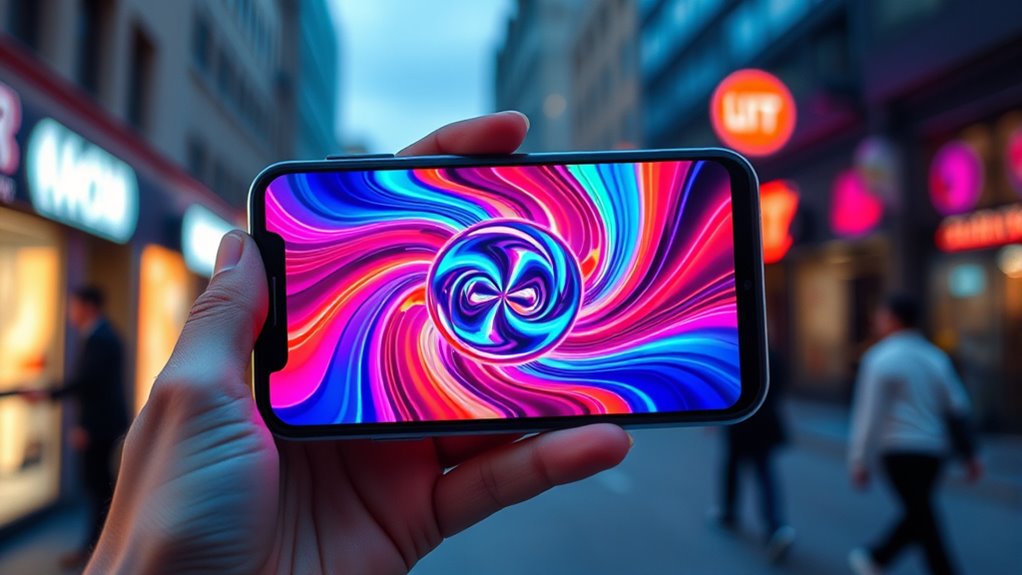
Looping animations have become a powerful tool to boost your social media presence. They grab attention quickly and keep viewers engaged longer, making your content more memorable. When you use looping animations effectively, you turn simple visuals into compelling stories that resonate with your audience. Visual storytelling with looping animations allows you to express ideas, emotions, or brand messages in a concise, hypnotic way. Instead of overwhelming your viewers with lengthy videos, you craft short, seamless loops that communicate your message instantly. This approach is especially effective on platforms like Instagram, TikTok, and Twitter, where quick, eye-catching content thrives.
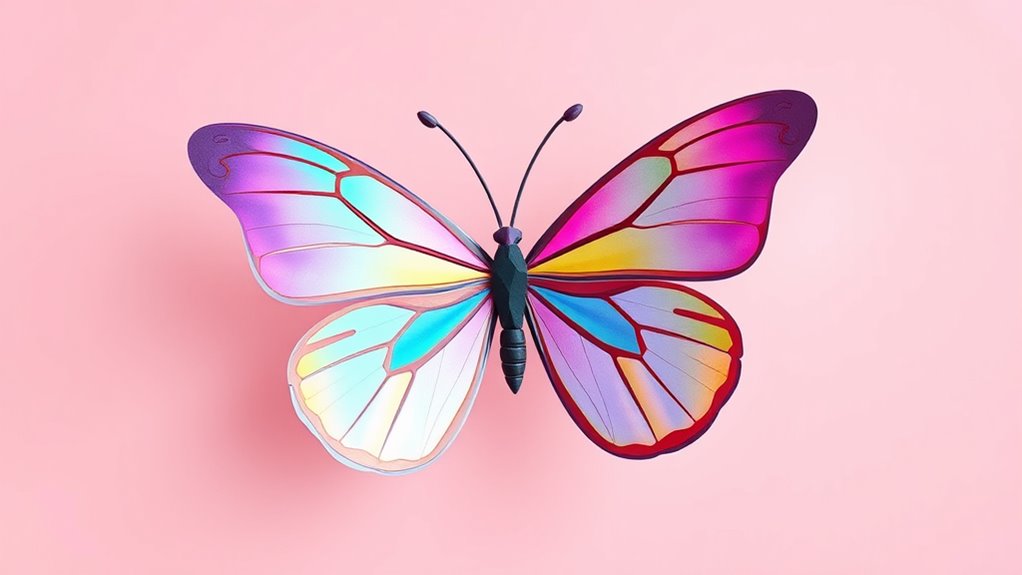
To make the most of looping animations, you should explore different animation styles. Whether it’s minimalistic line art, vibrant 3D effects, or playful cartoon sequences, each style conveys a different mood and appeals to various audiences. For instance, smooth, flowing animations can evoke elegance and professionalism, while bold, exaggerated movements might add humor and personality. The key is to choose a style that aligns with your brand identity and the message you want to communicate. Consistency in your animation style also helps reinforce your brand’s visual identity, making your content instantly recognizable.
Creating shareable GIFs involves more than just choosing an animation style; it’s about designing loops that are visually appealing and emotionally engaging. Keep your animations simple enough to be understood at a glance, but dynamic enough to generate curiosity. Use colors, motion, and timing strategically to evoke reactions — whether it’s laughter, inspiration, or motivation. Short, looped animations should feel natural and effortless, encouraging viewers to watch again and share with friends. Additionally, consider adding subtle details or clever transitions that make your GIFs stand out from the crowd. When viewers see a unique, well-crafted animation, they’re more likely to hit that share button and spread your content organically.
Furthermore, understanding space and organization can help in designing animations that are clutter-free and visually balanced, enhancing viewer engagement.
Frequently Asked Questions
What Are the Best Tools for Creating Looping Animations?
You should try tools like Adobe After Effects, Canva, or Giphy, which excel at creating looping animations. These tools let you experiment with animation techniques and customize color palettes easily. With user-friendly interfaces, you can craft engaging, shareable GIFs that catch attention on social media. Focus on smooth progressions and vibrant colors to boost your animation’s appeal, making your content more memorable and shareable.
How Can I Ensure My GIFS Are Optimized for Quick Loading?
To guarantee your gifs load quickly, you should apply compression techniques like reducing color depth and frame rate, which lower file size without sacrificing quality. Also, choose efficient file formats such as GIF or WebP, optimized for web use. Test your gifs across devices to confirm they load swiftly and display smoothly. Balancing quality and size is vital, so tweak compression settings until you find the perfect mix for sharing.
Which Social Media Platforms Favor Looping Animations Most?
Did you know that 60% of social media users engage more with visual content? You’ll find that Instagram Stories and Twitter Fleets favor looping animations the most, boosting engagement and sharing. These platforms prioritize quick, eye-catching visuals, making your shareable gifs stand out. By creating seamless, looping animations, you increase your chances of catching users’ attention and encouraging interaction. So, focus on these platforms to maximize your gif’s impact.
How Do I Add Branding Elements to My GIFS?
To add branding elements to your GIFs, you should incorporate brand integration by including your logo, colors, or tagline seamlessly within the animation. Use consistent visual style to maintain visual consistency across all your content. Position branding subtly so it doesn’t distract from the main message, and guarantee it’s clear and recognizable even in small formats. This approach helps boost brand recognition while keeping your GIFs engaging and shareable.
What Are Common Mistakes to Avoid in Creating Shareable GIFS?
Don’t overlook details—”a chain is only as strong as its weakest link.” When creating shareable gifs, avoid common mistakes like disrupting visual consistency or breaking the loop seamlessness, which can confuse viewers. Guarantee your animation flows smoothly and maintains a consistent style, so your gifs are engaging and professional. Keep it simple, test your loops thoroughly, and remember, polished gifs are more likely to be shared and appreciated.
Conclusion
As you craft your looping animations, remember they’re like a lighthouse’s beam—constantly shining, guiding eyes back to your message. Each seamless cycle is a ripple in a pond, inviting viewers to stay and explore further. When your GIFs flow effortlessly, they become bridges, connecting your idea to countless screens. Keep experimenting, and soon your animations will become the heartbeat of social media, turning fleeting moments into lasting impressions.