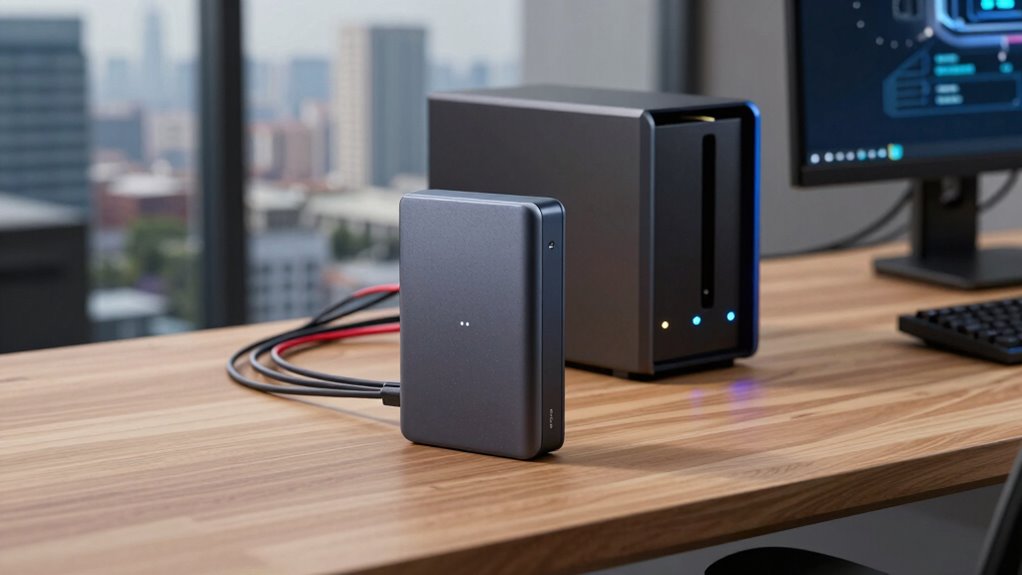

When choosing between NAS and an external SSD, it’s essential to take into account more than just specs. NAS offers data redundancy, network security, and remote access, making it ideal for protecting and sharing sensitive info. External SSDs are faster and portable but lack built-in protection, requiring manual backups. Understanding these features helps you pick the right device for your needs. Keep exploring to discover how security protocols and device capabilities can impact your data’s safety.

Get art and craft supplies delivered free with Prime
- Fast, free delivery on millions of items
- Prime Video, Amazon Music and more included
- Member-only deals all year
Key Takeaways
- Security features like encryption and access controls are typically integrated into NAS, offering better data protection than external SSDs.
- NAS provides centralized, remote access and collaboration capabilities, which external SSDs cannot easily support.
- Data redundancy options in NAS reduce the risk of data loss, unlike external SSDs that require manual backups.
- Network security protocols in NAS safeguard sensitive information within a shared environment.
- The device choice should prioritize security and data management needs, not just performance specs.
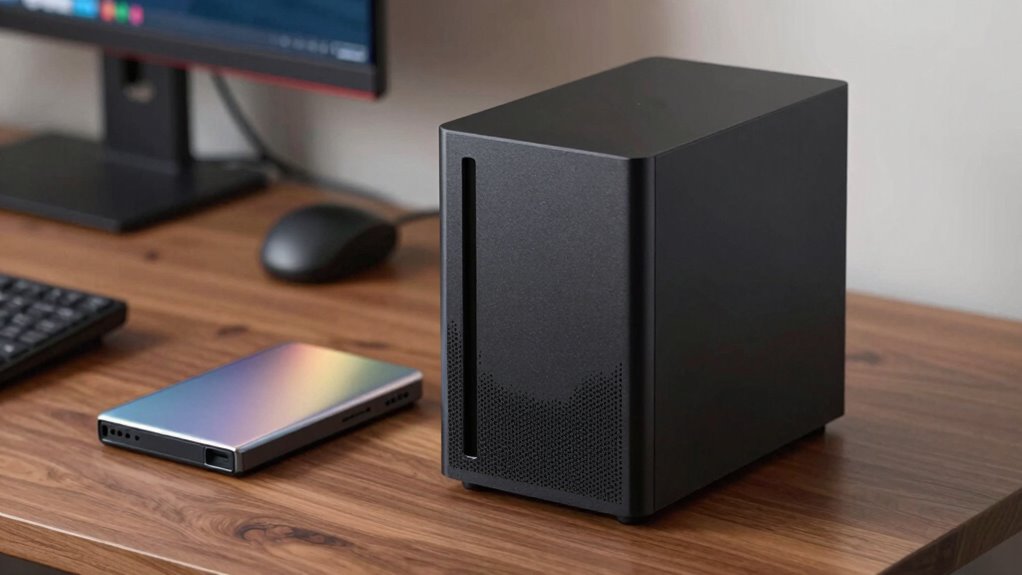
When choosing between a NAS and an external SSD, specs alone don’t tell the whole story. While raw speed, capacity, and connection types matter, other crucial factors like data redundancy and network security often determine which option better suits your needs. A NAS (Network-Attached Storage) isn’t just about storage space; it’s a centralized hub designed to keep your data safe and accessible across multiple devices. Unlike an external SSD, which is primarily a portable drive, a NAS offers built-in features that prioritize data integrity. For instance, many NAS devices include data redundancy options like RAID configurations, which duplicate data across multiple drives. This setup minimizes the risk of data loss if a drive fails, giving you peace of mind that your files are protected. An external SSD, on the other hand, doesn’t inherently provide such redundancy. If that drive gets damaged or corrupted, your data could be lost unless you’ve manually backed it up elsewhere.
A NAS offers built-in redundancy and security, unlike external SSDs that lack automatic data protection features.
Network security is another essential aspect where a NAS holds an advantage. Since it’s connected to your home or office network, a NAS can incorporate multiple layers of security—such as user access controls, encryption, and firewall settings—to safeguard sensitive information. You can also set up permissions so that only authorized users access certain files, reducing the risk of data breaches. External SSDs, being portable, lack these security features by default. If you lose the drive or it falls into the wrong hands, your data becomes vulnerable unless you’ve encrypted it separately.
Furthermore, a NAS enables remote access, allowing you to retrieve files from anywhere with an internet connection. This flexibility enhances collaboration and backup routines, making it much more than just a storage device. An external SSD, however, typically requires physical connection to a computer or device for access, limiting its mobility and convenience. While external SSDs excel at high-speed transfers and portability, they don’t inherently offer the data protection and network security features that make NAS devices a more all-encompassing solution for shared and sensitive data. Additionally, a NAS can often incorporate advanced security measures, which are essential for protecting valuable or confidential information in today’s digital environment. Moreover, choosing the right device also depends on your understanding of network security protocols, which play a critical role in safeguarding your data in connected systems.
In the end, choosing between a NAS and an external SSD depends on your priorities. If your focus is on safeguarding data with redundancy and maintaining secure access across multiple devices, a NAS offers advantages beyond just specs. It’s about creating a reliable, protected, and accessible storage environment that adapts to your evolving needs.
As an affiliate, we earn on qualifying purchases.
Frequently Asked Questions
How Does NAS Improve Data Sharing in a Team Environment?
A NAS improves data sharing in a team environment by enabling seamless cloud collaboration and remote access. You can easily store, organize, and share files with team members from any location, fostering real-time collaboration. This setup eliminates the need for emailing large files or using external drives, ensuring everyone stays updated. With NAS, your team benefits from centralized data management, increased efficiency, and the flexibility to work remotely without sacrificing access or security.
Can External SSDS Handle Continuous, High-Volume Data Transfers?
External SSDs can handle continuous, high-volume data transfers if they offer high data transfer speeds and durable hardware. Look for models with Thunderbolt or USB 3.2 interfaces, which provide faster speeds suitable for sustained transfer tasks. However, their hardware durability varies; some may withstand heavy use better than others. Make certain you choose a rugged, well-built SSD to maintain performance and longevity during ongoing, intensive data transfers.
What Are the Cost Differences Between NAS and External SSDS?
You’ll find that external SSDs are generally more affordable upfront, with prices starting around $100, while NAS devices can cost several hundred dollars or more. However, consider long-term cost efficiency—NAS offers centralized data encryption and easier scalability, reducing potential security risks and replacement costs. While initial investment is higher for NAS, its ability to handle multiple users and secure data makes it a smarter choice for ongoing needs.
How Secure Is Data Stored on NAS Versus External SSDS?
Data stored on a NAS is generally more secure than on an external SSD because it often includes data encryption options and advanced security features. NAS devices are built with hardware durability in mind, offering better protection against physical damage. External SSDs can be encrypted too, but they’re more vulnerable to theft or damage. Overall, NAS provides a more robust, secure environment for your data, especially in multi-user or business settings.
Which Option Offers Better Scalability for Growing Data Needs?
You’ll find that a NAS offers better scalability for growing data needs because it supports data redundancy and easy expansion with additional drives. Unlike external SSDs, NAS devices are connected via a network, so network latency might affect speed, but the ability to add more storage makes them ideal for scaling. With NAS, you can grow your storage capacity over time, ensuring your data management keeps pace with your needs.
secure external SSD with encryption
As an affiliate, we earn on qualifying purchases.
As an affiliate, we earn on qualifying purchases.
Conclusion
So, next time you’re choosing between a NAS and an external SSD, remember it’s not just about specs. Sometimes, the real difference lies in how you use them and what fits your needs best. It’s funny how a simple coincidence—like discovering a device’s seamless integration with your workflow—can tip the scale. Trust your instincts, and you might find that the right choice comes down to more than just numbers. After all, what works for you matters most.
network attached storage for home
As an affiliate, we earn on qualifying purchases.
As an affiliate, we earn on qualifying purchases.
portable SSD with data protection
As an affiliate, we earn on qualifying purchases.
As an affiliate, we earn on qualifying purchases.
Fall Picks
fall essentials
As an affiliate, we earn on qualifying purchases.