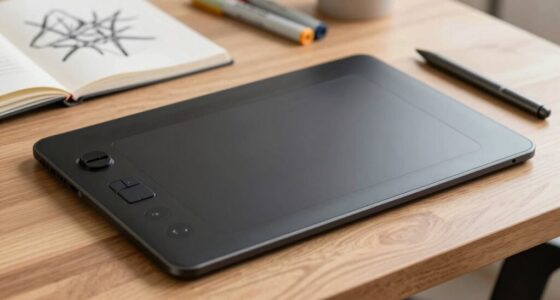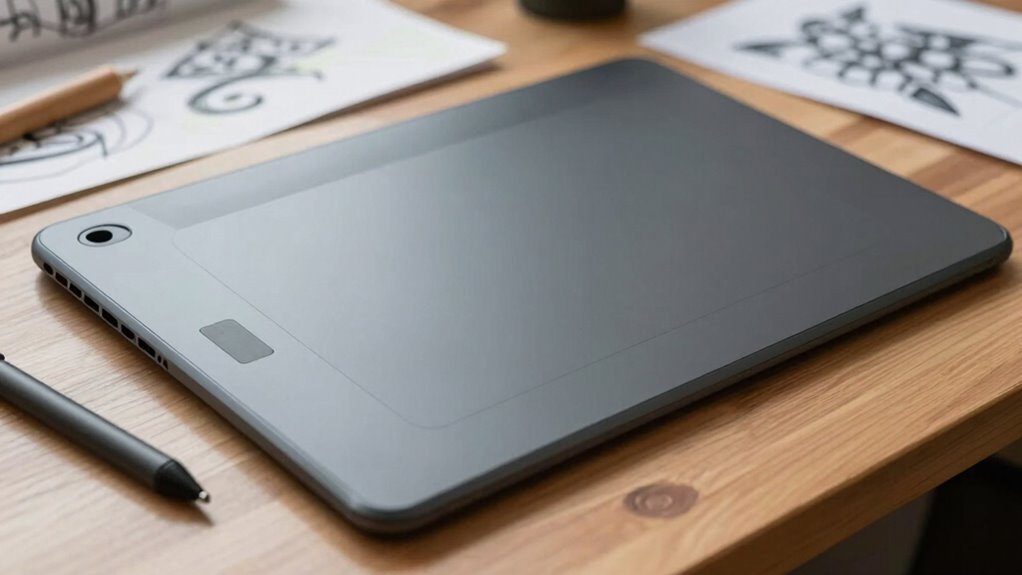

Choosing the right drawing tablet size matters more than specs alone because it directly affects your comfort, control, and workflow. A properly sized tablet gives you enough space to sketch, paint, and add details naturally, reducing fatigue and improving precision. Smaller tablets can be limiting and disrupt your flow, while larger ones enhance your ability to create complex compositions. To improve your artistic experience, it’s essential to take into account size—keep exploring to discover more ways size impacts your art.
Key Takeaways
- The right size enhances comfort, control, and reduces fatigue during extended drawing sessions.
- Larger tablets provide more workspace for detailed work and complex compositions.
- Proper size supports natural hand movement, improving precision and workflow efficiency.
- Size impacts ergonomic comfort, preventing strain and injury over time.
- An ideal size fosters confidence, inspiration, and consistent artistic development.

Choosing the right drawing tablet size can profoundly impact your creative experience, especially if you’re serious about digital art. It’s tempting to focus solely on specs like resolution, pressure sensitivity, or color accuracy, but the size of your tablet plays a crucial role in how comfortably and effectively you create. When you pick a size that suits your workflow, you can better utilize digital art techniques and enjoy a smoother, more natural drawing process. The right size allows for better control, reducing fatigue and enhancing precision, which means your work looks more refined and professional.
Choosing the right tablet size enhances comfort, control, and your overall digital art experience.
A larger tablet provides a bigger workspace, giving you room to sketch, paint, and manipulate details without feeling cramped. This extra space is especially valuable when working on complex compositions or detailed illustrations. It allows your hand to glide more freely, mimicking traditional drawing experiences, and gives you a broader canvas to express your ideas. On the other hand, smaller tablets are more portable and can be easily stored or transported, making them ideal if you often work on the go or have limited desk space. However, they may require more zooming and panning, which can interfere with your creative flow and slow down your process.
Beyond just size, ergonomic design becomes a key consideration. When a tablet is ergonomically designed, it minimizes strain on your hand, wrist, and arm, allowing for longer, more comfortable sessions. If you choose a size that feels awkward or causes discomfort, it can hinder your ability to develop consistent digital art techniques. Over time, poor ergonomics can lead to fatigue or injury, compromising both your health and your artistic output. The right size, combined with ergonomic features like adjustable stands or textured grips, helps you maintain proper posture and reduces repetitive strain. Additionally, ergonomic design can enhance your overall workflow by making your creative sessions more sustainable and enjoyable. Incorporating ergonomic considerations into your choice can contribute significantly to your comfort and efficiency during long creative sessions.
Understanding your ideal size can help you avoid common frustrations and streamline your artistic process, ultimately leading to more satisfying results. In essence, selecting a drawing tablet size isn’t just about fitting your workspace or matching your budget—it’s about creating an environment where your skills can flourish. When you prioritize size and ergonomic design, you set yourself up for a more intuitive, enjoyable, and productive creative process. Remember, the best device for you isn’t necessarily the one with the highest specs; it’s the one that feels natural in your hand and complements your digital art techniques. By making a thoughtful choice, you’ll find yourself more inspired and confident in bringing your artistic vision to life.

XPPen Artist 13.3 Pro 13.3" Drawing Tablet with Screen, 16K, Full-Laminated
- Device Compatibility: Requires connection to computer or laptop
- Tilt Functionality: Supports up to 60° tilt for shading
- Display Size: 13.3-inch fully laminated FHD screen
As an affiliate, we earn on qualifying purchases.
As an affiliate, we earn on qualifying purchases.
Frequently Asked Questions
How Does Tablet Size Impact Portability?
A smaller drawing tablet makes portability easier because it’s lightweight and fits comfortably into bags or backpacks. You can carry it around without feeling weighed down, so you’re more likely to sketch on the go. However, keep in mind that smaller sizes may have lower display resolution, affecting detail, and sometimes shorter battery life. Larger tablets, while less portable, often provide better resolution and longer use between charges.
Can a Smaller Tablet Still Offer Precise Drawing?
Yes, a smaller tablet can still offer precise drawing. While size impacts comfort and workspace, many compact tablets feature high pressure sensitivity and excellent color accuracy, ensuring detailed work. You might need to adjust your technique slightly, but it’s possible to achieve professional results. Look for models with advanced pen technology and high-resolution displays, so you don’t sacrifice precision or color quality just because the tablet is smaller.
What Size Is Best for Beginners?
They say, “Don’t bite off more than you can chew,” so start small. For beginners, a medium-sized tablet around 10-12 inches offers a good balance, making it easier to learn stylus compatibility and manage battery life. A size too large can be overwhelming, while one too small might limit detail. Choose a tablet that feels comfortable, with reliable battery life, and guarantee your stylus works seamlessly for smooth progress.
Does Screen Size Affect Drawing Comfort?
Yes, screen size affects your drawing comfort. Larger screens offer better ergonomics considerations, reducing strain and allowing more natural arm movements. They also help you see details more clearly, especially if combined with high screen resolution differences. Smaller tablets may require more zooming and less comfortable positioning, which can lead to fatigue. So, choosing the right size guarantees a more comfortable, efficient creative process, especially during extended drawing sessions.
Are Larger Tablets More Expensive?
Like a king’s crown, larger tablets often come with a higher price tag, mainly due to their increased size and features. You’ll find that bigger screens usually support a digital pen with better pressure sensitivity, enhancing your drawing precision. While they cost more, the investment pays off if you prioritize comfort and detail in your art. Keep in mind, size influences both your workspace and your budget.
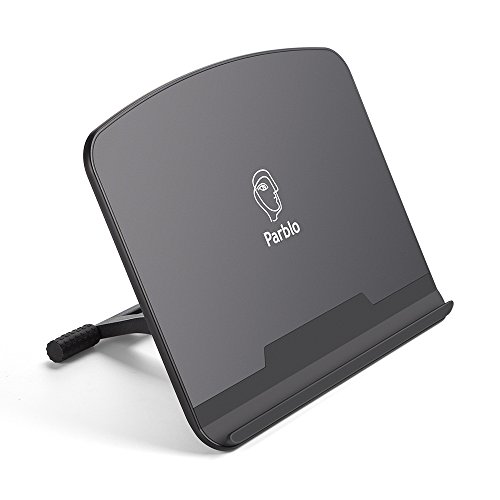
Parblo PR 100 Universal Drawing Tablet Stand Adjustable for 10 to 16 Inches Digital Graphics Drawing Monitors Art Tablets Laptops
- Compatible Tablet Sizes: Supports 10 to 16-inch tablets
- Adjustable Tilt Angle: Tilt from 15° to 90° easily
- Stable and Secure: Rubber-covered contact points for stability
As an affiliate, we earn on qualifying purchases.
As an affiliate, we earn on qualifying purchases.
Conclusion
Ultimately, choosing the right drawing tablet size is about more than just specs. It’s about finding a comfortable fit that feels natural in your hands and suits your workflow. Don’t overlook the importance of size—it’s the foundation that can make or break your creative flow. Remember, the proof of the pudding is in the eating; so, test different sizes if you can, and pick the one that feels just right for you.

11" Standalone Drawing Tablet, Portable PicassoTab, No Computer Needed -X11
- Standalone Drawing Tablet: No computer needed, portable design
- Preloaded Creative Apps: Sketching, painting, animation, tutorials
- Bonus Accessories Included: Case, glove, power adapter, screen protector
As an affiliate, we earn on qualifying purchases.
As an affiliate, we earn on qualifying purchases.

Wacom One 14, Drawing Tablet with IPS Fulll HD Laminated Screen & Pen
- Larger drawing area: 14-inch laminated IPS Full HD display
- Vivid color accuracy: 98% sRGB coverage
- Paper-like textured surface: Reduces glare and smudges
As an affiliate, we earn on qualifying purchases.
As an affiliate, we earn on qualifying purchases.