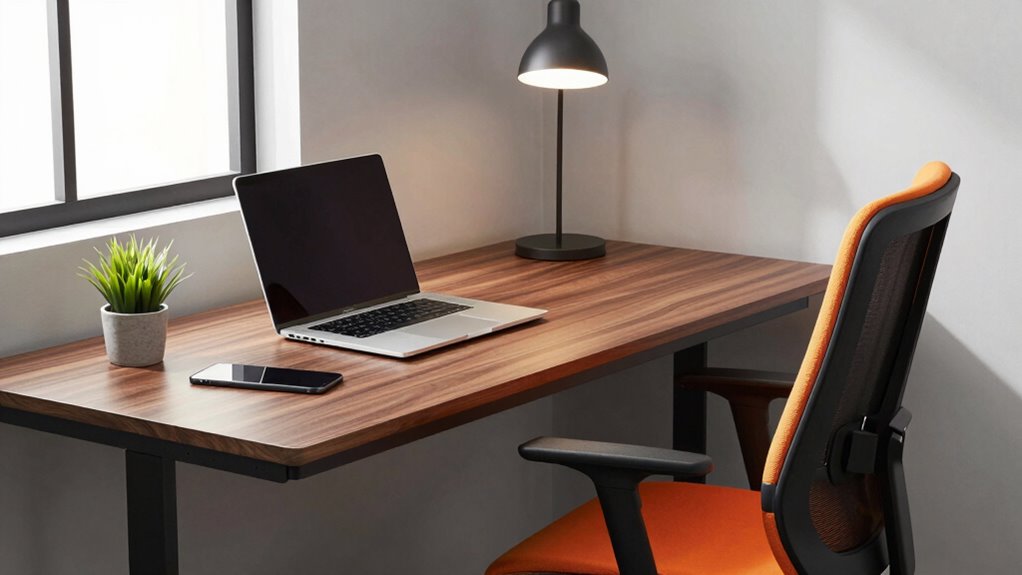

To improve your chair versus desk upgrade quickly, focus on ergonomic accessories first before replacing furniture. Adjust your monitor to eye level, set your chair height so your feet rest flat, and maintain a neutral spine to support comfort and posture. These small, strategic changes enhance your current setup and minimize strain without costly replacements. Keep exploring to discover more simple steps that can transform your workspace efficiently.
Key Takeaways
- Prioritize ergonomic accessories that support proper posture before considering furniture replacements.
- Use adjustable monitor stands to align screens at eye level, reducing the need for desk or chair changes.
- Focus on fine-tuning chair height and monitor positioning to maximize comfort with existing furniture.
- Implement incremental ergonomic adjustments to improve setup quickly without full desk or chair upgrades.
- Evaluate whether accessories effectively enhance posture before investing in new furniture.
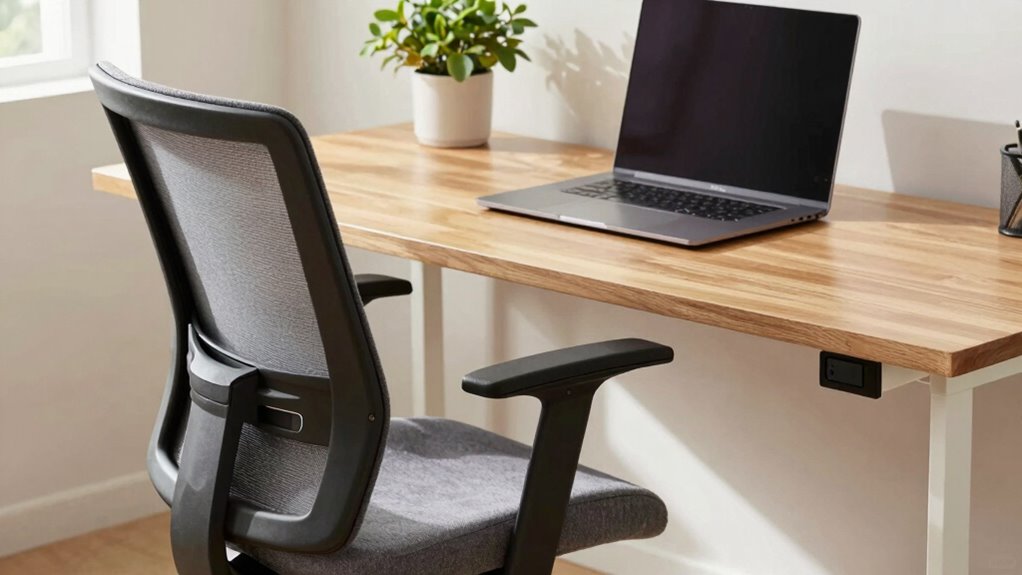
Upgrading your workspace can feel overwhelming, especially when deciding between a new chair or a desk. It’s tempting to focus on the big-ticket items, but the real secret to a successful upgrade lies in a simple setup rule: prioritize your ergonomics first. When you approach your workspace with this mindset, you’ll find that making effective chair or desk choices becomes much easier. The key is to start with ergonomic accessories and posture adjustments that set a solid foundation for comfort and productivity.
Think of your workspace as a system where every component interacts. Before investing in a new chair or desk, evaluate how ergonomic accessories can enhance your current setup. For example, an adjustable monitor stand or an ergonomic keyboard can make a big difference in reducing strain. These accessories help you modify your setup without replacing your entire furniture, allowing you to test what works best for your body. They enable you to fine-tune your posture adjustments, ensuring your head, neck, and back stay aligned, and your wrists remain comfortable. This approach minimizes the risk of discomfort and injury, which often results from neglecting proper ergonomics.
Optimize your workspace with ergonomic accessories to improve comfort and support proper posture.
Once you incorporate ergonomic accessories, focus on posture adjustments. Small changes, like raising your monitor to eye level or adjusting your chair height so your feet are flat on the ground, can dramatically improve your comfort. These posture adjustments help you maintain a neutral spine position and prevent slouching or leaning forward, which are common causes of neck and back pain. When your posture is optimized, you’ll notice that both your chair and desk become more effective investments, because they support the adjustments you’ve made rather than fighting against poor positioning. Recognizing the importance of ergonomic principles ensures your workspace promotes long-term health and comfort.
This setup rule—starting with ergonomic accessories and posture adjustments—guides you in choosing the right chair or desk. If your current chair doesn’t support your posture after these modifications, then upgrading makes sense. Similarly, if your desk height is causing strain, but your ergonomic accessories allow you to compensate, you might delay replacing the desk. It’s about making incremental improvements that build on each other. Over time, these small adjustments create a comfortable, healthy workspace without unnecessary expense or guesswork.

WALI Computer Monitor Stand for Desk, Adjustable Laptop Riser, Desk Monitor Stand Underneath Storage for Office, Home, School Supplies (STT003), 1 Pack, Black
Design: The monitor stand for the desk has a large 14.6 x 9.3 inches metal shelf that fits…
As an affiliate, we earn on qualifying purchases.
As an affiliate, we earn on qualifying purchases.
Frequently Asked Questions
How Long Does It Typically Take to See Results Using the Setup Rule?
You’ll typically start seeing results within a few weeks when you focus on adjustment consistency and ergonomic customization. By consistently fine-tuning your chair and desk setup, your body adapts more quickly, reducing discomfort and boosting productivity. It’s important to stay committed to your setup routine daily. Over time, this approach creates lasting comfort, so expect noticeable improvements in posture and overall well-being in about two to four weeks.
Can This Setup Rule Be Applied to Ergonomic Accessories Besides Chairs and Desks?
Yes, you can definitely apply this setup rule to ergonomic accessories beyond chairs and desks. Imagine transforming your workspace organization by optimizing accessories like keyboard trays, monitor stands, or footrests. This approach helps you customize your ergonomic setup, making each accessory work together seamlessly. It’s a simple way to enhance comfort and productivity across your entire workspace, ensuring every element supports your well-being and efficiency.
Is There an Ideal Time of Day to Implement This Setup Rule Effectively?
You should implement this setup rule during your morning routine for ideal timing. Starting your day with an ergonomic setup helps you build habits early, guaranteeing comfort and productivity throughout the day. By making adjustments first thing in the morning, you set a positive tone, avoid rushed decisions later, and maximize the benefits of your ergonomic accessories. This approach guarantees your workspace remains comfortable and efficient from the moment you start working.
Does Personal Height or Body Type Affect the Setup Rule’s Efficacy?
Your body proportions and ergonomic compatibility considerably influence how effective the setup rule is for you. If your height or body type differs from average, you might need to adjust your chair or desk to guarantee proper alignment. Personalizing your setup based on your body proportions helps optimize comfort and reduces strain, making the rule more effective. Pay attention to your ergonomic needs, and adapt accordingly for the best results.
Are There Common Mistakes to Avoid When Applying This Setup Rule?
Avoid common mistakes like incorrect posture and improper measurements, which can sabotage your setup. Imagine trying to fit a puzzle piece in the wrong spot—that’s what incorrect measurements feel like. Always double-check your chair height and monitor distance. Failing to do so might lead to neck strain or back pain. Take your time to measure properly, and your upgrade will be smoother, more comfortable, and truly effective.

Logitech Ergo K860 Wireless Ergonomic Keyboard – Split Keyboard, Wrist Rest, Natural Typing, Stain-Resistant Fabric, Bluetooth and USB Connectivity, Compatible with Windows/Mac, Black
Improved Typing Posture: Type more naturally with a curved, split keyframe and reduce muscle strain on your wrists…
As an affiliate, we earn on qualifying purchases.
As an affiliate, we earn on qualifying purchases.
Conclusion
Remember, the key to a quick desk and chair upgrade is sticking to the setup rule. Focus on comfort, adjust as needed, and don’t rush the process—patience is a virtue. As they say, “Rome wasn’t built in a day,” and a well-optimized workspace takes time. Keep tweaking, stay consistent, and you’ll find the perfect balance faster than you think. Your ideal setup is just a few smart choices away!
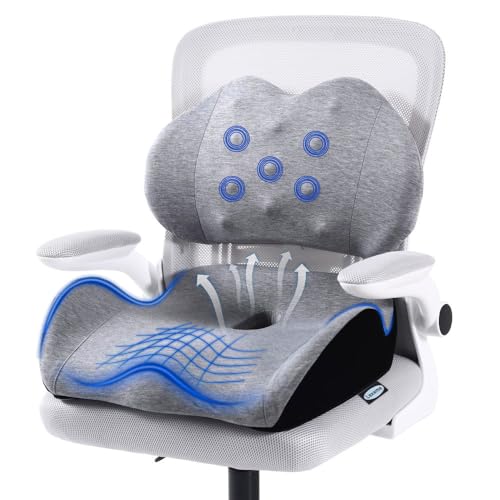
X Large Memory Foam Seat Cushion Lumbar Support Pillow for Sciatica & Tailbone Pressure Relief Coccyx Pad for Office Chair, Car,Wheelchair,Home,Office
【Unique design and Extra Large size】 Our product has two advantages £ºUnique design and Extra Large size £¬unique…
As an affiliate, we earn on qualifying purchases.
As an affiliate, we earn on qualifying purchases.

VIVO Height Adjustable 32 inch Stand Up Desk Converter, Quick Sit to Stand Tabletop Dual Monitor Riser Workstation, Black, DESK-V000S
Create Instant Active Standing: Provides on-demand standing throughout the day for the freedom to get out of your…
As an affiliate, we earn on qualifying purchases.
As an affiliate, we earn on qualifying purchases.