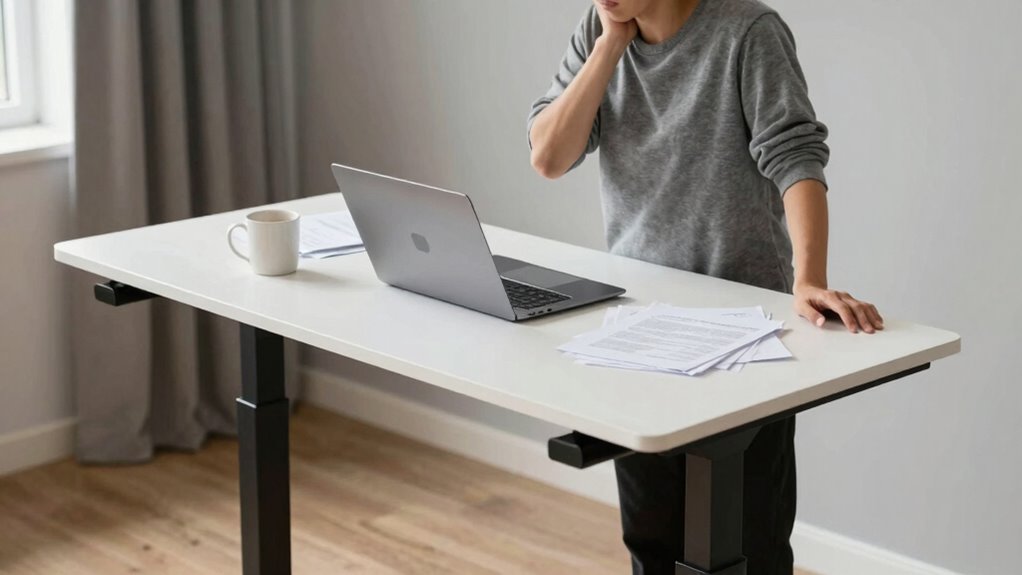

Many people make the key mistake of overlooking ergonomic accessories and ongoing adjustments when using a standing desk. They focus only on the desk itself, neglecting essentials like monitor arms, keyboard trays, and anti-fatigue mats that support proper posture. This oversight can lead to discomfort, strain, and long-term health issues. To truly benefit, you need to understand the importance of ergonomic accessories and regular posture shifts. Keep going to discover how to optimize your standing desk habits effectively.

Get art and craft supplies delivered free with Prime
- Fast, free delivery on millions of items
- Prime Video, Amazon Music and more included
- Member-only deals all year
Key Takeaways
- Relying solely on a standing desk without ergonomic accessories leads to poor posture and discomfort.
- Choosing fixed-height desks limits flexibility, causing strain and preventing proper ergonomic positioning.
- Neglecting adjustable features results in static postures that increase musculoskeletal risks.
- Failing to incorporate movement and posture shifts diminishes the health benefits of standing desks.
- Ignoring ongoing ergonomic adjustments causes discomfort and reduces long-term ergonomic effectiveness.
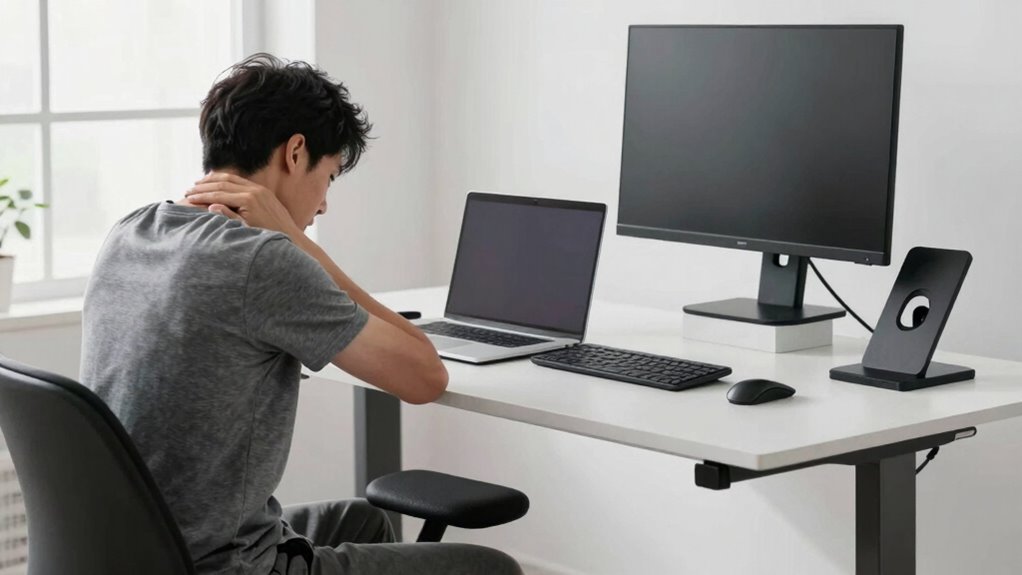
Many people invest in standing desks hoping to improve their health and productivity, but they often fall into a common trap: they focus solely on the desk itself and overlook how they use it. A standing desk alone won’t automatically deliver benefits if you don’t pay attention to your habits and setup. One of the biggest mistakes is neglecting ergonomic accessories that support proper posture. Ergonomic accessories like keyboard trays, monitor stands, and anti-fatigue mats are essential because they help you maintain a natural, comfortable position throughout the day. Without them, you’re likely to hunch your shoulders, crane your neck, or strain your wrists—issues that can lead to pain and long-term injuries.
Focusing only on the desk overlooks essential ergonomic accessories that support comfort and proper posture.
Another mistake many make is choosing a standing desk without an adjustable height feature. An adjustable height desk is vital because your body’s needs change as you move through the day. Fixed-height desks force you into a single position, which isn’t realistic or healthy. You may find yourself standing too high, causing shoulder and neck strain, or too low, leading to poor posture and back discomfort. An adjustable height desk allows you to fine-tune your workspace, switching between sitting and standing easily, and keeping your body in alignment. This flexibility encourages movement, reduces fatigue, and helps you avoid the pitfalls of static postures. Incorporating ergonomic principles into your setup can further optimize comfort and prevent strain over time.
Beyond just having the right desk, how you use it is equally important. Many people forget to incorporate ergonomic accessories that make standing more comfortable and sustainable. For instance, using an anti-fatigue mat can lessen pressure on your feet and legs, making prolonged standing less taxing. Meanwhile, monitor arms and keyboard trays help you position screens and input devices at eye level and at an ergonomic distance, preventing neck and wrist strain. These accessories are investments in your comfort and health, ensuring that your standing desk promotes better habits rather than just serving as a trendy piece of furniture. Additionally, understanding the importance of ergonomic accessories can significantly improve your setup and reduce discomfort. Incorporating proper ergonomics into your workspace can also prevent common musculoskeletal issues associated with poor posture. Doing so also promotes long-term health benefits, making your standing desk a sustainable part of your work routine. It’s also helpful to educate yourself on ergonomic setup tips to maximize the benefits of your workspace.
It’s also easy to overlook the importance of movement. Standing all day isn’t the goal; rather, you want to shift positions frequently and incorporate brief stretches to keep blood flowing. You might think that once you set up your desk, your work is done, but essential standing desk habits require ongoing adjustments. Regularly changing your posture, using ergonomic accessories, and leveraging adjustable features make a noticeable difference. When you prioritize these details, your standing desk becomes a tool that genuinely enhances your well-being and productivity, rather than a source of discomfort or frustration.
adjustable standing desk monitor arm
As an affiliate, we earn on qualifying purchases.
As an affiliate, we earn on qualifying purchases.
Frequently Asked Questions
How Do I Know if a Standing Desk Is Right for Me?
You’ll know a standing desk is right for you if it helps improve your work posture and reduces discomfort from sitting all day. Check if your desk setup allows you to stand comfortably with your monitor at eye level and your arms at a 90-degree angle. If standing feels good and boosts your focus and energy, it’s likely a good fit. Listen to your body and adjust your setup as needed.
What Accessories Improve Standing Desk Ergonomics?
To improve your standing desk ergonomics, invest in ergonomic accessories like an anti-fatigue mat, a monitor arm, and a footrest. These support your posture and reduce strain during long periods of standing. Use a keyboard tray to keep your wrists comfortable and a sit-stand converter if you switch between sitting and standing. These accessories help you maintain proper posture support, making your workspace more comfortable and reducing fatigue.
How Long Should I Stand Versus Sit During the Day?
You should aim for a balanced approach, standing about 15-30 minutes every hour, then sitting for the rest. Focus on posture correction during both, and guarantee your desk placement supports comfortable shifts. Regular movement helps prevent strain, so listen to your body and switch between sitting and standing as needed. This way, you maintain good ergonomics and avoid the pitfalls of prolonged static positions.
Are There Health Risks Associated With Standing Desks?
Yes, standing desks can pose health risks if you don’t practice proper posture correction. Standing all day may lead to muscle strain, especially in your lower back and legs. To avoid this, switch between sitting and standing, maintain a neutral spine, and use an anti-fatigue mat. Regularly adjusting your posture helps prevent discomfort and minimizes risks like joint strain, ensuring you stay comfortable and healthy while working.
How Can I Transition Smoothly to Using a Standing Desk?
Think of shifting to a standing desk like easing into a warm bath—gradually. Start by adjusting your desk to promote posture improvements, ensuring your monitor is at eye level and your keyboard is comfortable. Begin with short standing periods, then slowly increase. Pay attention to your desk setup, making sure it supports good posture. This gentle approach helps you adapt comfortably without risking discomfort or injury.
ergonomic keyboard tray for standing desk
As an affiliate, we earn on qualifying purchases.
As an affiliate, we earn on qualifying purchases.
Conclusion
If you think just switching to a standing desk will solve all your posture issues, think again. Nearly 86% of people who adopt standing desks don’t use them correctly, often leading to discomfort or injury. It’s essential to develop proper habits and gradually increase standing time. Remember, the key isn’t just standing, but standing smart. By avoiding common mistakes, you’ll make the most of your standing desk and protect your health in the long run.
As an affiliate, we earn on qualifying purchases.
Halloween Picks
halloween
As an affiliate, we earn on qualifying purchases.