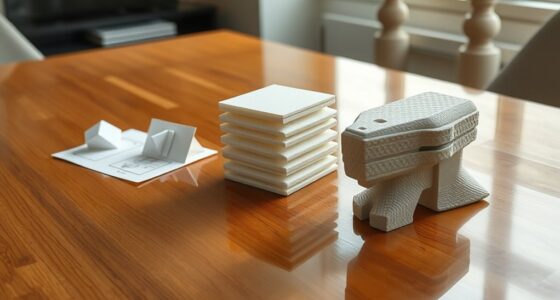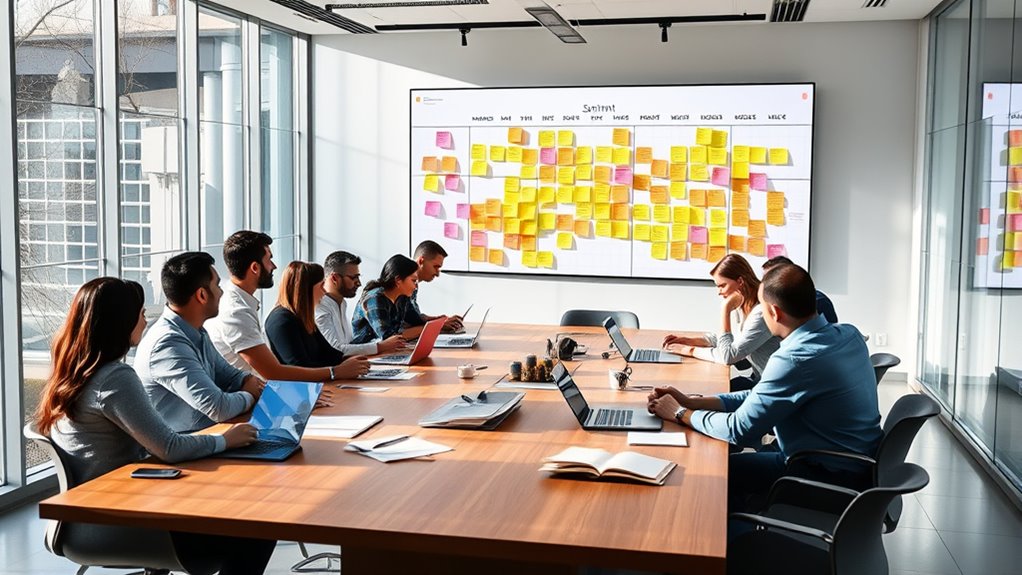

Integrating design into sprints helps you create a more flexible, user-focused process. By breaking design work into smaller cycles, you get quick feedback from users and stakeholders, allowing you to refine ideas continuously. This approach guarantees your final product aligns with user needs and reduces costly changes later. Embracing iterative design within sprints keeps your project adaptable and focused on delivering value. Keep exploring to discover how to master this efficient, collaborative method.
Key Takeaways
- Embed design activities within each sprint to ensure continuous iteration and alignment with user feedback.
- Use rapid prototypes and wireframes to test ideas early and gather actionable insights.
- Collaborate closely with stakeholders and users during sprints to refine design based on real-world input.
- Incorporate design reviews and usability testing as integral parts of sprint cycles for holistic evaluation.
- Adjust design plans dynamically based on iterative feedback, maintaining flexibility and responsiveness throughout development.

Have you ever wondered how successful teams adapt quickly to changing project needs? The secret often lies in how they integrate design into their development process, especially through agile practices. In agile design, one of the core principles is embracing continuous design iteration. Instead of spending months perfecting a single version upfront, you break down the design process into smaller, manageable cycles. Each cycle allows you to test ideas, gather user feedback, and refine your work incrementally. This approach guarantees that the final product aligns closely with user expectations and real-world needs. By focusing on design iteration, you stay flexible, making necessary adjustments at every stage rather than being locked into a rigid plan. This flexibility is essential in environments where user preferences and market conditions evolve rapidly. Incorporating a holistic approach to design ensures that all aspects, including usability and emotional needs, are considered throughout the process. User feedback plays a pivotal role in shaping your design decisions during these iterations. As you develop prototypes or initial versions, you actively seek input from users, stakeholders, or even team members. This feedback provides direct insights into what works and what doesn’t, highlighting areas that need improvement. Instead of guessing or relying solely on assumptions, you base your design choices on actual user experiences. This not only accelerates the development process but also reduces the risk of building features that don’t resonate with your audience. Incorporating user feedback early and often helps you identify potential issues before they become costly problems, enabling you to pivot quickly and efficiently. In practice, this means you might start with a basic wireframe or a minimal viable product (MVP), then present it to users for their reactions. Their responses guide your next steps, whether it’s tweaking visual elements, simplifying workflows, or adding new functionality. Each iteration becomes a learning opportunity, allowing you to refine the design based on real-world input. Over time, these cycles build upon each other, leading to a more polished and user-centered outcome. This iterative process fosters a mindset of continuous improvement, where learning and adaptation are embedded into the workflow.
Frequently Asked Questions
How Does Agile Design Differ From Traditional Design Methodologies?
Agile design differs from traditional methods by emphasizing design iteration and rapid prototyping. You focus on quick cycles, allowing you to test ideas early and adapt based on feedback. Unlike traditional approaches that plan everything upfront, agile encourages flexibility and continuous improvement. This way, you can deliver a more user-centered product, responding swiftly to changing needs, and ensuring your design evolves seamlessly throughout each sprint.
What Tools Support Seamless Integration of Design Into Sprints?
You can use tools like Figma or Adobe XD for seamless design collaboration and quick prototyping. These tools enable real-time teamwork, allowing you to iterate rapidly within sprints. Integrating design with project management platforms like Jira or Trello helps keep everyone aligned. By combining prototyping tools with collaboration features, you guarantee design stays agile, flexible, and closely tied to development cycles, making your sprint planning more efficient and cohesive.
How Can Teams Measure the Success of Agile Design Practices?
You can measure your success by tracking design metrics like user engagement, task completion rates, and visual consistency. Success indicators include faster iteration cycles, improved team collaboration, and positive user feedback. Regularly review these metrics to assess progress, identify areas for improvement, and guarantee your design practices align with project goals. Monitoring these factors helps you demonstrate the value of agile design and continuously refine your approach.
What Are Common Challenges Faced When Implementing Agile Design?
Implementing agile design can feel like trying to tame a wild beast. You’ll face challenges like maintaining collaborative workflows and ensuring stakeholder alignment, which often seem insurmountable. Miscommunications, resistance to change, and balancing speed with quality can slow progress. To overcome these hurdles, stay flexible, foster open communication, and involve stakeholders early. Embracing these practices helps turn chaotic efforts into smooth, cohesive sprints, making your team unstoppable.
How Does User Feedback Influence Design Decisions During Sprints?
User feedback plays a vital role in shaping your design decisions during sprints. It provides real-time insights, allowing you to make iterative improvements that better meet user needs. By actively listening to users, you can identify pain points and refine features quickly. This continuous loop guarantees your design evolves effectively, leading to a more user-centered product that adapts seamlessly throughout the development process.
Conclusion
By integrating design into your sprints, you’ll boost collaboration and deliver better products faster. Did you know teams that adopt agile design see a 30% increase in project efficiency? Embracing this approach means your designs evolve seamlessly alongside development, reducing rework and boosting user satisfaction. So, get involved early and keep iterating—your team’s agility will turn ideas into impactful solutions in record time.