
The hidden problem with animation timing is that it often gets overlooked, making even well-crafted animations feel unnatural or disconnected. You might have perfect frame rates and easing, but if the timing isn’t right, movements can seem stiff, abrupt, or sluggish. Subtle adjustments to speed and rhythm are essential for realism, and understanding this key element can greatly improve your work. Keep exploring, and you’ll discover how mastering timing elevates your animations to life.

Get art and craft supplies delivered free with Prime
- Fast, free delivery on millions of items
- Prime Video, Amazon Music and more included
- Member-only deals all year
Key Takeaways
- Poorly adjusted timing can make animations feel unnatural despite correct frame rate and easing.
- Overlooking subtle timing nuances undermines the realism of motion, even with perfect technical settings.
- Incorrect timing disrupts the rhythm and flow, causing animations to appear stiff or disconnected.
- Misaligned timing relative to easing curves can produce jarring or robotic movements.
- Focusing solely on technical aspects without refining timing leads to less engaging, less believable animations.
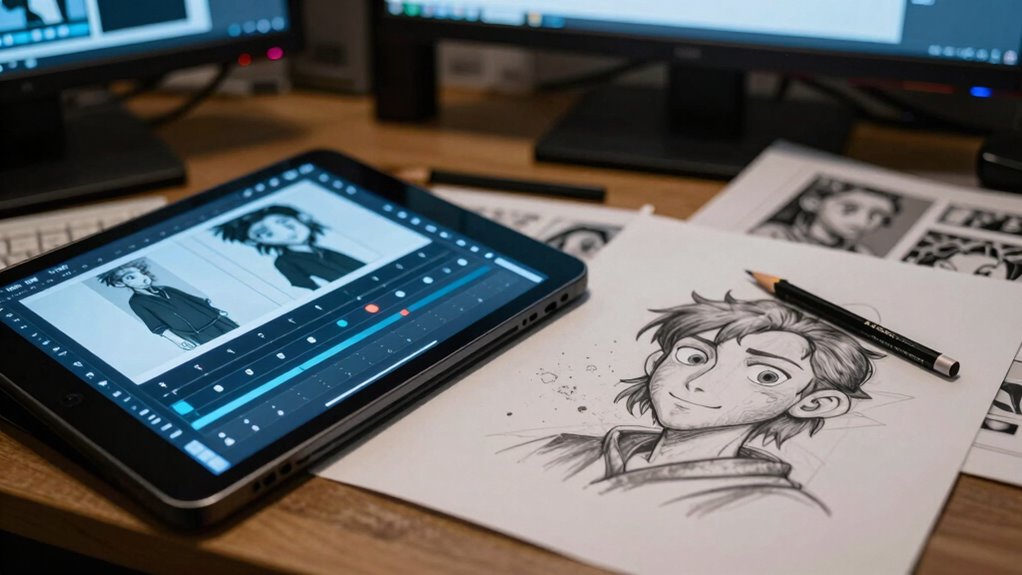
Animation timing often goes unnoticed, yet it’s the key to making movements feel natural and believable. When you’re watching an animated scene, it’s easy to focus on the characters or objects and overlook how smoothly they transition from one pose to another. That’s where frame rate and easing functions come into play. The frame rate, which is the number of individual images displayed per second, directly influences how fluid the motion appears. A higher frame rate, like 60 frames per second, creates smoother, more lifelike movements, while a lower frame rate can make the animation feel choppy or jerky. But even with a perfect frame rate, timing can still feel off if you don’t consider easing functions.
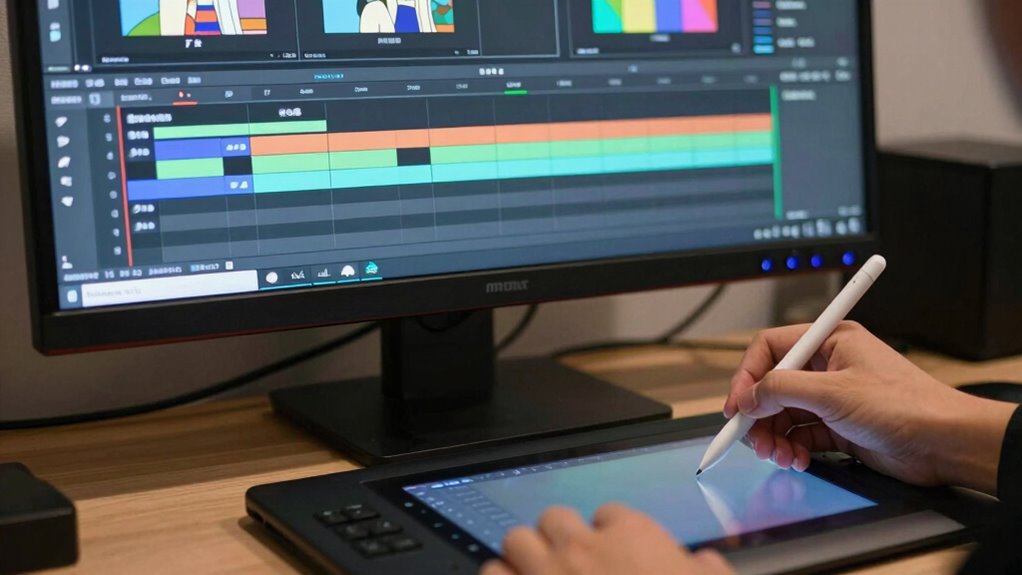
Effective animation relies on smooth timing and proper easing, making movements feel natural and engaging.
Easing functions are mathematical formulas that control how an animated value changes over time. They’re essential because they determine the acceleration and deceleration of movements, mimicking how objects and characters behave in the real world. For example, a bouncing ball doesn’t instantly reach its peak height; it accelerates downward and decelerates as it lifts back up. Without appropriate easing, animations can seem robotic or unnatural, even if the frame rate is ideal. For example, visual cues can help you better understand how easing affects motion, making it easier to choose the right curves for your animation. You need to carefully select and tweak easing functions to ensure movements have a natural rhythm, giving your animations a sense of weight and realism.
Timing isn’t just about how quickly or slowly an action occurs, but how the motion feels in context. If you speed up movements without adjusting easing, they can seem too abrupt, breaking the illusion of realism. Conversely, overly slow or overly smooth transitions can feel sluggish or detached. It’s crucial to find the right balance by adjusting both the duration of each movement and the easing curves. This fine-tuning ensures actions have a natural flow, matching the physical expectations you want to convey. Additionally, understanding how animation timing interacts with other factors like frame rate can help you create more cohesive and convincing animations. Recognizing the importance of contrast in timing differences can also enhance the realism of your motion.
Ultimately, the challenge with animation timing lies in understanding that it’s a subtle, often subconscious element that significantly impacts how your audience perceives your work. Even with the best frame rate and clever easing functions, if timing isn’t precise, the animation won’t feel right. Developing an intuitive sense of motion is key, and this can be improved through practice and observation of real-world movements. When you master timing, your animations won’t just look good—they’ll feel alive, engaging, and believable, drawing viewers into a seamless world of motion.
Popular right now

Dyson V8 Cyclone Cordless Vacuum

Vitamix 5200 Professional-Grade Blender, 64 oz. Container, Black

Roborock F25 BX Cordless Wet Dry Vacuum Mop
As an affiliate, we earn on qualifying purchases.
Frequently Asked Questions
How Does Animation Timing Affect User Experience?
Animation timing directly impacts your user experience by enhancing gesture feedback and establishing visual rhythm. When animations are well-timed, they provide clear, satisfying responses to actions, making interactions intuitive. Conversely, poorly timed animations can cause confusion or frustration, breaking the flow. You’ll notice smoother, more engaging interactions that feel natural and responsive, leading to increased satisfaction and better overall usability. Proper timing truly makes your interface feel polished and user-friendly.
What Tools Help Optimize Animation Timing?
You can optimize animation timing using tools that incorporate easing functions and timing curves, like Adobe After Effects, Principle, and Framer. These tools allow you to fine-tune the pacing of your animations, creating smooth and natural movements. By adjusting easing functions and timing curves, you control how animations accelerate or decelerate, ensuring a better user experience. Experimenting with these tools helps you achieve the perfect flow for your interface or project.
Can Improper Timing Impact Accessibility?
Imagine a user with cognitive load challenges trying to navigate an animated website where buttons move unpredictably. Improper timing can create accessibility barriers, making it harder for them to focus or understand content. If animations are too quick or poorly synchronized, they may cause confusion or frustration. You risk excluding users with disabilities, so ensuring proper timing enhances accessibility and creates an inclusive experience for everyone.
How Does Animation Timing Influence Brand Perception?
Animation timing directly influences your brand perception by creating visual consistency and emotional engagement. When animations are well-timed, they reinforce your brand’s identity, making interactions feel smooth and professional. Poor timing, however, can make your brand seem inconsistent or unpolished, reducing trust. You control how users emotionally connect with your brand through precise animation pacing, ensuring every interaction enhances your overall image and fosters a positive, memorable experience.
Are There Industry Standards for Animation Timing?
Yes, industry standards for animation timing emphasize frame consistency and pacing accuracy. You should aim for smooth, natural motion by maintaining consistent frame rates, usually 24 or 30 frames per second. Proper pacing ensures your animation feels fluid and engaging, helping you communicate your message effectively. Following these standards helps create professional-quality animations that resonate with viewers and uphold your brand’s credibility.
Conclusion
You might think animation timing is just about smooth shifts, but it’s actually a deeper challenge that can make or break your project’s impact. Many believe perfect timing is about frame count, yet the real truth is that it’s about understanding emotional flow and viewer perception. When you analyze and test timing carefully, you’ll see how small adjustments can evoke powerful responses. So, don’t overlook timing—it’s the secret that transforms good animation into unforgettable storytelling.