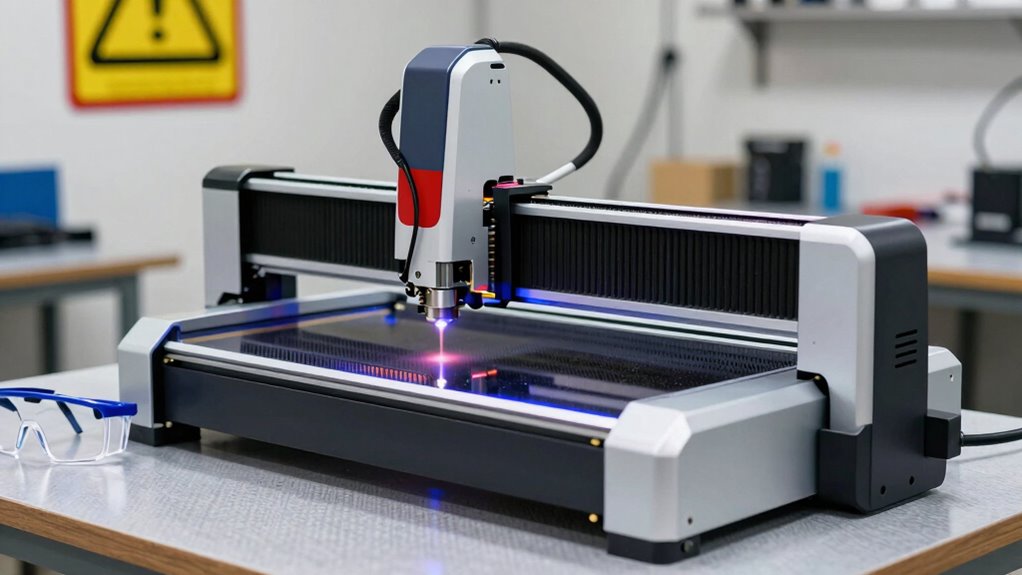

Before upgrading your laser cutter’s safety, verify your new features meet local safety standards and certification requirements. Check that these upgrades are compatible with your existing setup without causing conflicts or performance issues. Consider improvements like better exhaust, emergency shut-offs, and safety sensors that protect users and equipment. Planning carefully and consulting professionals when needed helps create a safer workspace. To learn more about making effective safety upgrades, keep exploring the key considerations that guarantee compliance and reliability.

Get art and craft supplies delivered free with Prime
- Fast, free delivery on millions of items
- Prime Video, Amazon Music and more included
- Member-only deals all year
Key Takeaways
- Ensure all safety upgrades comply with relevant regulations and standards for certification and effectiveness.
- Conduct compatibility checks to prevent conflicts with existing equipment and ensure proper integration.
- Prioritize safety features like emergency shut-offs, ventilation, and fire suppression for maximum protection.
- Consult professionals for guidance on installation, compatibility, and to confirm safety system performance.
- Plan maintenance routines to ensure safety features remain operational and effective over time.

Upgrading the safety features of your laser cutter is essential to protect yourself and others while maximizing efficiency. Before you dive in any upgrades, it’s important to understand how laser cutter maintenance plays a vital role in ensuring your equipment runs smoothly and safely. Regular maintenance helps identify potential issues early, such as worn-out filters, misaligned optics, or faulty electrical components. Proper upkeep not only extends the lifespan of your machine but also minimizes the risk of accidents caused by mechanical failures or safety hazards. When considering safety upgrades, make sure your maintenance routines are up-to-date, so new safety features integrate seamlessly and function correctly.
Regular maintenance ensures safe, efficient upgrades and extends your laser cutter’s lifespan.
Another key aspect to consider is safety certification requirements. Depending on your location and the type of laser cutter you operate, there may be specific regulations and standards you need to meet. These standards guarantee your safety features are compliant and effective, protecting you from legal issues and potential liabilities. Before implementing any upgrades, research the safety certification requirements applicable to your equipment—these often include specifications for emergency shut-offs, ventilation, fire suppression, and protective covers. Ensuring your upgrades meet or exceed these standards not only keeps you compliant but also guarantees that your safety measures are reliable in real-world scenarios. Additionally, understanding the importance of safety certification requirements can help you prioritize upgrades that deliver the most meaningful safety benefits.
When planning your safety upgrades, think about the integration process. You want new safety features to complement your existing setup without creating conflicts or operational issues. For example, if you’re adding a new sensor or interlock system, verify that it doesn’t interfere with your laser cutter’s core functions or safety certification requirements. It’s also beneficial to consult with experienced professionals who understand equipment compatibility to ensure seamless integration. Taking the time to evaluate the compatibility of safety components can significantly streamline the upgrade process and prevent future troubleshooting. Furthermore, a thorough assessment of system compatibility can help identify potential conflicts early, saving time and resources during installation. Moreover, considering compatibility ensures that safety enhancements do not inadvertently compromise other operational parameters or safety aspects.
You should also evaluate whether the upgrades improve user safety beyond the minimum standards. Features like improved exhaust systems, better filtration, or advanced emergency shut-off mechanisms can greatly reduce health and safety risks. Investing in high-quality safety components might seem costly initially, but it pays off by providing peace of mind and reducing downtime caused by safety incidents. Remember, the goal of these upgrades is to create a safer working environment while maintaining peak performance, so prioritize upgrades that align with safety certification requirements and support diligent laser cutter maintenance.
Popular right now

KitchenAid Classic Series 4.5 Quart Tilt-Head Stand Mixer K45SS, Onyx Black

LG C2 Series 65-Inch OLED evo 4K Smart TV (OLED65C2PUA, 2022)

KitchenAid Artisan Series 5-Quart Tilt-Head Stand Mixer, Dried Rose (KSM150PS)
As an affiliate, we earn on qualifying purchases.
Frequently Asked Questions
Can I Upgrade My Laser Cutter Safety Features Myself?
Yes, you can do DIY upgrades to improve your laser cutter’s safety, but proceed carefully. Focus on safety enhancements like installing better exhaust systems, adding protective shields, or upgrading emergency stop buttons. However, make sure to follow manufacturer guidelines and local safety regulations. If you’re unsure, consult a professional to avoid accidental damage or safety hazards. Remember, proper safety features are essential for safe and effective laser cutter operation.
Are There Any Legal Regulations for Laser Cutter Safety Upgrades?
Yes, there are legal regulations you need to follow when upgrading your laser cutter safety features. You must guarantee your upgrades meet regulatory compliance and adhere to established safety standards set by local, national, and industry authorities. Failing to do so can lead to penalties or safety issues. Always review relevant regulations before making upgrades, and consider consulting a professional to ensure your modifications are compliant and safe.
How Often Should Safety Upgrades Be Inspected or Maintained?
You should inspect and maintain safety upgrades regularly, ideally every three to six months, to guarantee they’re functioning properly. Incorporate user training into these checks so operators understand hazard analysis and safety procedures. Regular inspections help identify potential issues early, reducing risk. Keep detailed records of maintenance and training sessions. Consistent upkeep guarantees your laser cutter remains safe, compliant, and efficient, protecting everyone involved.
Will Upgrading Safety Features Affect My Laser Cutter’s Warranty?
Upgrading safety features could impact your warranty, so you must check with the manufacturer first. If you neglect this step, you might void your coverage, risking costly repairs. But there’s more—think about safety training and emergency protocols. Enhancements might require new procedures, so stay prepared. Confirm your upgrades won’t jeopardize your warranty, then update your safety protocols accordingly. Staying proactive keeps you protected—and your warranty intact.
What Cost Considerations Are Involved in Safety Upgrades?
When upgrading your laser cutter safety, you’ll need to perform a cost analysis to understand the expenses involved. Consider costs for new safety devices, installation, and potential downtime. Incorporate these into your budget planning to avoid surprises. While safety upgrades can be an investment, they enhance safety and compliance. Balance the costs against the benefits, ensuring your upgrade stays within your financial limits while maximizing safety improvements.
Conclusion
Upgrading your laser cutter safety might seem straightforward, but neglecting key details can turn a simple upgrade into a dangerous oversight. Think of it like installing a new filter—easy to do, but essential for clear, safe operation. While the new features promise improved performance, don’t forget that safety isn’t just an add-on; it’s the foundation. Prioritize these upgrades thoughtfully, and you’ll enjoy precise cuts without risking your safety—because in this game, cutting corners isn’t an option.