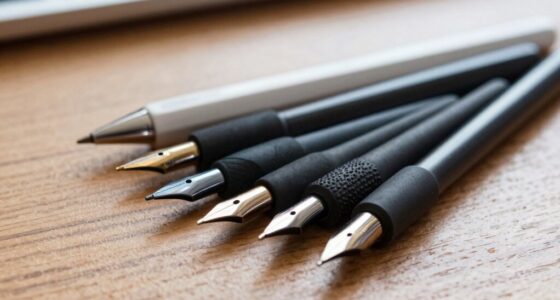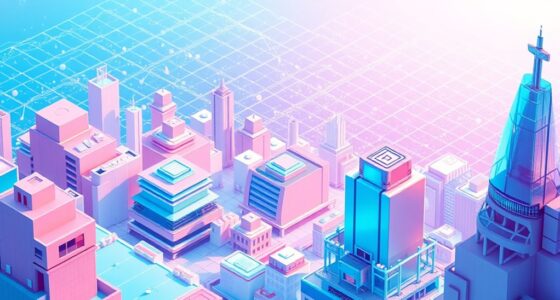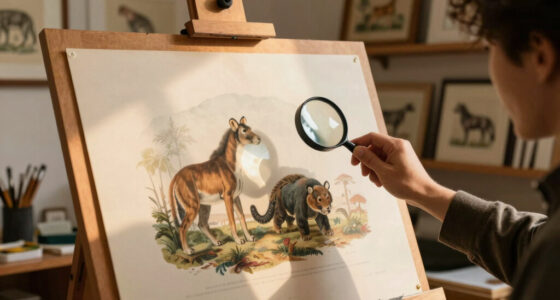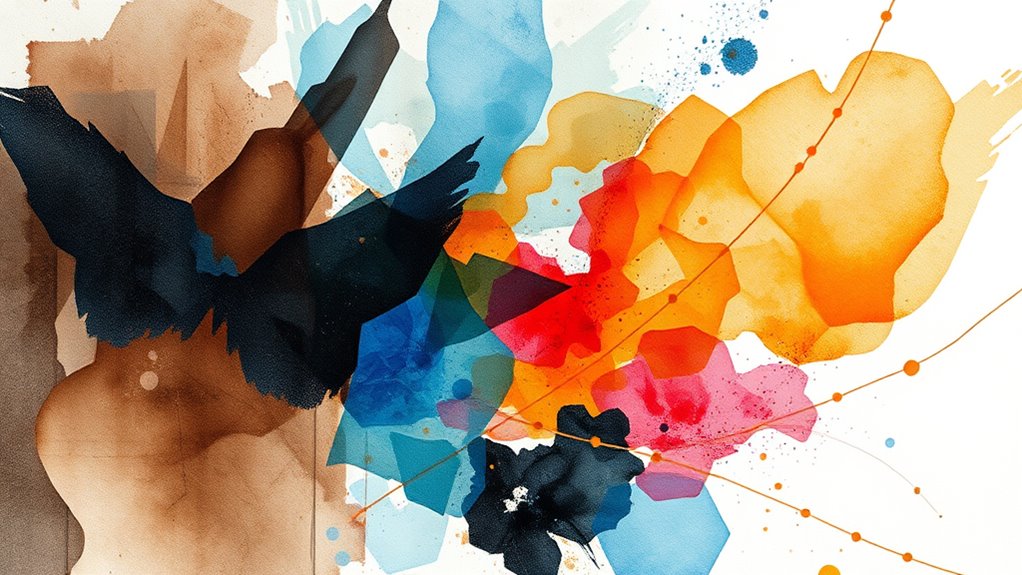

Mixed media illustration combines traditional art techniques like watercolor, ink, and collage with digital tools such as Photoshop or Procreate, allowing you to create layered, textured artworks that push boundaries. You experiment with materials, blending physical textures with digital manipulation to achieve unique effects. This hybrid approach helps you explore new visual possibilities and develop your style. If you keep exploring, you’ll discover how to seamlessly integrate these methods for compelling, innovative art.

Get art and craft supplies delivered free with Prime
- Fast, free delivery on millions of items
- Prime Video, Amazon Music and more included
- Member-only deals all year
Key Takeaways
- Integrate traditional materials like watercolor, ink, or collage with digital tools such as Photoshop for layered effects.
- Scan hand-drawn or painted elements to combine tactile textures with digital enhancements.
- Experiment with physical textures (fabric, textured pastes) and incorporate them into digital compositions for organic depth.
- Use digital brushes to mimic traditional strokes while maintaining the visual richness of physical media.
- Continually explore and refine techniques to create unique, textured artworks blending analog and digital elements.
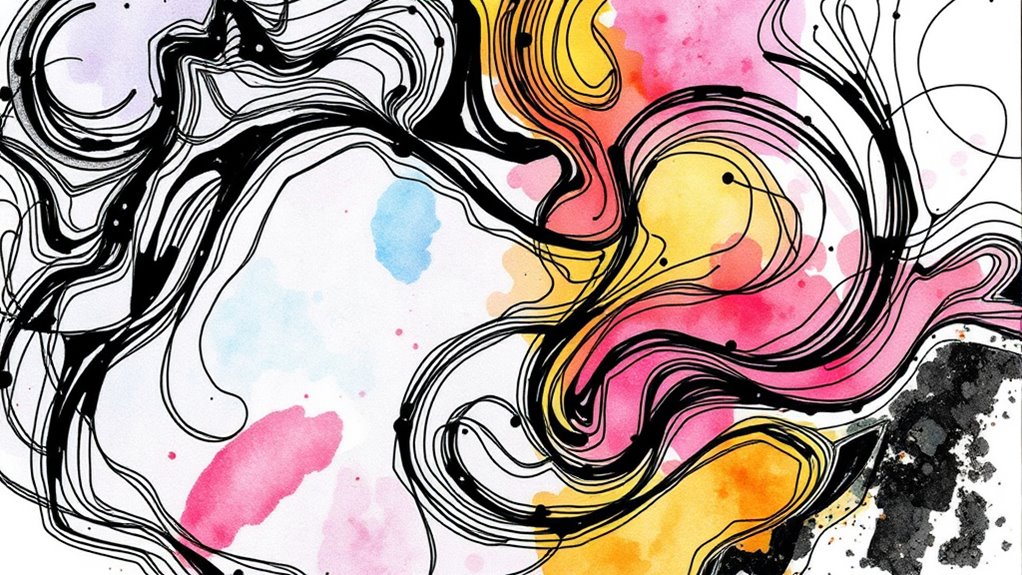
Mixed media illustration combines different artistic materials and techniques to create vibrant, layered artworks that push the boundaries of traditional illustration. When you immerse yourself in this approach, you’re encouraged to explore technique blending—seamlessly integrating various methods to achieve unique textures and effects. This process invites you to experiment with materials, pushing past conventional boundaries to discover new visual possibilities. Material experimentation becomes a crucial part of your creative journey, allowing you to test how different textures, mediums, and digital tools interact, resulting in dynamic compositions.
Mixed media illustration blends materials and techniques to create vibrant, layered, boundary-pushing artworks through experimentation and hybrid approaches.
As you begin blending techniques, you might combine traditional mediums like watercolor, ink, or collage with digital components such as Photoshop or Procreate. This hybrid approach enables you to leverage the tactile richness of physical materials alongside the flexibility of digital editing. For example, you could start with a hand-drawn sketch or painted background, then scan it into your computer to add digital overlays, color adjustments, or intricate details. The key is to let these materials inform and complement each other, creating harmony through contrast. Your goal is to break down the barriers between analog and digital, fostering a fluid exchange of ideas and techniques.
Material experimentation is at the core of mastering mixed media illustration. You might test different paper textures, adhesive mediums, or layering methods to see how they influence the final piece. Don’t be afraid to push boundaries—try combining unexpected materials like fabric, metal leaf, or textured pastes with digital effects. This hands-on exploration stimulates your creativity, helping you discover new ways to express your ideas visually. By mixing and matching, you develop a personalized vocabulary of textures and effects that make your work stand out.
Using technique blending, you can also manipulate digital brushes to mimic traditional strokes, or scan in physical textures to incorporate into digital artwork. This synergy allows for a more organic feel while maintaining control over the final image. The process of material experimentation encourages problem-solving; you learn which combinations work best and how to balance the physical and digital elements effectively. Over time, you’ll find that this hybrid approach not only broadens your artistic skills but also enhances your ability to communicate complex concepts through layered, textured visuals.
Additionally, understanding how color accuracy impacts digital and traditional mediums can help you achieve more cohesive and realistic effects in your work. Ultimately, mixed media illustration is about embracing the unpredictability and richness that come from blending diverse techniques and materials. It invites you to continually explore, experiment, and refine your process, pushing your creative boundaries and producing artworks that are both compelling and innovative.
Popular right now

LG C2 Series 65-Inch OLED evo 4K Smart TV (OLED65C2PUA, 2022)

KitchenAid Artisan Series 5-Quart Tilt-Head Stand Mixer, Dried Rose (KSM150PS)

Dreame L40 Ultra Gen 2 Robot Vacuum and Mop
As an affiliate, we earn on qualifying purchases.
Frequently Asked Questions
What Are the Best Tools for Beginners in Mixed Media Illustration?
As a beginner, you should start with simple tools like colored pencils, watercolors, and acrylic paints for analog work, and basic digital software like Procreate or Photoshop. These tools help you experiment with color blending and texture creation easily. Use blending brushes and textured brushes in digital apps to mimic traditional techniques, and practice layering mediums. This approach builds your skills gradually, making mixed media illustration enjoyable and approachable.
How Do I Choose Between Digital and Analog Mediums?
You should choose between digital and analog mediums based on your artistic preference and technique compatibility. If you enjoy tactile experiences and traditional art, analog tools like pencils and paints suit you. If you prefer flexibility and easy editing, digital options are ideal. Consider experimenting with both to see which aligns best with your style. Ultimately, selecting the medium that inspires you most will enhance your creative process.
Can Mixed Media Illustration Be Easily Integrated Into Animation?
Isn’t it tempting to think mixed media illustration can seamlessly dance into animation? Yes, it can—if you focus on animation integration and workflow compatibility. By carefully organizing your layers and maintaining consistent styles, you streamline the process. Digital elements easily adapt to animation software, while analog textures add unique depth. With thoughtful planning, you turn your mixed media art into mesmerizing animated stories, blending the best of both worlds effortlessly.
What Are Common Challenges Faced When Combining Techniques?
When combining techniques, you often face challenges like maintaining color consistency across different media and ensuring material compatibility. You might struggle to match digital colors with traditional paint hues or find materials that work well together without damaging each other. These issues require careful planning, testing, and adjustments to achieve a cohesive look, making it essential to understand each medium’s properties and limitations for successful integration.
How Do I Preserve Physical Mixed Media Artwork Digitally?
You should use high-resolution scanning techniques to preserve your physical mixed media artwork digitally. For example, an artist scanned her layered collage at 600 DPI, capturing every detail for digital archiving. To guarantee accuracy, use a flatbed scanner with color calibration and proper lighting. This way, you create a detailed digital record, safeguarding your work’s texture and colors, making it easier to reproduce or share without risking damage to the original.
Conclusion
By blending analog and digital techniques, you create a vibrant tapestry where tradition dances with innovation. Think of mixed media as a bridge connecting the old and new, allowing your creativity to soar beyond limits. Embrace the synergy, and you’ll find your artwork blossoming like a garden in full bloom—rich, diverse, and full of life. So, don’t hesitate to experiment; it’s your unique voice waiting to be painted across the canvas of endless possibilities.