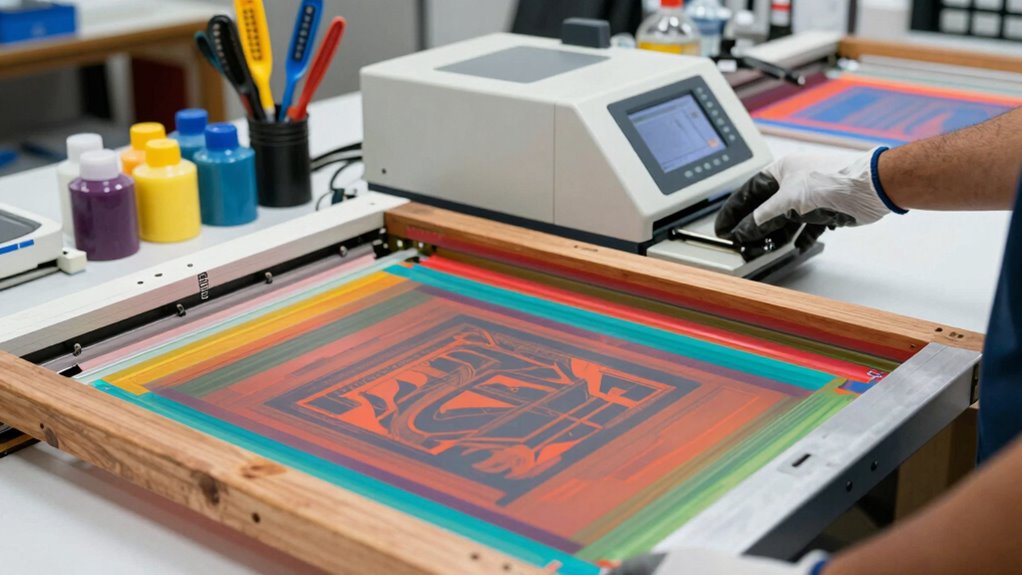

Before upgrading your screen printing equipment, consider ink compatibility to guarantee vibrant, durable prints and prevent quality issues. Assess how the new system will fit into your workflow and workspace, avoiding disruptions and extra adjustments. Think about maintenance needs, like easy cleaning features, to maximize equipment lifespan. Also, prioritize eco-friendly options that align with sustainable practices. Staying aware of these factors helps you make a smart choice, and the next tips will guide you further.

Get art and craft supplies delivered free with Prime
- Fast, free delivery on millions of items
- Prime Video, Amazon Music and more included
- Member-only deals all year
Key Takeaways
- Ensure ink compatibility to maintain vibrant, durable prints and prevent quality issues.
- Assess equipment compatibility with existing systems to avoid costly adjustments and workflow disruptions.
- Consider workspace size and layout to ensure new equipment fits seamlessly into your production area.
- Prioritize easy maintenance features like quick-change parts and automated cleaning to maximize equipment lifespan.
- Choose eco-friendly and sustainable options that align with your environmental goals and long-term operational benefits.
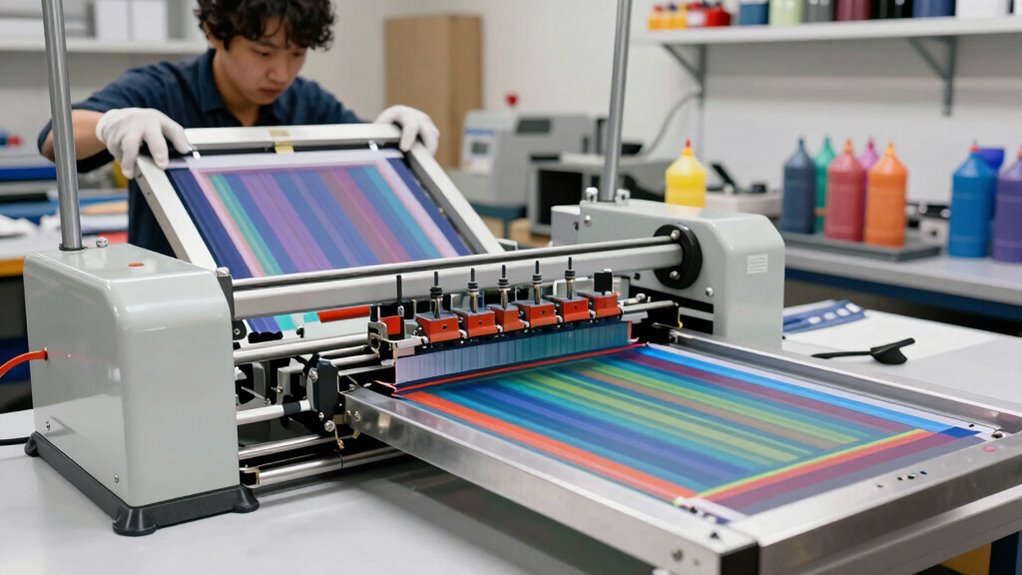
Upgrading your screen printing equipment can considerably boost your production quality and efficiency. Before making any changes, it’s crucial to understand what your current setup needs and how new equipment can address those requirements. One of the most critical factors is guaranteeing that your new screens are compatible with your existing inks. Ink compatibility influences color vibrancy, adhesion, and durability, so you want to select screens and equipment that work seamlessly with your preferred inks. Otherwise, you might face issues like poor print quality or increased waste, which can hurt your bottom line.
Ensure new screens are compatible with your inks to maintain vibrant, durable prints and prevent waste.
Screen maintenance plays a significant role in maximizing the longevity and performance of your equipment. When considering an upgrade, ask yourself whether the new machinery supports easy cleaning and long-term maintenance. Modern screen printing machines often come with features designed to minimize downtime, such as quick-change frames or automated cleaning systems. These features can save you time and keep your production line running smoothly. Proper maintenance also involves inspecting screens regularly for damage or wear, which ensures consistent quality. Upgrading your equipment should include thinking about how it integrates into your existing maintenance routines. You don’t want to invest in high-tech machinery that complicates your daily upkeep or requires specialized skills you don’t currently possess. Paying attention to equipment compatibility can help you avoid costly adjustments later on. Additionally, assessing the technological compatibility of new equipment with your current systems can prevent integration issues down the line.
Another key consideration is the compatibility of your new equipment with your current workflow. Will it fit into your workspace comfortably? Does it require special training or additional staff? Upgrading shouldn’t just mean getting the latest tech; it should enhance your overall process. For example, if you’re moving to a more automated press, make sure it’s compatible with your current screen sizes and registration methods. Compatibility extends beyond just the hardware—it also involves software. Ensure that any digital components can integrate with your existing design and production management systems. Additionally, understanding the importance of sustainable practices in your equipment choices can also contribute to more environmentally responsible operations.
screen printing ink compatibility testing kit
As an affiliate, we earn on qualifying purchases.
As an affiliate, we earn on qualifying purchases.
Frequently Asked Questions
How Do I Determine When It’s Time to Upgrade My Equipment?
You’ll know it’s time to upgrade your equipment when your current setup starts hindering print shop maintenance or affecting equipment longevity. If repairs become frequent, or if your prints lose quality despite maintenance, it’s a clear sign. Upgrading guarantees you stay efficient and produce top-quality work. Regularly assess your equipment’s performance, and don’t wait until breakdowns disrupt your workflow to contemplate an upgrade.
What Costs Are Typically Involved in Upgrading Screen Printing Tools?
Upgrading your screen printing tools is like tuning a finely crafted instrument—you’ll face costs that include a detailed cost analysis of new equipment, installation, and training. You should also consider equipment longevity, as investing in quality can save money long-term through durability and efficiency. Expect to budget for new screens, inks, and maintenance supplies, which all contribute to the overall expense, ensuring your upgrade is a worthwhile investment.
Can I Upgrade Individual Components or Should I Replace Entire Machines?
You can upgrade individual components if it’s cost-effective and extends your equipment’s lifespan, allowing you to improve specific functions without replacing the whole machine. However, if maintenance costs rise or the equipment becomes outdated, replacing the entire machine might be smarter. Consider how upgrades affect maintenance costs and whether they genuinely extend your equipment’s lifespan. Sometimes, a full replacement offers better long-term value and reliability.
How Will Upgrading Affect My Current Production Schedule?
Upgrading your equipment is like tuning a finely crafted machine—expect some bumps along the road. It may cause temporary downtime, but a thorough cost analysis helps you weigh the benefits. With proper downtime management, you can minimize disruptions, keeping your production line flowing smoothly. Planning upgrades carefully guarantees you don’t just improve quality but also preserve your schedule, turning potential setbacks into opportunities for growth.
Are There Specific Brands or Models Recommended for Upgrades?
You should compare brands and examine model features to find the best upgrade for your needs. Look into reputable brands like Ryonet, Anatol, and M&R, which offer reliable options. Evaluate each model’s features such as print speed, automation, and durability. Reading reviews and comparing brand reputations helps guarantee you select equipment that boosts productivity and quality. Choosing the right brand and model makes a significant difference in your screen printing results.
automatic screen cleaning machine
As an affiliate, we earn on qualifying purchases.
As an affiliate, we earn on qualifying purchases.
Conclusion
Upgrading your screen printing equipment can boost efficiency and quality, but it’s essential to weigh the costs and benefits carefully. Think of it like upgrading a camera lens—you’ll see sharper images and better details, but only if the new gear suits your needs. Before you invest, research thoroughly and consider your workflow. A smart upgrade is like adding a high-definition lens to your toolkit, helping your prints stand out and elevating your entire process.
quick-change screen printing frames
As an affiliate, we earn on qualifying purchases.
As an affiliate, we earn on qualifying purchases.
eco-friendly screen printing inks
As an affiliate, we earn on qualifying purchases.
As an affiliate, we earn on qualifying purchases.
Halloween Picks
halloween
As an affiliate, we earn on qualifying purchases.