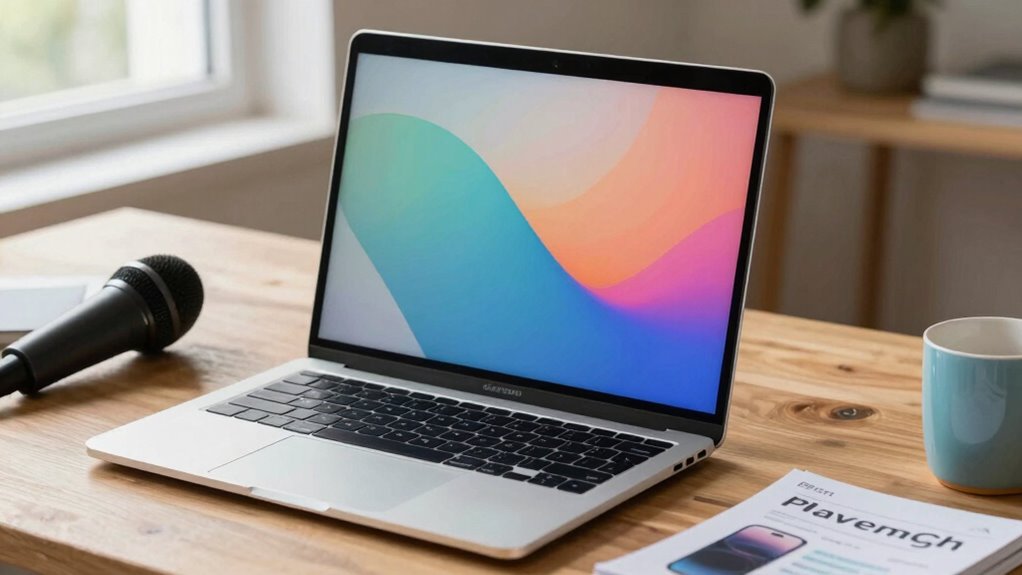

Before upgrading your webcam call quality, consider your lighting conditions—natural or artificial lights can make a big difference. Check your microphone quality, as clear audio is just as important as video. Make certain your internet connection is stable and fast to prevent lag. Verify your computer’s compatibility and update drivers to avoid performance issues. Think about the features you need, like higher resolution or wider view angles. Keep these factors in mind, and you’ll be on your way to better calls.

Get art and craft supplies delivered free with Prime
- Fast, free delivery on millions of items
- Prime Video, Amazon Music and more included
- Member-only deals all year
Key Takeaways
- Assess your current lighting setup and improve it with natural or artificial light sources for clearer video.
- Upgrade to a high-quality microphone to enhance audio clarity alongside video improvements.
- Ensure your internet connection is stable and fast to support higher-quality streaming without lag.
- Verify your system’s hardware and software compatibility to maximize webcam performance and avoid technical issues.
- Identify your specific usage needs (professional, streaming, casual) to select a webcam with appropriate features and resolution.
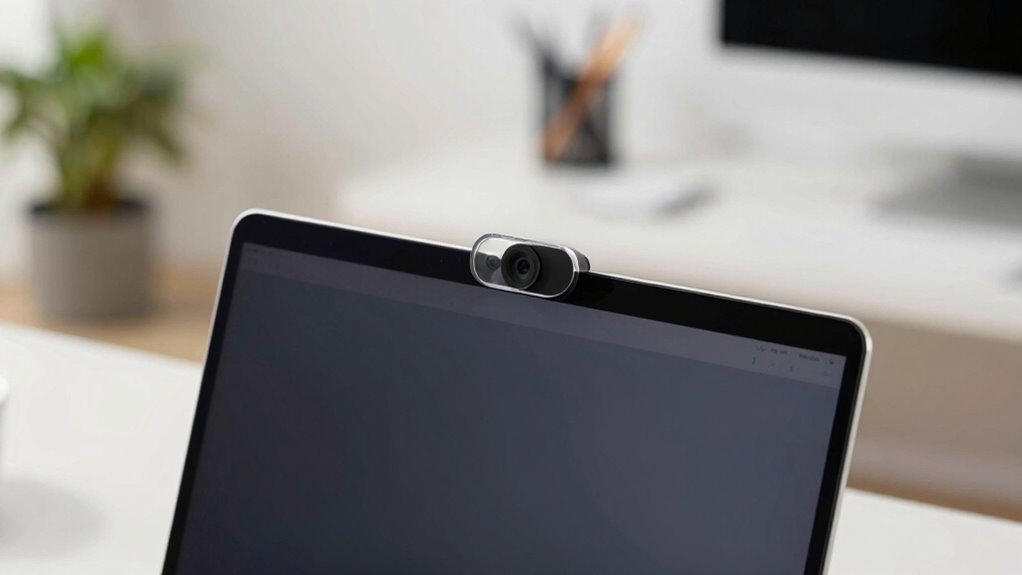
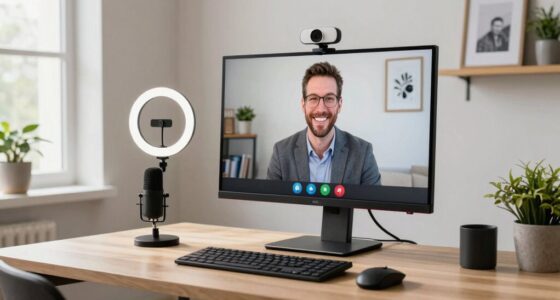
Are you tired of blurry, choppy video calls that make it hard to connect? Upgrading your webcam can substantially improve your call quality, but before you make a purchase, there are a few key things to consider. First, think about your current environment. Lighting conditions play an essential role in how well your webcam captures your image. Poor lighting can turn even the best camera into a fuzzy, washed-out mess, so ensure you have good, even lighting that illuminates your face without creating harsh shadows or glare. Natural light is ideal if available, but if not, investing in a ring light or softbox can make a noticeable difference. Proper lighting not only enhances your video clarity but also reduces eye strain and makes you look more professional during calls.
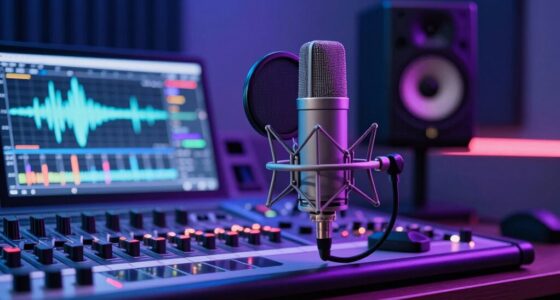
Next, consider your microphone quality. Even if you upgrade your webcam to one with better video capabilities, poor audio can still undermine your overall call experience. Many webcams come with built-in microphones, but these often pick up background noise and produce muffled sound. To genuinely upgrade your call quality, you might want to invest in a dedicated microphone or a webcam with a high-quality integrated mic. Clear, crisp audio helps you communicate effectively and keeps your audience engaged. Remember, sometimes a small investment in a good microphone yields a much better return than a fancy camera alone.
Beyond lighting and microphone considerations, pay attention to your internet connection. A stable, high-speed connection minimizes lag and buffering, which are common culprits behind choppy video calls. No matter how good your webcam or microphone is, a poor connection can render your upgrade ineffective. Additionally, you should ensure your hardware compatibility is up to date, as outdated drivers or software can cause performance issues. Ensuring your system is optimized can significantly improve your streaming quality and prevent technical hiccups. Also, check that your computer meets the technical requirements for high-quality video streaming. Overloading your system with unnecessary background tasks can cause frame drops and lower resolution, negating the benefits of your new hardware. Furthermore, internet stability plays a critical role in maintaining consistent video quality, so troubleshooting your network can provide significant improvements.
Finally, think about your specific needs. Are you doing professional video conferences, streaming, or casual chats? Different scenarios might require different features, such as higher resolution, wider field of view, or better autofocus. Do some research to find a webcam that aligns with your usage and budget. Upgrading your equipment is a great step, but understanding these factors guarantees you get the best return on your investment. With proper lighting, quality audio, and a reliable internet connection, your upgraded webcam can transform your video calls into clear, smooth, professional interactions.
high quality webcam for streaming
As an affiliate, we earn on qualifying purchases.
As an affiliate, we earn on qualifying purchases.
Frequently Asked Questions
How Do I Test My Current Webcam Quality Effectively?
To test your webcam quality effectively, start by checking the video resolution and frame rate during a call or using testing software. Record a short test video in different lighting conditions and review the footage for clarity and smoothness. You can also use free online tools or built-in camera apps to compare resolution and frame rate, helping you identify any issues with sharpness or motion smoothness before considering an upgrade.
What Are the Best Lighting Conditions for Clearer Video Calls?
For clearer video calls, you should aim for good lighting setup, ideally with natural illumination. Position yourself facing a window or light source to guarantee your face is well-lit and shadows are minimized. Avoid harsh backlighting or dim environments, as they can obscure your features. If natural light isn’t enough, supplement with soft, diffused artificial lighting to create a balanced, flattering look that enhances your webcam quality.
Are There Compatibility Issues With New Webcams and Existing Software?
Sometimes, your new webcam may not seamlessly work with your existing software due to hardware compatibility issues. You’ll likely need to update your software to guarantee smooth integration. Before upgrading, check if your current programs support the new webcam’s features and drivers. Keeping your software updated minimizes compatibility issues, so you get the best video quality without hiccups. This proactive approach ensures your upgrade enhances your calls, not complicates them.
How Does Internet Speed Impact Webcam Call Quality?
Your internet speed directly impacts webcam call quality by affecting bandwidth limitations and connection stability. If your connection isn’t fast enough, you might experience buffering, pixelation, or dropped calls. To guarantee clear, smooth video, aim for a stable high-speed connection. Upgrading your internet plan or using a wired connection can help reduce bandwidth issues, providing the stability needed for better webcam performance during calls.
What Are Budget-Friendly Options for Improving Webcam Quality?
If you want budget-friendly options to improve your webcam quality, consider DIY fixes like lighting adjustments or using a makeshift reflector to enhance image clarity. Budget enhancements such as upgrading your webcam to a higher-resolution model or adding affordable accessories like a ring light can make a big difference. For example, Sarah upgraded her webcam with a $30 ring light, instantly improving her video quality for calls and meetings.
As an affiliate, we earn on qualifying purchases.
Conclusion
Upgrading your webcam call quality can truly transform your meetings, making them sharper and more professional. Just like switching from a candle to a bright Edison bulb, a simple upgrade brightens your entire experience. Before you click “buy,” remember to check your internet speed and lighting conditions—think of it as tuning your vintage radio for the clearest signal. With these tips, you’ll be chatting like it’s the future, even if it feels a bit like stepping into a science fiction novel.
As an affiliate, we earn on qualifying purchases.
As an affiliate, we earn on qualifying purchases.
Fall Picks
fall essentials
As an affiliate, we earn on qualifying purchases.