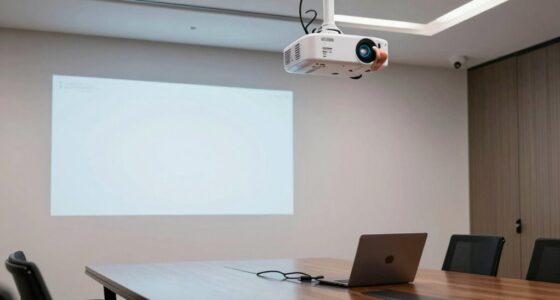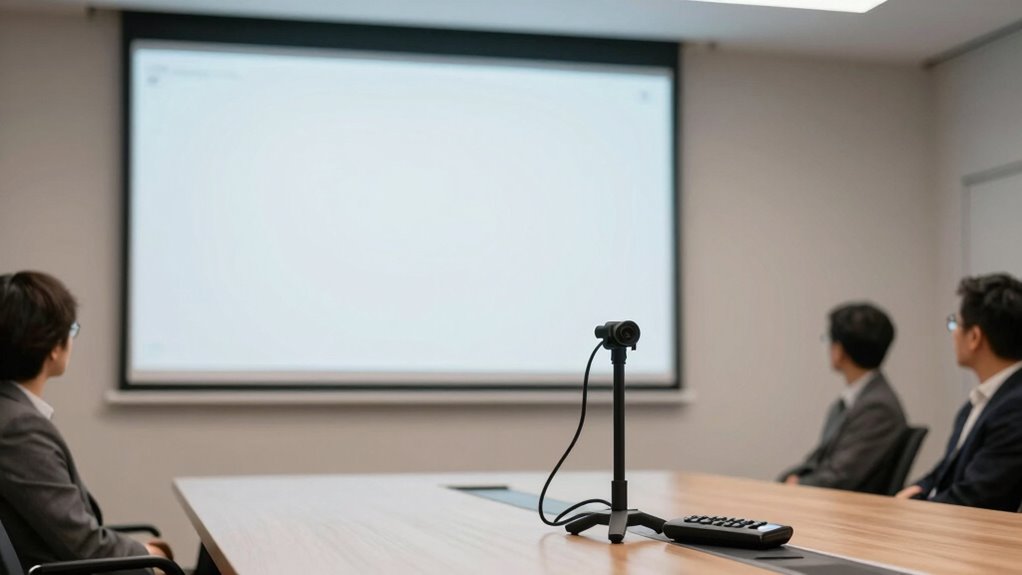

Your projector’s setup and environment matter more than specs alone because proper placement, lighting management, and screen choice can dramatically enhance image clarity and brightness. Even the best projector struggle in poor lighting or with incorrect positioning, resulting in washed-out or blurry images. Controlling ambient light and ensuring correct setup improves contrast and sharpness, making your presentation more impactful. If you keep going, you’ll discover how fine-tuning these factors can turn any project into a professional display.

Get art and craft supplies delivered free with Prime
- Fast, free delivery on millions of items
- Prime Video, Amazon Music and more included
- Member-only deals all year
Key Takeaways
- Proper setup and environment significantly enhance image clarity, often outweighing the impact of projector specifications.
- Controlling ambient light and using blackout solutions improve contrast and detail visibility.
- Correct screen placement and alignment prevent distortion, ensuring sharp, focused images.
- A smooth, matte projection surface minimizes distortion and maintains image quality.
- Optimizing environment conditions ensures the projector’s brightness and features are fully effective.
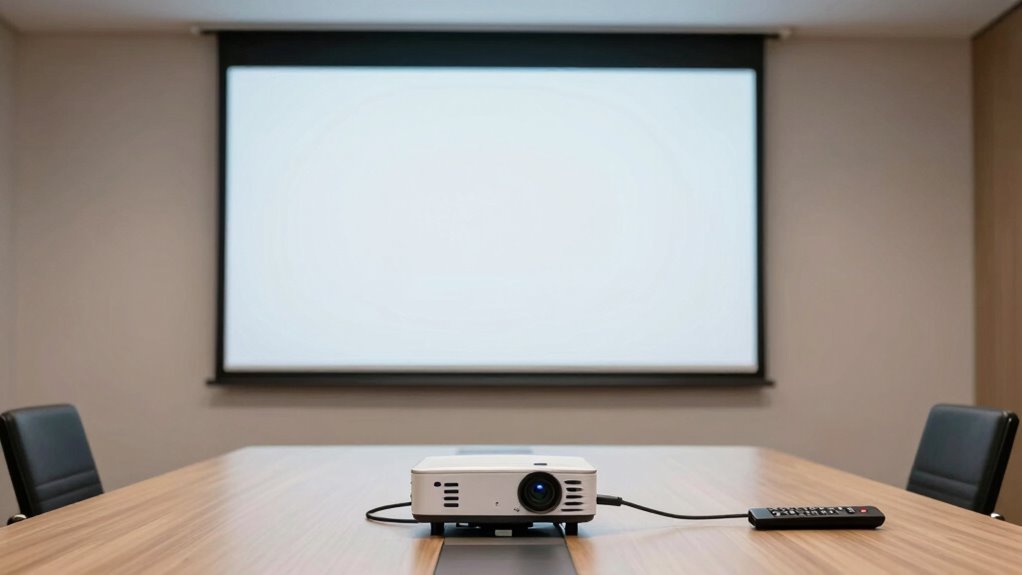
Have you ever struggled to get a clear, bright image from your projector? If so, you’re not alone. Many people assume that just choosing a high-spec projector will guarantee a sharp, vivid display, but that’s often not the case. The way you set up your projector plays a pivotal role in the quality of your presentation, sometimes even more than the projector’s technical specifications. Two key factors to focus on are lighting conditions and screen placement. These elements can make or break your viewing experience, regardless of the projector’s resolution or lumens rating.
Proper setup and environment are key to achieving bright, sharp images with your projector.
Lighting conditions are one of the most influential factors. Even the most powerful projector can struggle if your room is too bright. Ambient light washes out the image, reducing contrast and making details hard to see. To optimize your setup, you need to control the lighting as much as possible. Dimming or turning off lights during your presentation can dramatically improve image clarity. If that’s not feasible, consider using blackout curtains or shades to block sunlight. Keep in mind that not all projectors handle ambient light equally; some are better suited for well-lit rooms, but generally, lower light levels produce sharper images. It’s about creating an environment where the projector’s brightness isn’t overwhelmed by external light sources. Additionally, understanding the importance of proper lighting management can help you achieve the best results. Proper lighting control not only enhances image quality but also reduces eye strain for viewers.
Screen placement is equally essential. Proper placement ensures you’re viewing the image at the right angle and distance, minimizing distortion and glare. Position the screen so that it’s directly facing your audience and at eye level to avoid neck strain and skewed visuals. The distance between the projector and the screen also matters—too close, and the image can be pixelated; too far, and it can become blurry or miss focus. Make sure your projector is aligned with the center of the screen, avoiding any skewed or trapezoidal images. Use keystone correction carefully; overdoing it can degrade image quality. Also, consider the surface where the image is projected. A smooth, matte, white surface offers the best results, as glossy or textured surfaces can distort or obscure details. Additionally, understanding projection environment factors can help you optimize your setup for the best viewing experience. By paying attention to these setup considerations, you can significantly improve your presentation’s overall clarity and impact.
blackout curtains for projector room
As an affiliate, we earn on qualifying purchases.
As an affiliate, we earn on qualifying purchases.
Frequently Asked Questions
How Does Room Size Affect Projector Placement?
Room size directly influences where you place your projector. In larger rooms, you need to position the projector farther away to fill the screen properly, considering room acoustics and seating arrangements. If the room is too small, placing it too far back causes image distortion. Adjust the projector’s distance based on the size and layout, ensuring clear visuals and ideal sound quality for your audience.
What Ambient Lighting Conditions Impact Projector Visibility?
Bright ambient light can wash out your projector image, making it hard to see details clearly. For example, in a conference room with large windows, glare reduction becomes essential to improve visibility. You should control ambient light by dimming lights or using blackout curtains. This guarantees your projected image stays sharp and vibrant, enhancing audience engagement. Proper ambient lighting conditions directly influence how well your presentation comes across.
How Important Is Screen Material for Projection Quality?
Screen material is vital for projection quality because it directly affects image clarity and brightness. The screen coating influences how light reflects, so choosing a material with the right reflectivity guarantees vivid images without glare or dimness. A high-quality surface enhances color accuracy and contrast, making your presentation more engaging. Investing in the proper screen material can transform your projector’s performance, making even lower specs look impressive through better surface properties.
What Are Common Setup Mistakes to Avoid?
In the age of digital enlightenment, avoid common setup mistakes like neglecting proper cable management and sacrificing audio clarity. You should make certain cables are neatly organized to prevent tripping hazards and signal interference. Also, check that your audio system is clear and balanced, so your message isn’t lost. Ignoring these details can undermine your presentation’s impact, even if your projector specs are excellent. Proper setup makes all the difference.
How Does Projector Maintenance Influence Presentation Success?
Projector maintenance directly impacts your presentation success by ensuring clear images and reliable performance. Regularly checking the projection calibration keeps the display sharp and accurate, preventing blurry or distorted visuals. Proper upkeep also extends equipment longevity, saving you money and avoiding unexpected breakdowns. When you prioritize maintenance, your projector consistently delivers professional, high-quality presentations that engage your audience and boost your credibility.
As an affiliate, we earn on qualifying purchases.
Conclusion
When you take the time to set up your projector carefully, you’re not just preparing a device—you’re creating an engaging experience. Imagine the flicker of images dancing perfectly on the wall, drawing your audience in and making ideas come alive. It’s the difference between a blurry, forgettable presentation and one that leaves a lasting impression. So, focus on the setup, and watch your message shine brightly, illuminating minds and inspiring action.
As an affiliate, we earn on qualifying purchases.
ambient light control for home theater
As an affiliate, we earn on qualifying purchases.
As an affiliate, we earn on qualifying purchases.
Halloween Picks
halloween
As an affiliate, we earn on qualifying purchases.