
To design keyboard navigable interfaces, you should focus on creating clear focus indicators and using semantic HTML elements like buttons and links. Make certain all interactions are keyboard operable and manage focus programmatically for modals or menus. Incorporate efficient shortcuts and regularly test your interface with keyboard navigation and screen readers. Prioritize accessibility from the start, so users can navigate seamlessly without a mouse. Keep exploring to discover more tips on making your interface fully accessible.
Key Takeaways
- Use semantic HTML elements like buttons and links to ensure inherent focusability and accessibility.
- Provide clear, visible focus indicators to help users track their navigation.
- Implement logical focus order and manage focus programmatically during interactions like opening modals.
- Incorporate keyboard shortcuts for quick navigation and allow customization options for users.
- Regularly test keyboard navigation with assistive technologies to identify and fix focus-related issues.

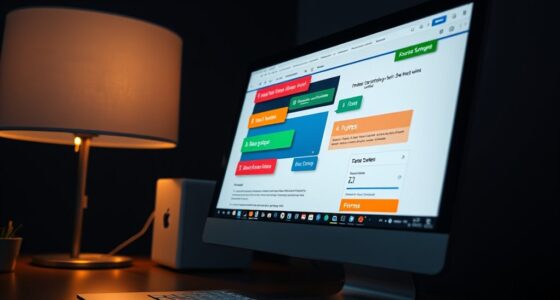
Creating keyboard navigable interfaces is essential for ensuring that all users can access and interact with your digital products effectively. When designing these interfaces, you want to make sure that users can move through your content seamlessly using only a keyboard. Achieving this begins with establishing an accessible focus, which is the visual indicator that shows where the user currently is on the screen. An accessible focus helps users track their position within your interface, preventing confusion and frustration. You should guarantee that focus states are clearly visible, with distinct outlines or highlights, so users can easily identify which element they’re on at any given moment.
Accessible focus indicators ensure users can easily track their position within keyboard-navigable interfaces.
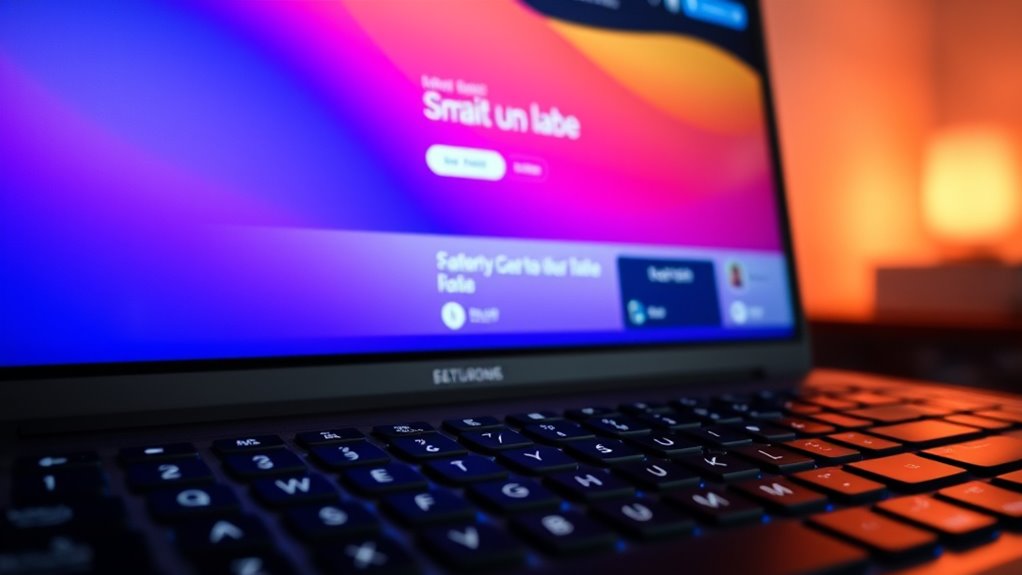
In addition to visible focus, incorporating keyboard shortcuts greatly enhances navigation efficiency. Keyboard shortcuts allow users to quickly jump between sections or activate functions without repeatedly pressing arrow keys or tab. By thoughtfully designing and implementing shortcuts for common actions, you give power users a faster, more intuitive way to interact with your interface. However, it’s essential to avoid conflicts with existing system-wide shortcuts and to provide users with a way to customize or view available shortcuts. Clear labeling of shortcut functions and consistent behavior across your platform also contribute to a smoother experience.
To build a truly accessible keyboard navigation system, you should structure your HTML markup carefully. Use semantic elements such as buttons, links, and form controls, which are inherently focusable and accessible. Avoid relying solely on non-interactive elements like `
Testing your interfaces is essential. Use keyboard navigation regularly during development to identify any focus traps, missing focus states, or inaccessible elements. Tools like screen readers and accessibility audits can help verify that your interface is truly usable without a mouse. Remember, designing with keyboard navigation in mind isn’t just about compliance; it’s about creating inclusive, user-friendly experiences for everyone, regardless of their method of interaction. By prioritizing accessible focus, implementing intuitive keyboard shortcuts, and rigorously testing your interface, you make your digital products welcoming and usable for all users.

Wired Computer Keyboard, Plug Play USB, Large Number Pad, LED Indicators,Ergonomic, Foldable Stands,Anti-Wear Letters Full Size Keyboard,for Windows Mac PC Laptop-Black
Plug and play and Stable Connection:This wired keyboard mouse combo is plug and play, no needed install any…
As an affiliate, we earn on qualifying purchases.
As an affiliate, we earn on qualifying purchases.
Frequently Asked Questions
How Can I Test Keyboard Accessibility Effectively?
To test keyboard accessibility effectively, start by traversing your interface using only your keyboard, ensuring the keyboard focus moves logically through all interactive elements. Check against accessibility standards like WCAG, verifying that users can complete tasks without a mouse. Use tools like screen readers and keyboard navigation testing tools to identify focus traps or missed elements. Regularly gather feedback from users with disabilities to improve overall keyboard focus management and accessibility compliance.
What Are Common Mistakes to Avoid in Keyboard Navigation?
You should avoid common mistakes like creating focus traps that prevent users from steering away, and neglecting skip links that allow quick access to main content. Guarantee focus order is logical, so users can move seamlessly through your interface. Test thoroughly with keyboard-only navigation to identify and fix these issues. Don’t overlook providing clear visual focus indicators, making it easier for users to track their position.
How Does Keyboard Navigation Differ Across Devices?
Think of steering your device like using a vintage typewriter versus a modern touchscreen. You’ll find that keyboard navigation varies across devices because of device-specific shortcuts and input methods. On desktops, you rely on Tab and arrow keys, while on touch devices, gestures dominate. You need to adapt your design, ensuring keyboard focus is logical and consistent, whether users are on a keyboard or touch, to make navigation seamless across all platforms.
Are There Specific Tools for Auditing Keyboard Accessibility?
Yes, you can use tools like WAVE, Axe, and Lighthouse to audit keyboard accessibility. These assistive technology-compatible tools help you identify navigation issues and guarantee compliance with accessibility guidelines. When testing, focus on real keyboard interactions to see if all interactive elements are reachable and operable. Regular audits with these tools help you improve your interface, making it more inclusive for users relying on keyboard navigation.
How Can I Ensure Keyboard Navigation Is Inclusive for All Users?
You can guarantee keyboard navigation is inclusive by focusing on accessibility standards like WCAG, which set clear guidelines. Test your interface thoroughly with keyboard-only navigation, checking that all focusable elements are reachable and logically ordered. Use tools to audit accessibility and gather user feedback from diverse users, including those with disabilities. Prioritize clear focus indicators and consistent navigation patterns, making sure your interface accommodates all users’ needs effectively.
accessible HTML focus management tools
As an affiliate, we earn on qualifying purchases.
As an affiliate, we earn on qualifying purchases.
Conclusion
Think of your interface as a well-tuned orchestra, where every instrument responds seamlessly to your baton. By designing keyboard-navigable interfaces, you become the conductor, guiding users effortlessly through your digital symphony. When each element is accessible with a simple keystroke, your users experience harmony and flow. Remember, a truly inclusive design invites everyone to join the performance—making your interface not just functional, but a masterpiece everyone can enjoy.
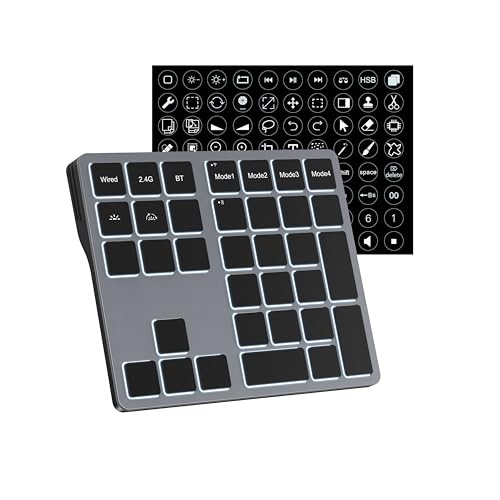
Doohoeek Tri-Mode Programmable Keyboard (BT/2.4G/Wired), Bluetooth Shortcuts Keyboard with 25 Custom Keys & Shortcuts Stickers & Backlit, Wireless Macro Keypad for Windows Graphic, Editing & Office
Tri-Mode Connectivity & Multi-Device Pairing: ONLY Compatible with Windows Devices. Seamlessly connect up to 3 devices via Bluetooth…
As an affiliate, we earn on qualifying purchases.
As an affiliate, we earn on qualifying purchases.

0.1mm Ultra Thin Flexible Metal Spudger Curved Screen Pry Opening Tool for Mobile Phone Laptop Disassemble Screen Repair Tools
0.1mm ultra thin opening card, excellent for prying and opening task.
As an affiliate, we earn on qualifying purchases.
As an affiliate, we earn on qualifying purchases.