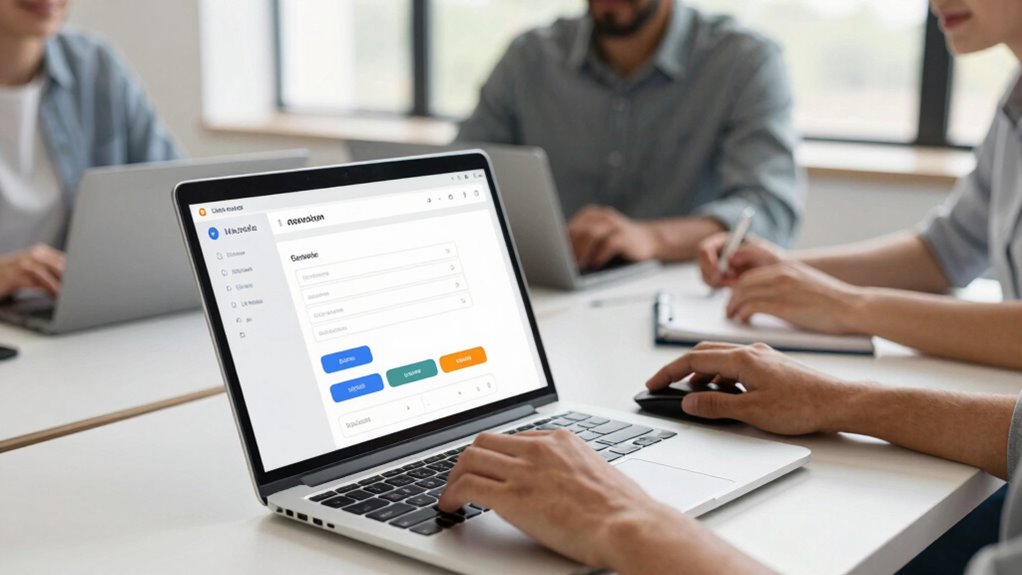

Great teams understand that accessible forms are vital for creating inclusive digital experiences for all users. They prioritize features like keyboard navigation, screen reader compatibility, and clear labels to guarantee everyone can complete tasks easily. Incorporating inclusive design principles not only broadens your reach but also builds trust and demonstrates empathy. When you focus on accessibility from the start, it leads to better user engagement and satisfaction—if you want to learn more, keep exploring these essential strategies.

Get art and craft supplies delivered free with Prime
- Fast, free delivery on millions of items
- Prime Video, Amazon Music and more included
- Member-only deals all year
Key Takeaways
- Great teams prioritize inclusive design, ensuring forms are usable by all users regardless of disabilities or device preferences.
- They incorporate essential accessibility features like keyboard navigation, screen reader compatibility, and clear labels.
- They follow accessibility standards and best practices to ensure compliance and a seamless user experience.
- They understand that accessible forms improve overall usability, trust, and engagement across diverse user groups.
- They invest in testing and iterating forms to address barriers and enhance accessibility continuously.
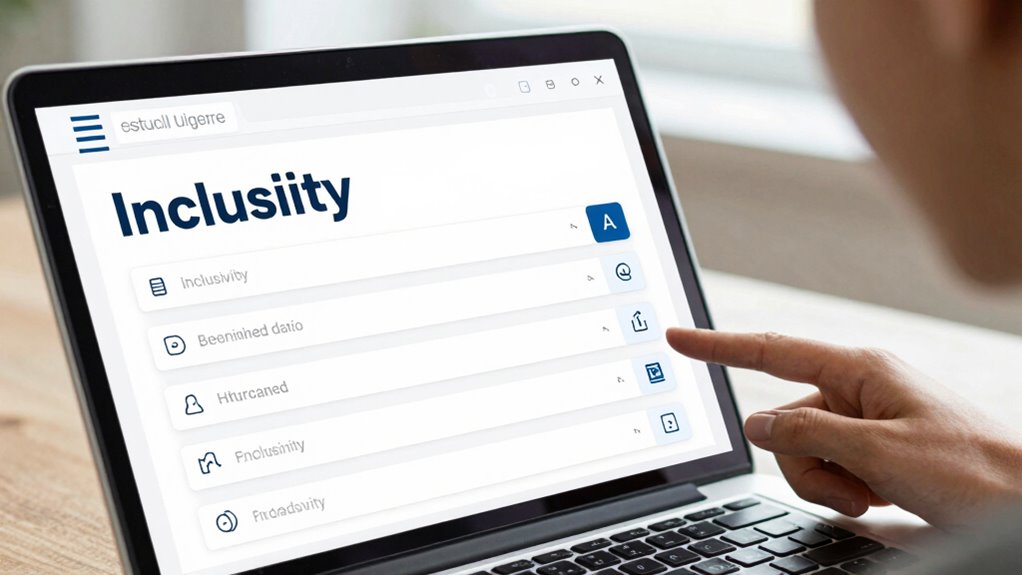
Have you ever struggled to fill out a form online because it wasn’t accessible? If so, you’re not alone. Many people encounter barriers that make completing digital forms frustrating or impossible. Great teams understand that accessible forms aren’t just a nice-to-have—they’re essential for reaching everyone. They prioritize features like keyboard navigation, which allows users to move through form fields using only a keyboard, without needing a mouse. This is especially important for those with mobility impairments or who prefer keyboard shortcuts. When forms are designed with keyboard navigation in mind, it guarantees that every person can efficiently complete their tasks without unnecessary hurdles.
Accessible forms enable everyone to complete tasks easily, regardless of mobility or device preferences.
Screen reader compatibility is another critical aspect of accessible forms that top teams focus on. Screen readers interpret the content of a webpage and vocalize it for users who are visually impaired. If a form isn’t compatible, users might hear confusing or incomplete information, making it nearly impossible to complete their submissions. Great teams test their forms with various screen readers to ensure all labels, instructions, and error messages are accessible. Proper use of semantic HTML tags, clear labels, and ARIA (Accessible Rich Internet Applications) attributes help these tools work seamlessly, providing a smooth experience for users relying on screen readers.
Beyond technical features, inclusive design also involves thinking about the overall user flow. A well-designed accessible form minimizes the need for excessive instructions or corrections, guiding users naturally from start to finish. Clear labels and instructions help users understand what information is required, while real-time validation provides immediate feedback if something’s wrong. This proactive approach prevents frustration and reduces errors, making the process quicker and less stressful for everyone. Additionally, considering natural language and simple phrasing ensures that forms are understandable across diverse user backgrounds. Incorporating accessibility standards further guarantees that forms meet recognized guidelines for digital inclusivity. Recognizing the importance of assistive technologies helps teams develop more inclusive solutions that accommodate various user needs.
Furthermore, accessible forms reflect a broader understanding of user diversity. Great teams recognize that accessibility benefits not only those with disabilities but also users with slow internet connections, older devices, or different language backgrounds. They incorporate simple, straightforward language and ensure that forms are responsive and easy to navigate across various devices. Incorporating best practices in web development can significantly improve overall usability and ensure compatibility across platforms. This commitment to universal usability shows respect and empathy for all users, fostering trust and inclusivity.
In essence, the most effective teams see accessible forms as a fundamental part of good user experience. They invest in making forms usable with keyboard navigation, screen reader compatibility, and inclusive design principles. By doing so, they open their digital doors wider, welcoming everyone to participate fully and effortlessly.
Popular right now

Dyson V8 Cyclone Cordless Vacuum

Vitamix 5200 Professional-Grade Blender, 64 oz. Container, Black

Roborock F25 BX Cordless Wet Dry Vacuum Mop
As an affiliate, we earn on qualifying purchases.
Frequently Asked Questions
How Do Accessible Forms Impact Overall Website Performance?
Accessible forms boost your website’s performance by improving user experience for everyone, including those with disabilities. When forms are easy to navigate and use, visitors stay longer and complete actions more often, increasing conversion rates. You’ll see higher engagement, fewer errors, and better search rankings. Overall, accessible forms make your site more inclusive and efficient, leading to improved customer satisfaction and stronger business results.
What Are Common Mistakes in Creating Accessible Forms?
You often make labeling issues by not clearly associating labels with input fields, which confuses users. Additionally, neglecting keyboard navigation can block users who rely on keyboards from completing forms easily. To avoid these mistakes, guarantee every form element has a descriptive label and is accessible via keyboard. Testing your forms with assistive technologies helps identify and fix these common accessibility issues, making your forms truly inclusive.
How Can I Test My Forms for Accessibility Compliance?
To test your forms for accessibility compliance, start by using assistive technology tools like screen readers to experience your forms as users with disabilities would. Check that form validation provides clear, accessible feedback without relying solely on color cues. Additionally, use automated testing tools like WAVE or Axe to identify accessibility issues. Regular testing guarantees your forms are inclusive, functional, and compliant with accessibility standards.
Are Accessible Forms More Costly to Develop?
Accessible forms might seem more costly initially, but the development costs often balance out over time. By focusing on inclusive design considerations early, you prevent expensive redesigns later. Investing in accessible development ensures your forms reach everyone, reducing potential legal issues and increasing user satisfaction. Ultimately, the added effort pays off, making your forms more efficient and compliant without markedly inflating your overall development costs.
How Do Accessible Forms Benefit Users With Cognitive Disabilities?
Accessible forms markedly benefit users with cognitive disabilities by reducing cognitive load and minimizing usability barriers. You make it easier for them to understand and complete forms without feeling overwhelmed or confused. Clear labels, simple instructions, and logical layouts help users navigate smoothly. By designing with accessibility in mind, you create an inclusive experience that empowers everyone, ensuring that cognitive challenges don’t hinder their ability to engage fully with your digital services.
Conclusion
Now that you understand the importance of accessible forms, imagine users seamlessly completing your forms without frustration or delay. Picture a world where every click, tap, or voice command leads effortlessly to the information they need. But what if one small detail is overlooked? The difference between accessibility and exclusion can be just a single step. Will you take that step today, ensuring your forms truly welcome everyone—before it’s too late?