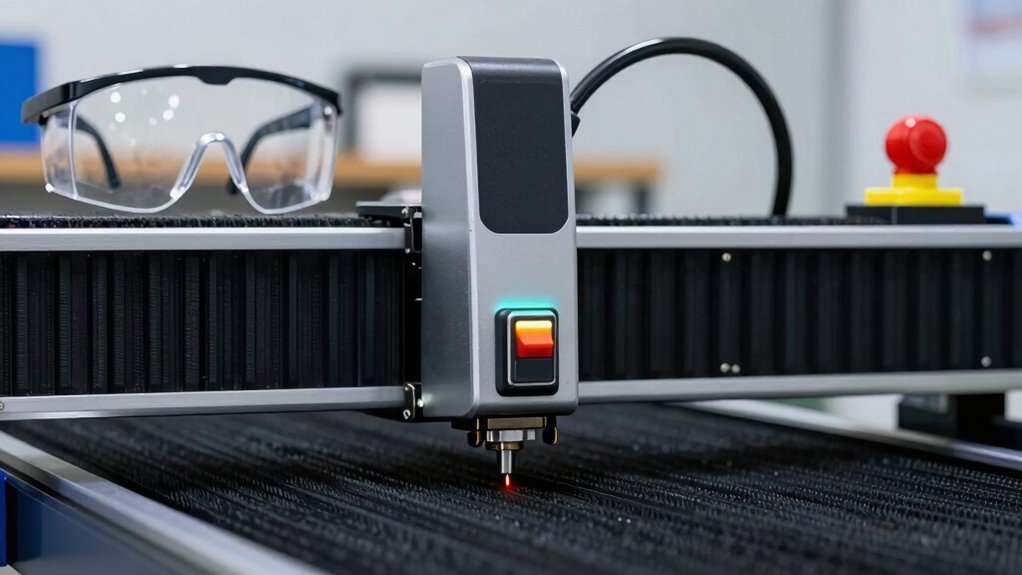

To quickly improve laser cutter safety, establish a strict setup rule: always verify your workspace is clear of flammable materials, guarantee proper ventilation is active, and check that emergency stop buttons work before each use. Secure materials properly to prevent misfires, wear appropriate safety goggles, and follow manufacturer’s instructions carefully. Maintaining these focused safety checks every time greatly reduces risks and keeps you safer. Keep going to discover more essential safety practices for your laser cutter.
Key Takeaways
- Ensure emergency stop buttons are easily accessible and functional before starting operation.
- Securely position and clamp materials to prevent misfires or jams during cutting.
- Verify that ventilation systems are operational to immediately remove fumes and smoke.
- Conduct a quick safety check of all protective gear, including goggles, prior to use.
- Review and follow manufacturer’s safety instructions for setup and operation procedures.
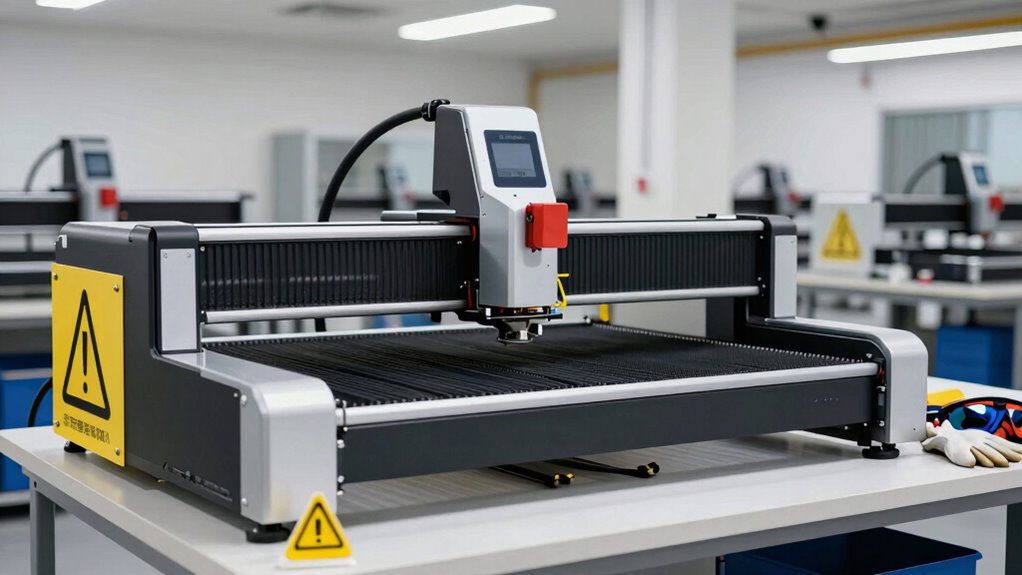
Setting up your laser cutter safely is vital before beginning any project. This isn’t just about following a checklist; it’s about creating a secure environment where accidents are minimized, and you’re prepared for the unexpected. The most effective setup rule to improve laser cutter safety fast is to establish an extensive safety protocol that integrates laser safety protocols and emergency preparedness from the start. When you take the time to implement these safety measures upfront, you markedly reduce risks and guarantee a smooth, trouble-free operation.
First, familiarize yourself with the laser safety protocols specific to your machine. This includes understanding the manufacturer’s instructions, proper ventilation requirements, and appropriate personal protective equipment (PPE). Always wear safety goggles designed for laser work, and make sure your workspace has adequate ventilation to remove fumes and smoke generated during cutting or engraving. Implementing these protocols is vital because they serve as your first line of defense against accidents, injuries, or exposure to harmful laser radiation. Additionally, staying updated on industry safety standards can help ensure your practices align with current regulations. Regularly reviewing these standards helps you adapt to new safety advancements and maintain compliance.
Familiarize yourself with your laser machine’s safety protocols, including manufacturer instructions, PPE, and ventilation for safe operation.
Next, you need to prioritize emergency preparedness. This means setting up clear procedures for potential incidents, such as fires, equipment malfunctions, or accidental exposure. Keep a fire extinguisher nearby that’s rated for electrical or chemical fires, and ensure it’s easily accessible. Make sure you know how to shut down your laser cutter quickly in case of an emergency, and verify that emergency stop buttons are functional and within reach. You should also have a plan in place for evacuating the workspace if needed. Regularly reviewing and practicing these emergency procedures helps you respond swiftly and effectively should a problem arise. Incorporating comprehensive safety planning ensures that all possible scenarios are covered and that you’re prepared for any situation. Furthermore, understanding hazard mitigation techniques can enhance your ability to prevent accidents before they happen.
In addition, verify that your workspace layout supports safety. Keep flammable materials away from the laser cutter, and ensure the area is well-ventilated and free of clutter. Properly securing your materials and ensuring the laser bed is set up correctly prevents accidental misfires or material jams. Routine maintenance and calibration of your laser cutter are also part of good safety practice, reducing the chance of malfunctions that could lead to accidents. Furthermore, understanding the importance of proper safety training can significantly enhance your ability to respond to unexpected situations effectively. Engaging in ongoing safety education ensures you stay informed about best practices and new safety measures in the industry.

FreeMascot IPL 200nm-2000nm Laser Safety Glasses for Laser Hair Removal Treatment and Laser Cosmetology Operator Eye Protection with Case (Green)
- Wavelength Range: 200nm-2000nm broad spectrum protection
- Laser Light Blocking: Blocks UV, Blue, Red, Infrared lasers
- Optical Density: OD 4+ for high protection
As an affiliate, we earn on qualifying purchases.
As an affiliate, we earn on qualifying purchases.
Frequently Asked Questions
How Often Should the Setup Rule Be Reviewed or Updated?
You should review and update the setup rule regularly, at least every six months, to guarantee safety remains effective. During these reviews, check equipment maintenance records and confirm operators are certified and trained on current safety protocols. Frequent updates help identify new hazards, incorporate technological improvements, and ensure staff stay aware of safety procedures, minimizing accidents and maintaining a safe working environment.
Are There Specific Training Requirements for Implementing the Setup Rule?
Think of implementing the setup rule like planting a seed—you need proper training to guarantee it grows safely. You should follow specific training requirements that cover safety protocols, equipment operation, and emergency procedures. Implementation guidelines help you deliver consistent training, emphasizing hands-on practice and regular refreshers. By doing so, you make sure everyone understands their role, reducing risks and fostering a safe environment around your laser cutter.
What Common Mistakes Should Be Avoided When Applying the Rule?
You should avoid rushing operator training, as skipping thorough instructions can lead to safety compliance issues. Don’t overlook verifying the laser cutter’s settings and ensuring proper safety gear is used, since these are common mistakes. Always double-check the setup process and follow safety protocols carefully. By paying attention to detail and emphasizing operator training, you reduce risks and maintain a safe working environment.
Does the Rule Vary for Different Laser Cutter Models?
Yes, the setup rule varies for different laser cutter models because of model differences and safety adaptations. You’ll want to customize safety measures based on your specific machine’s features and manufacturer guidelines. Some models might require additional ventilation or protective barriers. Always consult your laser cutter’s manual and safety documentation to guarantee you’re applying the setup rule correctly, considering your model’s unique safety specifications.
How Does the Setup Rule Integrate With Existing Safety Protocols?
You integrate the setup rule with existing safety protocols by ensuring safety equipment is correctly used before starting, like goggles and ventilation. It reinforces emergency procedures, making sure you’re prepared to respond swiftly to any issues. This rule acts as a safety checkpoint, aligning with your protocols to minimize risks. By consistently applying it, you create a safer environment, reducing accidents and ensuring everyone knows how to act during emergencies.

Emergency Stop Button 1NO+1NC 440V 10A for CO2 Laser Engraving Cutting Machine
- Contact Type: 1NO+1NC contacts
- Action Type: Push to stop, twist to reset
- Head Shape: Mushroom-shaped
As an affiliate, we earn on qualifying purchases.
As an affiliate, we earn on qualifying purchases.
Conclusion
By following the setup rule, you guarantee safety, prevent accidents, and protect your equipment. You stay alert, stay prepared, and stay safe. Keep your workspace organized, your mind focused, and your procedures clear. With these simple steps, you create a safer environment, a smoother workflow, and a more successful project. Remember, safety isn’t just a rule—it’s a habit, a mindset, a priority. Make it your rule, make it your routine, and enjoy your laser cutter with confidence.

FumeClear FC-2002A Laser Fume Extractor with Outdoor Vent for Odor Removal
- High Suction Power: Up to 260m³/h (153 CFM) suction
- Effective for Various Materials: Absorbs gases, powders, chips within 15cm
- Wide Application Range: Suitable for laser, cutting, soldering, 3D printing
As an affiliate, we earn on qualifying purchases.
As an affiliate, we earn on qualifying purchases.

Kidde Basic 110 Fire Extinguisher for Home, 1-A:10-B:C, FA110G, 1 Pack
- Reliable Fire Protection: Protects against common household fires
- All-Metal Construction: Durable, long-lasting build
- Easy Pull Safety Pin: Simple to operate in emergencies
As an affiliate, we earn on qualifying purchases.
As an affiliate, we earn on qualifying purchases.