
When prototyping and testing voice interactions with tools like Google Dialogflow, focus on designing natural, conversational flows that handle various user phrasings and misunderstandings. Use Dialogflow’s visual flow builder and testing console to quickly identify weak spots and refine responses. Incorporate clarification prompts and consider diverse accents to make interactions more inclusive. Consistently iterate and simulate different scenarios to improve the user experience—keep exploring to learn how to create more engaging voice prototypes.
Key Takeaways
- Use Dialogflow to design conversational flows and define intents for natural language understanding.
- Test interactions with Dialogflow’s built-in console to identify and refine user experience issues.
- Simulate diverse user phrasings and scenarios to improve system flexibility and robustness.
- Incorporate clarification prompts and handle misunderstandings to enhance usability and naturalness.
- Continuously iterate prototypes based on user testing and feedback to optimize voice interaction quality.
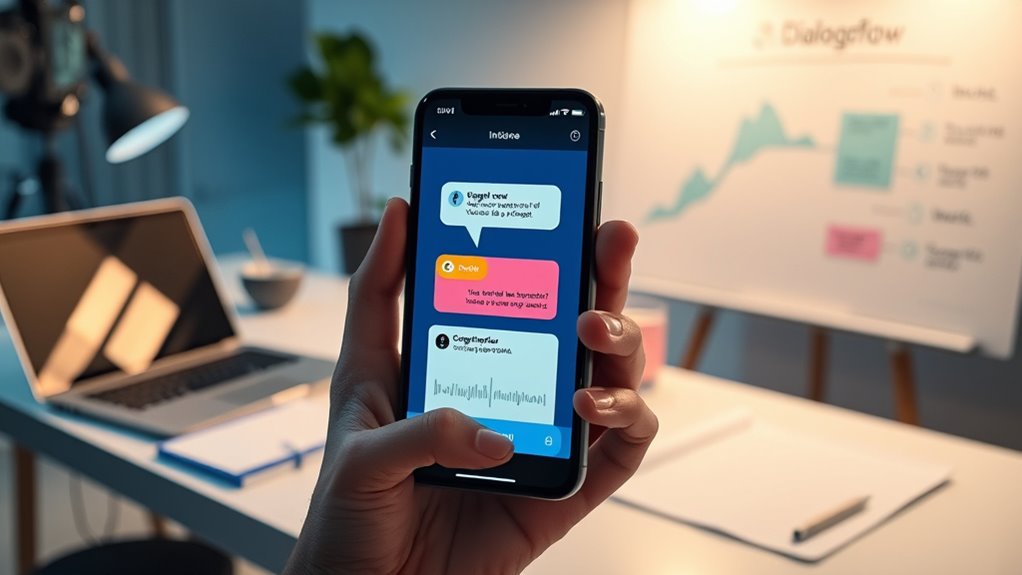
Prototyping voice interactions is a critical step in designing effective voice-enabled applications. When you begin this process, your main focus should be on creating a seamless user experience that feels natural and intuitive. To do this, you need to consider how users will interact with your system and what their expectations might be. Design considerations become essential here because voice interactions differ markedly from traditional interfaces. Unlike clicking buttons or scrolling, voice relies heavily on speech patterns, context, and conversational flow. You need to anticipate various ways users might phrase their requests and make certain that your system can handle these variations gracefully. Using tools like Google Dialogflow makes prototyping more manageable because it allows you to quickly build and test conversational flows. With Dialogflow, you can define intents—specific user intentions—and map them to responses, which helps you visualize how users will interact with your application. As you develop these flows, keep in mind that user experience isn’t just about getting the system to understand commands but also about making interactions feel natural and helpful. You should test different phrasings, add clarification prompts, and make sure your system can handle misunderstandings without frustrating the user. During prototyping, it’s essential to iterate rapidly. Use Dialogflow’s built-in testing console to simulate conversations and identify weak spots in your design. Pay close attention to how your system responds to incomplete or ambiguous queries. This allows you to refine the dialogue, making it more forgiving and user-friendly. Remember, voice interactions thrive on context, so designing conversational memory and follow-up questions enhances the overall experience. When you test with real users, you’ll gain insight into how natural your interactions feel and whether your design considerations truly resonate. Incorporating authentic speech patterns and understanding how users naturally communicate can significantly improve the effectiveness of your voice interface. Furthermore, take accessibility and inclusivity into account from the outset. Voice applications should cater to diverse accents, speech patterns, and levels of familiarity with technology. Prototyping helps you recognize potential barriers early, giving you a chance to adjust your design accordingly. By refining your prototypes iteratively, you guarantee your voice interface feels approachable and inclusive, ultimately elevating the overall user experience.
Top picks for "prototyp test voice"
Open Amazon search results for this keyword.
As an affiliate, we earn on qualifying purchases.
Frequently Asked Questions
How Do I Handle Ambiguous User Inputs During Testing?
When you encounter ambiguous user inputs during testing, focus on improving contextual understanding by analyzing the user’s intent and context. Implement robust error handling to clarify unclear statements, prompting users for more details or offering options. Use Dialogflow’s fallback intents strategically to catch uncertain inputs and guide the conversation back on track. This approach helps create a more natural, intuitive interaction, reducing frustration and enhancing overall user experience.
What Are Best Practices for Designing Natural Voice Prompts?
Think of designing voice prompts like having a friendly chat—your speech patterns should be clear yet natural. Keep prompts concise and specific to avoid confusion, ensuring prompt clarity. Use everyday language and pauses to match natural speech rhythms. Balance professionalism with friendliness, making users comfortable. Test prompts with real users, refine based on feedback, and always aim for clarity to create a seamless, engaging experience that feels intuitive and human.
How Can I Integrate Third-Party APIS Into My Voice Prototype?
To integrate third-party APIs into your voice prototype, start by setting up API integration within your platform. Use webhook services to connect your prototype with third-party services, enabling real-time data exchange. Make sure to authenticate properly and handle responses smoothly. Test your API integration thoroughly to guarantee seamless interactions. This approach allows your voice prototype to access external data and services, enhancing its functionality and user experience.
What Metrics Should I Track During Voice Interaction Testing?
Imagine you’re Captain Kirk exploring new worlds—you should track voice accuracy and user engagement to gauge success. Measure how often the system understands commands correctly and how users interact over time. Keep an eye on completion rates, fallback frequency, and session length to identify friction points. These metrics help you refine your voice prototype, ensuring it’s intuitive, engaging, and accurate, much like a well-designed starship steering uncharted space.
How Do I Ensure Accessibility in Voice Prototypes?
You guarantee accessibility in voice prototypes by designing with clear, simple language and considering diverse user needs. Incorporate visual design elements like captions or visual cues where possible, and gather user feedback from people with varied abilities to identify barriers. Focus on inclusive language and intuitive interactions, making sure your prototype accommodates different accents, speech patterns, and disabilities. This approach helps create a more accessible, user-friendly voice experience for everyone.
Conclusion
So, after all this, you realize that prototyping voice interactions isn’t just about perfecting responses. It’s about embracing the chaos, the miscommunications, and the unexpected. Ironically, the more you test, the more you see how imperfect your voice app truly is—and that’s okay. Because in the end, it’s these flaws that make your creation feel real, human, and truly worth the effort. Sometimes, the perfect voice is the one that’s perfectly imperfect.