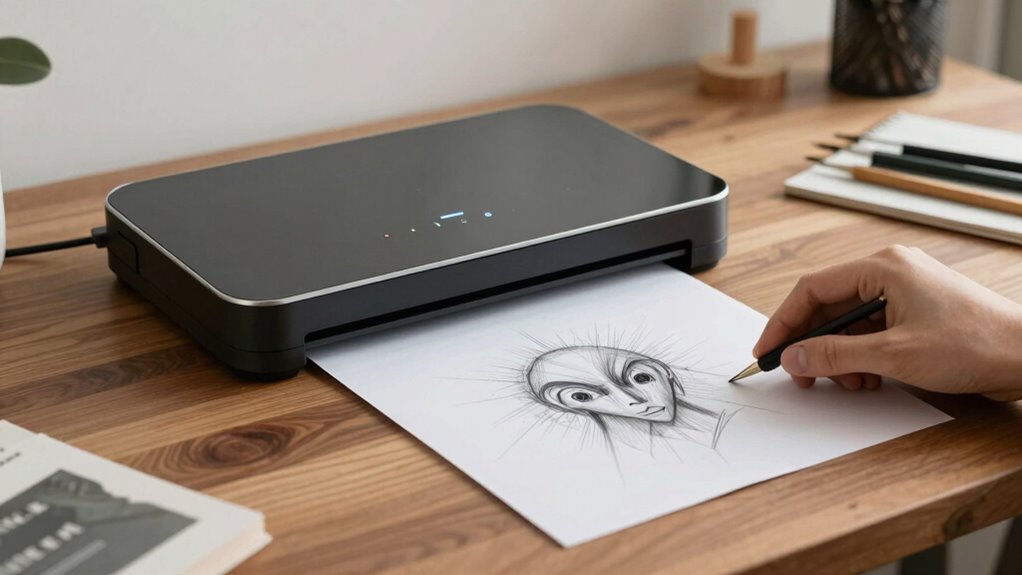

To compare scanners for sketches smarter, focus on color accuracy and high resolution (600 dpi or more) to capture fine details. Pay attention to bit depth for better color reproduction and check real-world performance through user feedback. Ease of use and calibration features help maintain consistent results over time. Balancing cost with essential features guarantees good value. Keep these factors in mind, and you’ll find ways to choose a scanner that fits your needs perfectly. If you continue exploring, you’ll discover even more helpful tips.

Get art and craft supplies delivered free with Prime
- Fast, free delivery on millions of items
- Prime Video, Amazon Music and more included
- Member-only deals all year
Key Takeaways
- Prioritize color accuracy and high resolution (600 dpi or more) for capturing fine sketch details.
- Check bit depth (24-bit or 48-bit) to ensure accurate color reproduction of shaded and colored sketches.
- Evaluate real-world performance and user feedback to assess color fidelity and scanning consistency.
- Consider ease of use, software usability, and workflow features like batch scanning for efficiency.
- Balance cost and features, ensuring calibration tools and resolution meet your needs without overspending.
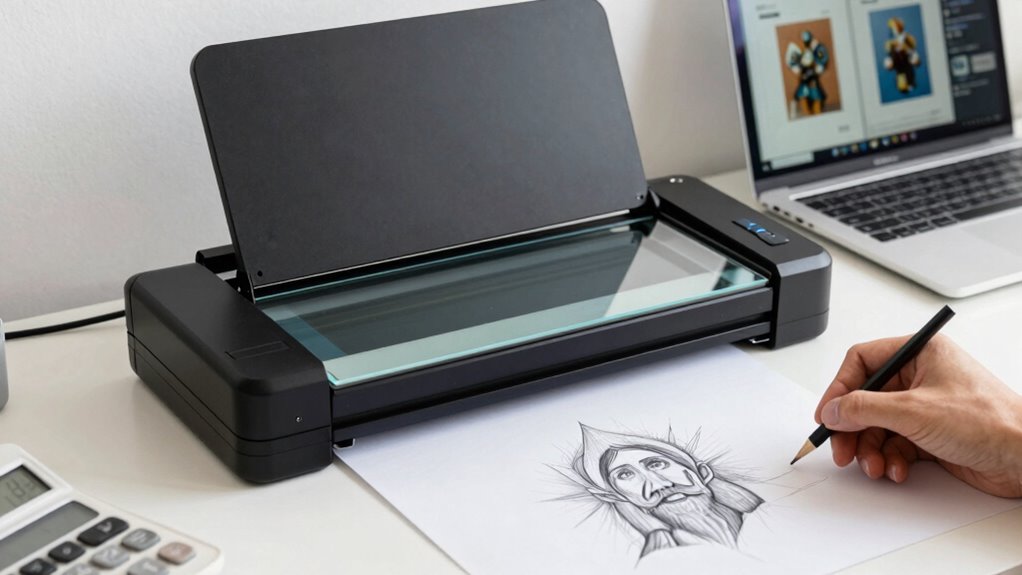
Choosing the right scanner can seem overwhelming with so many options available, but understanding key comparison tips can make the process much easier. When you’re scanning sketches, two factors stand out as essential: color accuracy and scanning resolution. These elements stand out because they determine how well your digital copies match your original artwork and how detailed they appear. If color fidelity matters to you, especially for colored sketches or artwork with subtle shading, prioritize scanners known for high color accuracy. This means the scanner can reproduce your sketches with minimal color shifts, ensuring the digital version reflects your original palette as closely as possible.
Scanning resolution is equally important. It defines how detailed your scanned image will be, typically measured in dots per inch (dpi). For sketches, a higher dpi—say, 600 or more—captures finer lines and intricate details, which is critical if you plan to enlarge or refine your work digitally. Lower resolutions might save space or speed up scanning, but they often sacrifice detail, making it harder to edit or print the sketches later. When comparing scanners, check their maximum resolution and whether they maintain clarity at high dpi settings. A scanner with a robust resolution ensures your sketches look sharp, whether for digital presentation or printing. Additionally, consider how well a scanner handles color accuracy in real-world conditions, as some models may not perform as well outside of specifications, especially with complex or subtle color gradients. Recognizing the performance consistency of a scanner in typical use can help you avoid disappointment with its actual output. It’s also helpful to review user feedback on software usability, as intuitive software can streamline your workflow and reduce frustration. Furthermore, examining the scanner’s bit depth can be beneficial, since higher bit depths provide more detailed color information, which is crucial for accurate color reproduction. To optimize your workflow, look for models that offer easy calibration to maintain consistent color output over time.
Beyond these technical specs, consider how the scanner handles color accuracy in real-world conditions. Some scanners may boast impressive specs but fall short in actual performance, especially with complex or subtle color gradients. Reading reviews or testing a scanner with your typical sketches can give you a clearer picture of its true capabilities. Additionally, think about the scanner’s bit depth—higher bit depth (like 24-bit or 48-bit) allows for more color information, further enhancing color accuracy. This is especially useful if you work with detailed colored sketches or plan to do color correction digitally.
Ease of use also plays a role. A user-friendly interface, quick setup, and reliable software can save you time and frustration. If you’re scanning multiple sketches regularly, a scanner with batch scanning capabilities or automatic document feeders might be worth considering. Finally, weigh the cost against these features. You don’t need the most expensive model, but investing in a scanner that balances high color accuracy and resolution with ease of use ensures your sketches come out just as you envision them, digital and crisp.
high resolution scanner for sketches
As an affiliate, we earn on qualifying purchases.
As an affiliate, we earn on qualifying purchases.
Frequently Asked Questions
How Do Scanner Resolutions Affect Sketch Quality?
Scanner resolutions directly impact your sketch quality by capturing fine details and sharpness. Higher resolutions enable better digital enhancement, making your sketches clearer and more refined. They also guarantee ink compatibility, preserving stroke accuracy without pixelation. Lower resolutions might save space but can compromise detail and clarity. So, opt for a scanner with a higher resolution to maintain your sketch’s integrity and make digital editing easier.
What File Formats Are Best for Saving Sketches?
You should save your sketches in file formats like PNG or TIFF for the best quality, as they support high-resolution images and minimal compression. These formats guarantee your digital storage retains detail, which is vital for editing or printing. Avoid overly compressed formats like JPEG, which can degrade sketch quality. Choosing the right format helps maintain clarity, color accuracy, and detail, making your sketches versatile for various uses.
Do Portable Scanners Offer Comparable Quality to Desktop Models?
Sure, portable scanners can sometimes match desktop models—if you enjoy digital archiving on the go and don’t mind sacrificing some image quality. Handheld portability means convenience, but it often comes at the expense of resolution and consistency. If you’re sketching in a café or on a hike, a portable scanner’s fine. Just remember, for premium digital archiving, desktop scanners still hold the crown.
How Important Is Color Accuracy in Sketch Scanners?
Color accuracy in sketch scanners is pretty important, especially if you want your digital versions to match your original artwork. You should look for scanners with good color calibration and support for various color profiles. These features guarantee consistent, true-to-life colors across different devices and outputs. Investing in a scanner with reliable color accuracy helps you preserve the integrity of your sketches and makes editing and sharing easier.
Can Scanners Handle Different Paper Sizes and Textures?
Yes, scanners can handle different paper sizes and textures. You should check the scanner’s paper compatibility to guarantee it supports your specific formats, like large sheets or small sketches. Texture handling varies; some scanners are equipped with adaptive sensors or adjustable settings to capture textured surfaces accurately. Look for models that specify versatile paper compatibility and advanced texture handling features to get the best results for your sketches.
As an affiliate, we earn on qualifying purchases.
Conclusion
Think of choosing a scanner like finding the right brush for your artwork. Just as a fine brush brings your vision to life, the right scanner captures every detail of your sketches. I once tried a cheap scanner, and my drawings looked fuzzy—like trying to see through fog. But upgrading made everything clear, like wiping away mist. So, pick wisely, and your sketches will shine just as vividly as your ideas deserve.
As an affiliate, we earn on qualifying purchases.
professional art scanner with calibration
As an affiliate, we earn on qualifying purchases.
As an affiliate, we earn on qualifying purchases.
Fall Picks
fall essentials
As an affiliate, we earn on qualifying purchases.