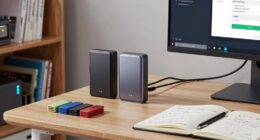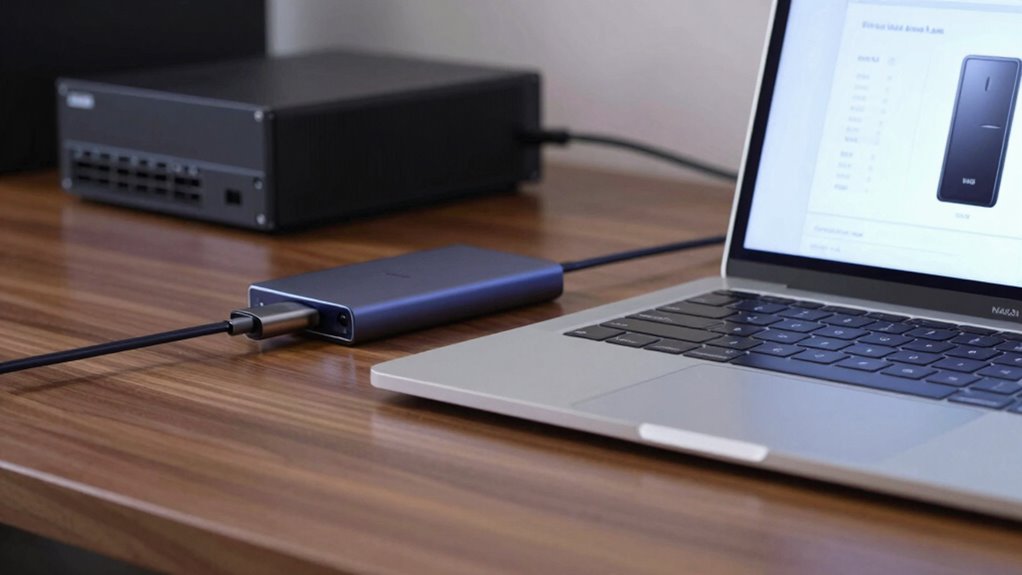
To compare NAS versus external SSD effectively, consider your speed needs, multi-user access, and future growth. External SSDs are better for fast, portable storage for solo use and editing large files quickly. NAS offers centralized, scalable storage perfect for multiple users and long-term expansion but relies on network speed. Weigh your budget and performance expectations carefully—exploring these aspects further will help you make the smartest choice for your setup.
Key Takeaways
- External SSDs excel in speed and portability, ideal for single-user, high-performance tasks.
- NAS provides centralized, multi-user access, enhancing collaboration and data sharing.
- External SSDs are simpler and cheaper upfront; NAS offers scalable, long-term storage expansion.
- Network speed impacts NAS transfer rates, requiring optimized setup for better performance.
- Choose based on immediate speed needs versus long-term scalability and multi-user requirements.
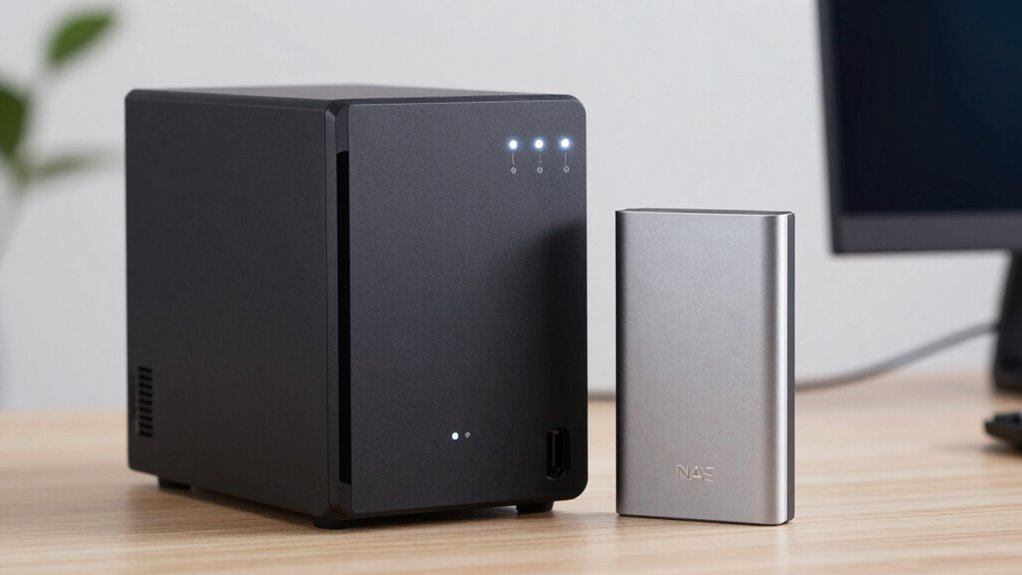
Are you trying to decide between a NAS and an external SSD for your storage needs? It’s a common dilemma, especially when you want to balance performance and budget. Understanding how each option stacks up can help you make a smarter choice. One of the key factors to consider is data transfer rates. External SSDs typically excel here, offering rapid speeds that make transferring large files or editing directly from the drive quick and seamless. If your work involves frequent, intensive data movement—like video editing or high-resolution photography—you’ll appreciate how fast an external SSD can move data. NAS devices, on the other hand, often have slower transfer rates because they rely on network connections, which can vary in speed depending on your setup. However, the advantage of NAS lies in its accessibility and versatility, especially when multiple users need access to the same data simultaneously. Additionally, data transfer rates play a crucial role in determining overall performance, especially for demanding tasks. Considering the network speed of your setup can significantly impact your experience with a NAS device. Optimizing your network setup can help bridge the gap in transfer speeds and enhance your overall productivity.
Furthermore, network configuration is essential to maximize the benefits of a NAS, especially for multi-user environments. Cost efficiency is another vital aspect. External SSDs tend to have a higher price per gigabyte but come with a straightforward setup, no ongoing subscription fees, and no need for additional hardware. For single users or small setups, an external SSD might be more cost-effective because you pay once for the drive and use it immediately. NAS devices, while initially more expensive, can save you money over time if you need shared storage for a team or household. They allow multiple users to access data without duplicating files on each device, reducing storage redundancy. Plus, many NAS solutions support multiple drives, meaning you can expand your storage capacity more affordably than buying multiple external SSDs. That said, keep in mind that setting up and maintaining a NAS can involve additional costs, like network equipment or software licenses. Understanding storage scalability can help you plan for future growth and avoid unexpected expenses.
Ultimately, your decision depends on your specific needs. If speed and simplicity are priorities, an external SSD is likely your best bet. It offers excellent data transfer rates, easy portability, and straightforward cost considerations. But if you need shared access for several users, want to centralize your data, or plan to expand storage over time, a NAS might provide better long-term value despite its higher initial investment. By understanding how data transfer rates and cost efficiency relate to your workflow, you can choose the solution that fits your budget and performance expectations. Making a smarter comparison means weighing these factors carefully, so you get the most out of your storage investment without unnecessary expense or compromise on speed.

SANDISK 1TB Extreme Portable SSD – Up to 1050MB/s, USB-C, USB 3.2 Gen 2, IP65 Water and Dust Resistance, Updated Firmware – External Solid State Drive – SDSSDE61-1T00-G25
Get NVMe solid state performance with up to 1050MB/s read and 1000MB/s write speeds in a portable, high-capacity…
As an affiliate, we earn on qualifying purchases.
As an affiliate, we earn on qualifying purchases.
Frequently Asked Questions
Can Both NAS and External SSDS Be Encrypted for Security?
Yes, both NAS devices and external SSDs can be encrypted for security. You use data encryption to protect your files, ensuring only authorized access. Implementing security protocols like AES encryption or password protection adds an extra layer of security. With these measures, you safeguard your data from unauthorized users, whether stored on a NAS or an external SSD. This way, your sensitive information stays secure and private.
How Do Power Consumption Differences Impact Long-Term Usage?
Power consumption differences do impact long-term usage more than you might think. External SSDs typically use less power, making them more power-efficient and offering better energy savings over time. This means you’ll spend less on electricity and reduce wear on your devices. While NAS devices consume more power due to their continuous operation and multiple drives, they excel in accessibility. So, your choice depends on balancing power efficiency with your storage needs.
Are There Compatibility Issues With Specific Operating Systems?
You might face compatibility issues with specific operating systems when using NAS or external SSDs, especially if firmware updates are unavailable or outdated. Make certain your device’s firmware is current to prevent hardware durability problems and maximize compatibility. Check manufacturer guidelines for OS support before purchasing. Keeping firmware updated helps resolve bugs, ensuring seamless operation, while hardware durability ensures your drive withstands daily usage without compatibility concerns.
What Maintenance Is Required for NAS Versus External SSDS?
You need to perform regular maintenance on both NAS and external SSDs. For NAS, focus on data redundancy by setting up RAID and regularly checking drive health. Keep firmware updated to fix bugs and improve performance. External SSDs require less maintenance but periodically check for firmware updates and guarantee data backups. Both devices benefit from routine data backups to prevent data loss, and firmware updates help maintain reliability and security.
How Do They Perform in Extreme Environmental Conditions?
You’ll find that external SSDs generally have better environmental durability and temperature resilience than NAS devices, which are designed for stable indoor environments. External SSDs are more resistant to temperature fluctuations and physical shocks, making them ideal for outdoor or extreme conditions. NAS units, however, require controlled environments to prevent overheating and damage. So, if you need durability in harsh conditions, an external SSD is usually the better choice.

Yxk Zero1 2-Bay Desktop NAS, Maximum 60TB (Diskless), User-Friendly Home NAS Storage, Private Security & Remote Access, Silent, 4GB RAM, 2.5GbE Port, 4K HDMI, Network Attached Storage
Advanced Storage Management & Resilience: Yxk NAS ensures data integrity through enterprise-grade features like RAID redundancy, automated backups,…
As an affiliate, we earn on qualifying purchases.
As an affiliate, we earn on qualifying purchases.
Conclusion
Thinking a NAS might be too complex or expensive? Consider it as an investment in your data’s future. While external SSDs are quick and simple, a NAS offers scalable storage and easier access across devices. Yes, setup takes a bit more effort, but the long-term benefits—like data security and multi-user access—are worth it. So, don’t let initial hurdles hold you back; a NAS could be the smarter, more versatile choice for your needs.

Samsung T7 Shield 1TB, up to 1050MB/s, USB 3.2 Gen2, Rugged, IP65 Rated, for Photographers, Content Creators and Gaming, Portable External Solid State Drive (MU-PE1T0S/AM, 2022), Black
GO THE DISTANCE: Withstand whatever adventure with the wildly reliable T7 Shield; It’s designed for the elements with…
As an affiliate, we earn on qualifying purchases.
As an affiliate, we earn on qualifying purchases.

BUFFALO LinkStation 210 2TB 1-Bay NAS Network Attached Storage with HDD Hard Drives Included NAS Storage that Works as Home Cloud or Network Storage Device for Home
Value NAS with RAID for centralized storage and backup for all your devices. Check out the LS 700…
As an affiliate, we earn on qualifying purchases.
As an affiliate, we earn on qualifying purchases.