To improve your printer paper choice quickly, always check your printer’s specifications first and match the paper type to your project needs. Focus on proper storage—keep paper in a cool, dry place and handle it carefully to avoid damage. Pay attention to the coating and finish of the paper, ensuring it aligns with your print quality goals. Sticking to these rules and exploring further tips will help you make smarter, faster choices for flawless prints.
Key Takeaways
- Match paper type (inkjet or laser) to your printer’s ink compatibility for optimal results.
- Check your printer’s manual for supported paper types and weights before selecting paper.
- Store paper properly in a cool, dry place to maintain quality and prevent jams.
- Analyze paper coating and finish to ensure compatibility with your project’s texture and gloss needs.
- Adjust print settings like paper type and resolution to enhance print quality and reduce errors.
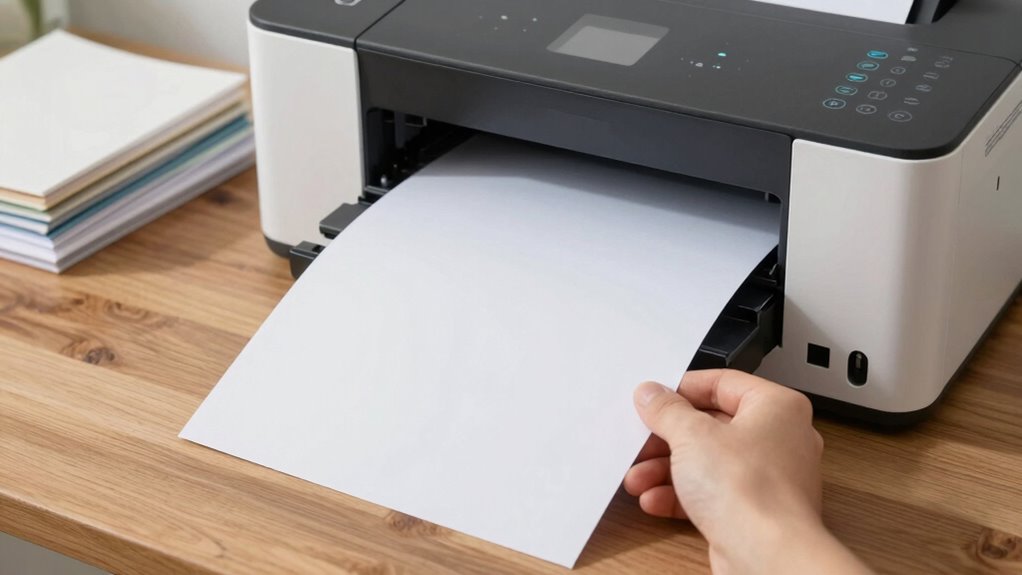
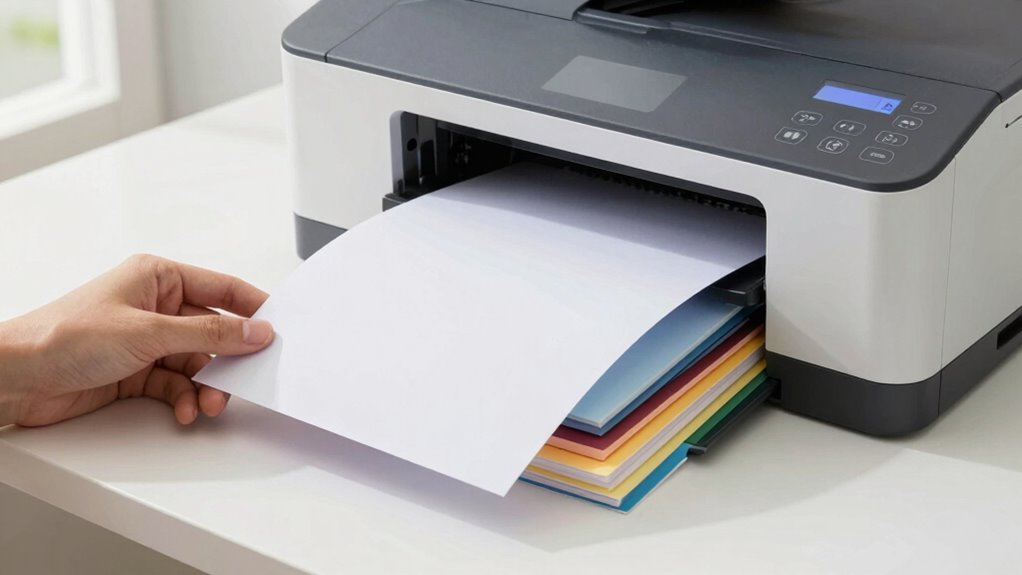
Choosing the right printer paper is essential for achieving professional-looking documents and preventing jams or smudges. When you’re selecting paper, it’s crucial to consider ink compatibility. Not all papers are created equal—some are designed specifically for inkjet printers, while others suit laser printers better. Inkjet papers are usually coated to absorb ink smoothly, preventing bleed-through and ensuring vibrant colors. Laser papers, on the other hand, are engineered to withstand high heat during the fusing process, avoiding warping or smudging. Matching your paper to your printer’s ink type guarantees crisp text and high-quality images, saving you time and frustration.
Another key aspect of the setup rule involves proper paper storage. You might think paper is just paper, but how you store it impacts print quality significantly. Store your paper in a cool, dry place, away from direct sunlight and humidity. Moisture can cause paper to curl, jam your printer, or produce uneven printing results. Keep your paper in its original packaging or within a sealed container to protect it from dust and moisture. When you’re ready to use it, always handle the paper by the edges, avoiding fingerprints or oils that can interfere with ink adhesion. Proper storage ensures the paper remains flat and free of contaminants, which directly contributes to consistent, high-quality printing. Additionally, moisture control plays a crucial role in maintaining paper quality over time, especially if stored for extended periods.
Furthermore, understanding the paper’s coating and finish can help you select the most suitable type for your projects, especially if you require specific textures or gloss levels. Applying this setup rule means you analyze both your printer’s needs and your storage practices before printing. Check your printer’s specifications or user manual to identify what kind of paper it supports best, whether it’s for inkjet or laser printing. Once you know this, select a paper type that aligns with your printer’s ink compatibility. Then, focus on your storage habits—keeping your paper organized and protected from environmental hazards. This comprehensive approach, including environmental factors, minimizes paper jams, prevents smudging, and improves overall print quality. It’s also helpful to be aware of paper weight and thickness, which can influence how well a paper feeds through your printer and the final appearance of your documents.
To further optimize your printing results, consider print settings such as paper type selection and resolution adjustments, which can make a significant difference. In essence, balancing ink compatibility with proper paper storage creates a simple yet effective setup rule. It helps you quickly narrow down your options, ensuring you choose the right paper for your printer’s needs. By doing so, you avoid wasting money on incompatible paper and reduce the hassle of reprinting due to poor quality or jams. This setup rule isn’t complicated, but it’s powerful enough to elevate your printing results and streamline your workflow. Take a moment to review your printer’s requirements and your storage habits—these small steps make a significant difference in achieving professional, clean prints every time.
inkjet printer paper 8.5×11
As an affiliate, we earn on qualifying purchases.
As an affiliate, we earn on qualifying purchases.
Frequently Asked Questions
How Often Should I Reassess My Printer Paper Setup?
You should reassess your printer paper setup whenever you notice issues like poor print quality or ink smudging, which might stem from paper quality or ink compatibility problems. Regularly check your prints, especially when switching paper types or brands, to guarantee maximum results. Additionally, if your printer’s performance seems off or if you’re using new ink or paper, it’s a good idea to reevaluate and adjust your setup for the best quality.
Does the Setup Rule Apply to All Printer Types?
Yes, the setup rule applies to all printer types, but you need to take into account printer compatibility to guarantee the rule works effectively. Proper paper storage is also essential; store your paper in a cool, dry place to prevent jams or quality issues. Always check your printer’s specifications before changing paper types, and adjust your setup accordingly to get the best results, regardless of whether you use inkjet or laser printers.
Can the Setup Rule Help With Colored or Specialty Papers?
Yes, the setup rule can help with colored or specialty papers. You’ll want to focus on color matching to make sure your prints look vibrant and accurate. When selecting specialty paper, follow the rule to choose the right type for your printer and project. This approach streamlines your decision-making process, reduces waste, and guarantees better results, whether you’re working with colored papers or unique textures.
What Common Mistakes Should I Avoid in the Setup Process?
You should avoid using poor paper quality, as it can cause jams or print defects. Always check printer compatibility before choosing paper, ensuring it matches your printer’s specifications. Don’t forget to keep the paper stack aligned and avoid overloading the tray, which can lead to uneven feeding. Additionally, steer clear of mixing different paper types, as this can disrupt print quality and damage your printer over time.
How Does Setup Impact Overall Printing Cost Efficiency?
Your setup directly impacts printing cost efficiency by guaranteeing you choose the right paper quality and ink compatibility. Using high-quality paper prevents jams and reduces waste, saving money. Additionally, selecting ink compatible with your paper minimizes smudging and reprints, cutting costs over time. Proper setup ensures ideal printer performance, reduces downtime, and maximizes your investment, making your printing process more cost-effective and reliable.
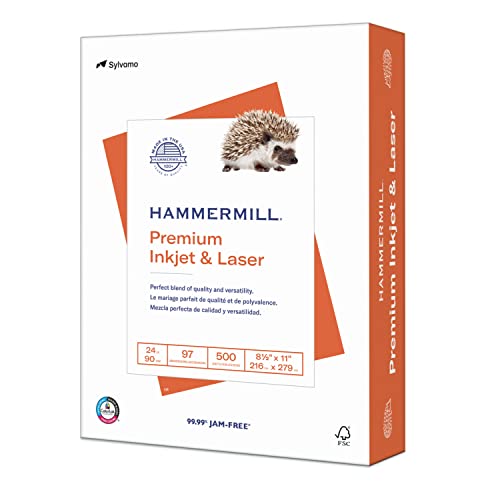
Hammermill Printer Paper, Premium Inkjet & Laser Paper 24 Lb, 8.5 x 11-1 Ream (500 Sheets) – 97 Bright, Made in the USA, 166140R
PREMIUM PRINTER PAPER – Hammermill Premium Inkjet & Laser 24lb Printer Paper is a versatile sheet that’s perfect…
As an affiliate, we earn on qualifying purchases.
As an affiliate, we earn on qualifying purchases.
Conclusion
Think of this setup rule as a trusty compass guiding you through the forest of paper choices. When you consider your printer’s needs and match them with the right paper, you’re steering clear of rocky paths and dead ends. It’s like planting seeds in fertile soil—your prints will flourish with clarity and vibrancy. Embrace this rule, and watch your printing journey transform into a smooth sail across a sea of options, always arriving at perfect results.

Lifewit 4 Pack Paper Organizer Storage, 32 x 23 cm/12×9 Multi-Purpose Plastic File Box with Latching Lids, Containers for A4, 8.5" x 11" Letter, Scrapbook, Document, Magazine, Art Supplies, Clear
Perfect Size: These paper storage boxes are spacious, measuring 13.43 x 9.92 x 2.36 inches. Each box has…
As an affiliate, we earn on qualifying purchases.
As an affiliate, we earn on qualifying purchases.

Glossy Photo Paper For Printer 8.5 x 11" – (100 Sheets) – Works with Inkjet Printer, Easy to Use, Premium Picture Paper
Professional Grade: Prepare to be amazed at the vibrant and detailed prints of our photo paper 8.5 x…
As an affiliate, we earn on qualifying purchases.
As an affiliate, we earn on qualifying purchases.