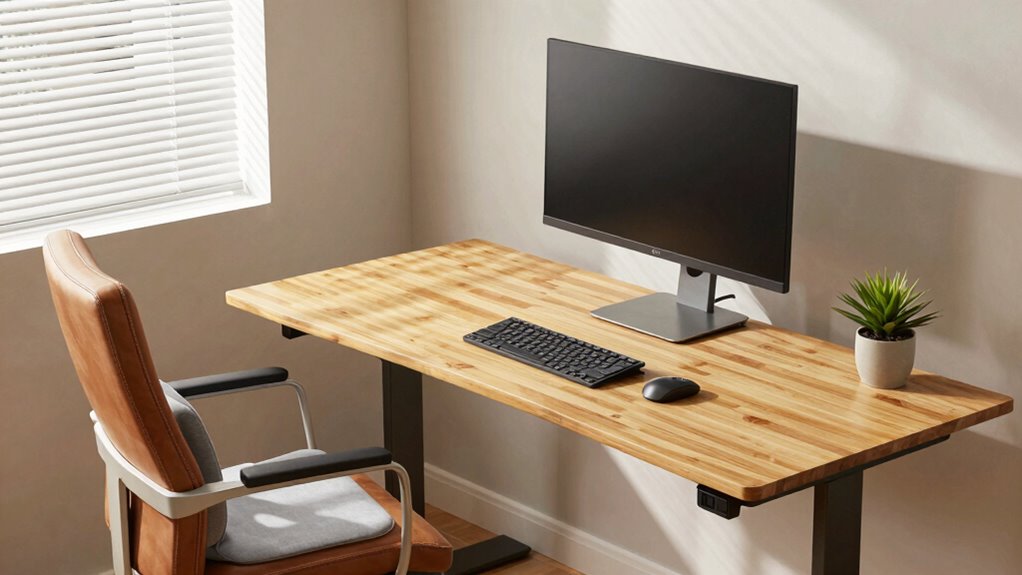

To compare your ergonomic desk setup smarter, focus on how well your workspace supports your body’s natural posture. Check if your chair offers proper lumbar support, your feet rest flat, and your monitor and keyboard are positioned to keep your arms relaxed and elbows at 90 degrees. Avoid just following popular trends—evaluate what truly suits your body and workspace. Keep tweaking your setup until it promotes comfort and reduces strain; you’ll uncover more tips as you explore further.
Key Takeaways
- Focus on body-workspace interaction to assess comfort, posture, and long-term health benefits of different setups.
- Compare adjustability features like chair support, desk height, and keyboard positioning for personalized ergonomics.
- Use visual and physical checks to ensure neutral spine alignment and proper limb positioning.
- Prioritize setups that promote relaxed arms, straight wrists, and feet flat on the ground.
- Consider ergonomic tools like footrests, keyboard trays, and monitor stands for optimal comparison.
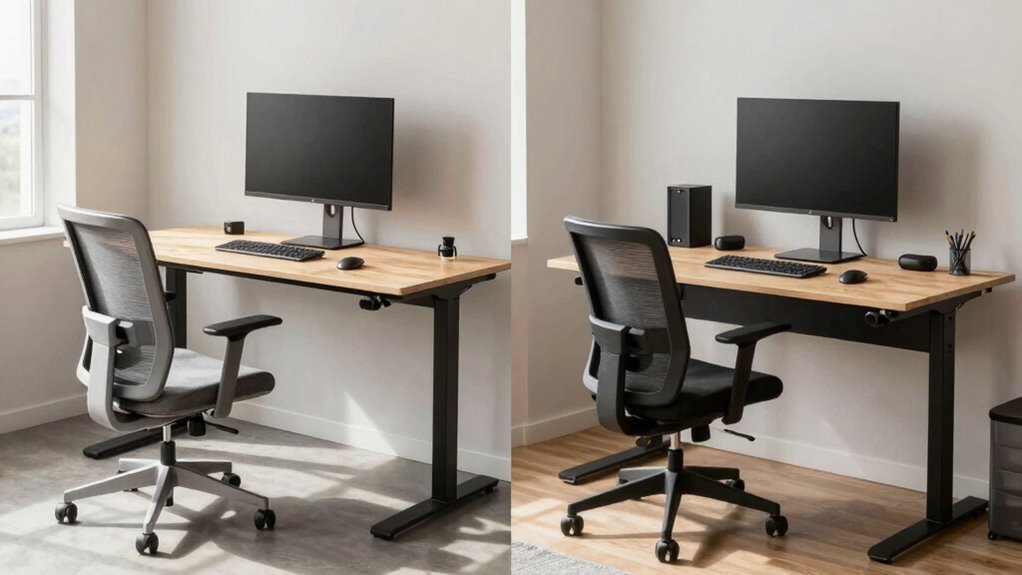
Are you tired of guessing which ergonomic desk setup truly suits your needs? It’s common to feel overwhelmed by the sheer number of options and advice out there. The key to making a smarter choice isn’t just about picking the most popular setup but understanding how your body interacts with your workspace. When considering an ergonomic desk, focus on two critical aspects: posture alignment and keyboard positioning. These elements directly impact your comfort, productivity, and long-term health.
Posture alignment is the foundation of an ergonomic setup. Your goal is to maintain a neutral position where your head, neck, shoulders, and hips are aligned. When your posture is correct, you reduce strain on your muscles and joints, preventing discomfort and injuries. To achieve this, ensure your chair supports your lower back, encouraging a natural curve. Your feet should rest flat on the ground or on a footrest, and your knees should be at a 90-degree angle. Keep your hips level and avoid slouching or leaning forward, which can lead to poor posture and fatigue. Regularly check your alignment by standing up and then sitting down, making adjustments as needed to keep your spine in a healthy, neutral position. Additionally, proper ergonomic design can significantly enhance your overall comfort and prevent musculoskeletal issues.
Keyboard positioning plays a vital role in maintaining proper posture. When your keyboard is correctly positioned, your arms stay relaxed and close to your body, reducing shoulder tension. Position the keyboard so that your elbows are bent at roughly 90 degrees and your wrists are straight, not bent up or down. This might mean adjusting the height of your desk or using a keyboard tray. Your keyboard should be directly in front of you to avoid twisting your torso or reaching awkwardly. Keep in mind that a slight tilt of the keyboard can help keep your wrists in a neutral position, but avoid excessive angles that cause discomfort. Remember, your hands and wrists are most comfortable when they’re aligned with your forearms, minimizing strain over extended periods.

TRALT Office Chair – Ergonomic Desk Chair with Adjustable Lumbar Support, Mesh Computer Chair, Executive Chairs for Home Office Comfortable Lumbar Support (Black)
Ergonomic Office Chair: Experience unparalleled support with our ergonomic office chair, designed to provide comprehensive assistance for your…
As an affiliate, we earn on qualifying purchases.
As an affiliate, we earn on qualifying purchases.
Frequently Asked Questions
How Often Should I Update My Ergonomic Desk Setup?
You should update your ergonomic desk setup whenever you notice discomfort or changes in your work habits. Regularly check your desk height and monitor placement to guarantee they support good posture. If you experience neck, back, or wrist pain, it’s time for adjustments. Also, consider updating your setup every year or so, as ergonomic standards improve and your needs evolve, helping you stay comfortable and prevent strain.
Are There Specific Brands Known for Ergonomic Desks?
Yes, some brands are well-known for ergonomic desks, especially those offering adjustable height options. Brands like Vari, Fully, and UPLIFT stand out because they prioritize adjustable height features, allowing you to customize your workspace for comfort. Pair these desks with ergonomic desk accessories like monitor arms and keyboard trays to improve posture and reduce strain. Investing in reputable brands guarantees durability and better support for your ergonomic needs.
Can Ergonomic Setups Reduce Long-Term Health Issues?
Yes, ergonomic setups can considerably reduce long-term health issues. By focusing on posture improvement, you can prevent chronic pain, especially in your neck, back, and shoulders. An adjustable desk, ergonomic chair, and proper monitor placement help you maintain a healthy posture, reducing strain over time. Regularly adjusting your setup and taking breaks further enhances these benefits, ensuring you stay comfortable and pain-free during long work hours.
How Do I Customize My Desk for Different Tasks?
Think of your desk like a Swiss Army knife—versatile and adaptable. To customize it for different tasks, you should adjust your monitor, using an adjustable monitor stand to reduce neck strain, and reposition your keyboard for comfort. For writing, keep the keyboard close and at elbow height. When reviewing documents, elevate the monitor. These small tweaks make your workspace flexible, boosting productivity and comfort for every task.
What Budget Options Exist for Ergonomic Desk Setups?
You can find many budget-friendly options for ergonomic desk setups. Look for affordable ergonomic solutions like adjustable desks, monitor stands, and ergonomic chairs on discount sites or secondhand stores. Consider DIY solutions, such as using cushions for lumbar support or repurposing household items to elevate your monitor. These economical choices help improve comfort without breaking the bank, making it easier to create an ergonomic workspace that suits your needs and budget.

VIVO Large Keyboard Tray Under Desk Pull Out with Extra Sturdy C Clamp Mount System, 27 (33 Including Clamps) x 11 Inch Slide-Out Platform Computer Drawer for Typing, Black, MOUNT-KB05E
Saves Desk Space: This 26.8” (32.5" including clamps) x 11” under-desk keyboard tray holds your keyboard, mouse, and…
As an affiliate, we earn on qualifying purchases.
As an affiliate, we earn on qualifying purchases.
Conclusion
Think of comparing ergonomic desk setups like tending a garden. Each element—chair, desk, monitor—is a seed you plant with care. When you nurture the right combination, your workspace blossoms into a haven of comfort and productivity. Just as a gardener learns to read the signs of growth, you’ll discover what truly works for you. Embrace this journey, and watch your workspace flourish into a place where you can thrive every day.

WALI Computer Monitor Stand for Desk, Adjustable Laptop Riser, Desk Monitor Stand Underneath Storage for Office, Home, School Supplies (STT003), 1 Pack, Black
Design: The monitor stand for the desk has a large 14.6 x 9.3 inches metal shelf that fits…
As an affiliate, we earn on qualifying purchases.
As an affiliate, we earn on qualifying purchases.

CasaZenith Foot Rest for Under Desk at Work – Ergonomic Foot Stools for Under Office Desk – Rocking Footrest with Roller Massager – Leg Rest for Chair, Computer Gaming -13" L x 9.6" W x 5" H
Ergonomic Office footrest: Foot area surface measuring 13" by 9.6". Our footstools under the table provide all-day foot…
As an affiliate, we earn on qualifying purchases.
As an affiliate, we earn on qualifying purchases.